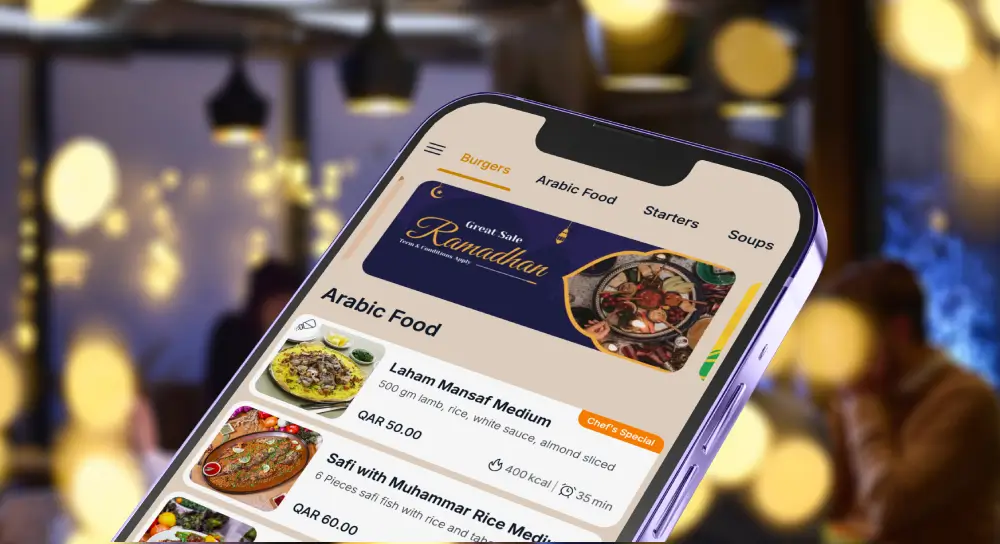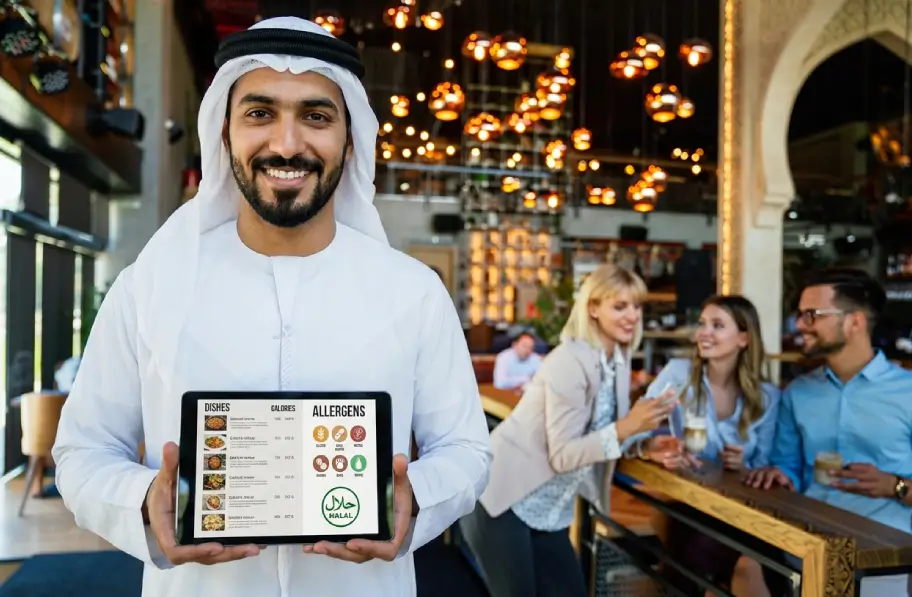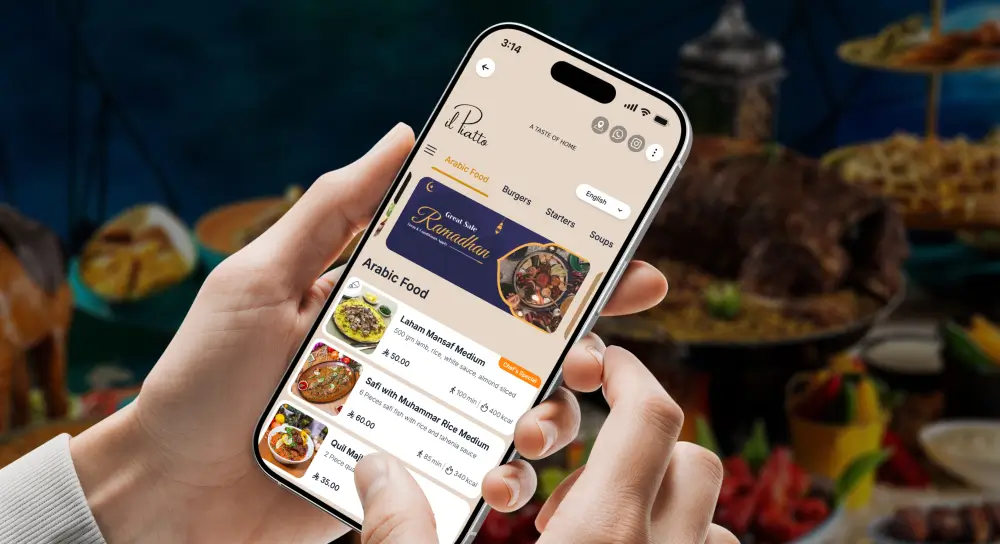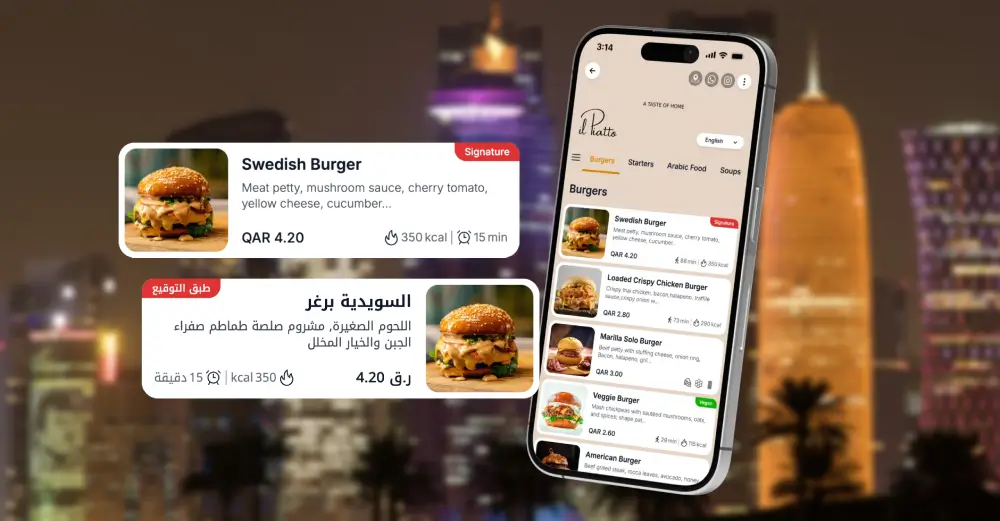
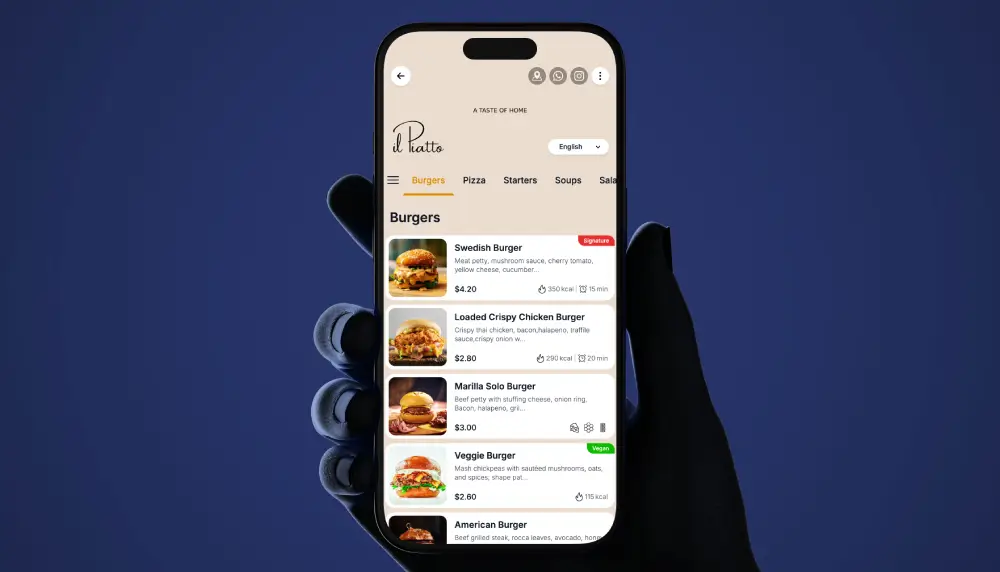
This is a hands-on guide for running a QR menu in a Qatar restaurant: what to build, where to place codes, how to train staff, and how to launch in a week. If you are ready to buy rather than plan, see digital menu service for Qatar.
What a QR menu actually changes
Guests scan, the menu opens in the browser, and they start browsing right away. No app, no downloads. You get one source of truth for prices, allergens, specials, and sold-out items. Update once, see it everywhere. Printing waste drops, seating speeds up, and managers spend less time reformatting menus.
When guests in Qatar tend to like it
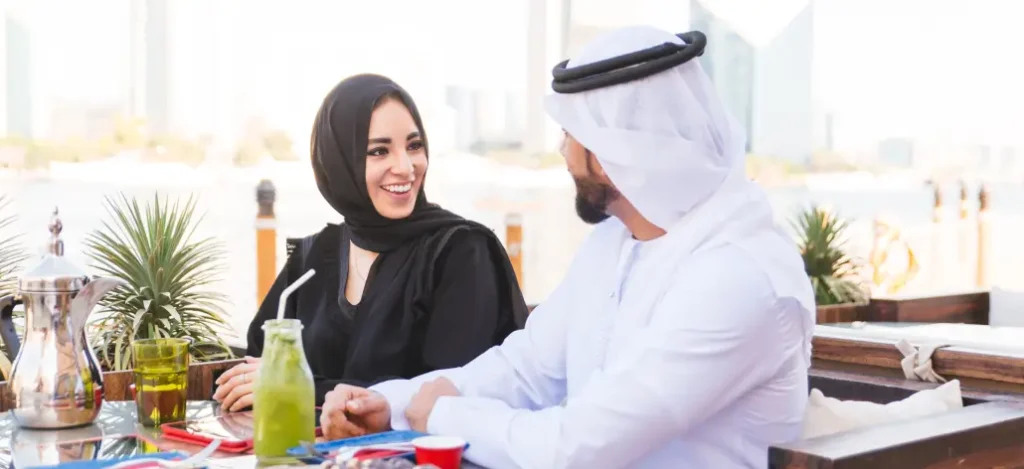
Most diners in Doha carry fast 5G phones, and tourists pass through daily. A QR menu feels normal to both groups, especially with clean Arabic and English in one place. Keep a few spotless printed menus behind the host stand for anyone who prefers paper. Offer them without fuss.
Local must-haves in Qatar
- Bilingual by default. Clear language toggle, Arabic and English. Arabic must be right to left with proper glyph support. Avoid all caps in Arabic.
- Pricing and labeling. Show prices in QAR and display allergen information and any service charge or tax that applies. Confirm the exact requirements with your municipality or compliance advisor.
- Cultural seasonality. Ramadan hours, family sections, and special set menus shift quickly. Prepare seasonal templates so changes take minutes, not days.
The guest journey
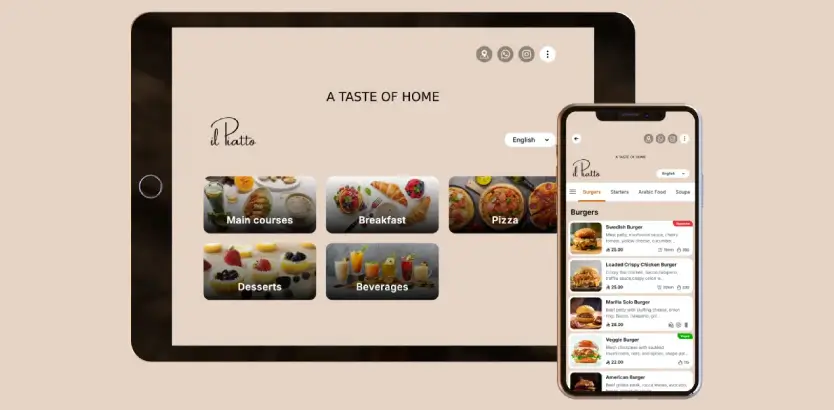
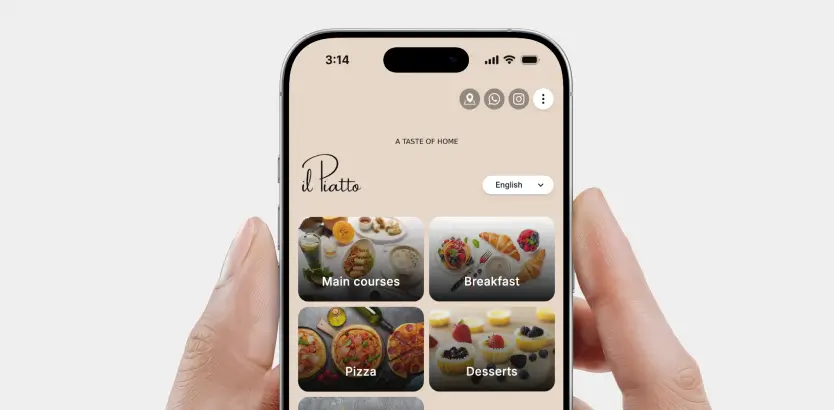
A guest sits, sees the code, scans, and lands on a fast, branded homepage. Categories should be visible immediately. Do not hide food behind large promos or popups. Put high-intent categories first. Starters, grills, seafood, and mains should be visible without scrolling. Drinks and desserts can be one tap away.
Design that helps guests decide
- Photos. Use honest, well-lit images. Compress to WebP or AVIF. Keep photos under about 200 KB when quality allows. Use consistent aspect ratios. Crop tight around the dish.
- Copy. Keep descriptions short and specific. Say “chargrilled hammour with lemon butter and capers” instead of “fresh and delicious.” Mark spice levels. Tag vegetarian and vegan clearly.
- Accessibility. Aim for WCAG AA contrast. Font sizes must be readable at arm’s length. Provide a text size control if your platform supports it. Add screen reader labels and visible focus states for tablet users.
Performance and speed
Speed drives conversion.
- Compress images, minify scripts, and defer anything you do not need on first paint.
- Use a CDN and preload critical assets like fonts.
- Lazy load images as people scroll.
- Test on an iPhone and a mid-range Android on mobile data, not only on the office Wi-Fi. Under two seconds to interactive is a good bar.
Printing and placing the QR code
- Contrast and error correction. Dark code on a light background with a quiet zone around the code. Choose error correction level M or Q for durability.
- Size. Table sticker at least 30 mm by 30 mm. Table tent 40 to 50 mm. Go larger for wall posters. Test from a natural seating distance and in low light. Avoid glossy lamination that glares.
- Placement. Put the code near condiments or the napkin holder so guests do not have to pick up and rotate the tent. Faster scans mean faster orders.

Structure for mobile behavior
Keep categories simple and short. Breakfast, bowls, mains, sides, desserts, mocktails. Inside each category, list best sellers first, then high-margin items, then niche dishes. Use sticky category navigation. Add search if your menu is long. Include filters such as no nuts or dairy free to cut down questions.
Staff training and scripts
Give your team one friendly line for every table.
- Opening line. “You can scan the QR to open our menu. No app needed. If you prefer a printed menu, I can bring one.”
- If a scan fails. Ask the guest to increase brightness and move the phone slightly back. Try a different angle to avoid glare. If it still fails, hand over the printed menu immediately.
- Consistency. Ask each server to practice one scan at their first seating so the pattern sticks.
Guests without phones
Keep a small stack of clean printed menus and one tablet with a bright screen in a protective case. The host can lend the tablet and sanitize it after every use. A small sign at the host stand that says “Printed menus available on request” avoids awkward moments.
Launch plan you can complete in one week
- Day 1. Gather the current menu, allergen list, and photos.
- Day 2. Build the digital structure and upload images.
- Day 3. Print and place test QR codes on five tables.
- Day 4. Train staff and rehearse two common objections.
- Day 5. Soft launch at lunch.
- Day 6. Fix issues from real guests.
- Day 7. Go live across the venue.
Schedule a 30-day review for scans, popular items, and feedback. Change one or two things, not ten.
Improve menu mix and margins
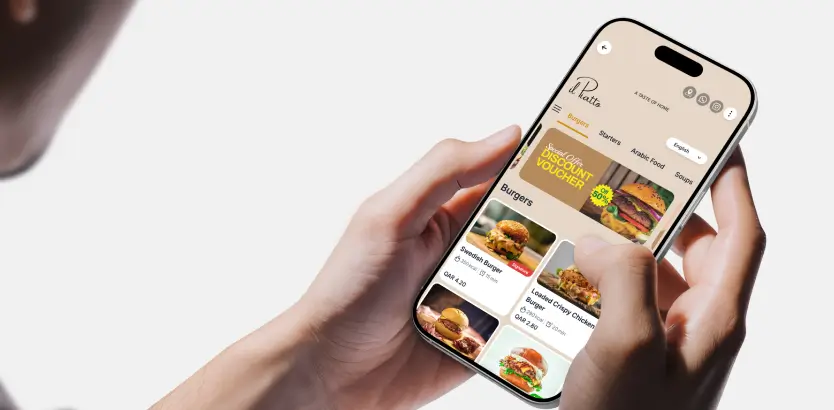
Move profitable items up the page. Add clear add-ons under mains such as extra prawns or premium sides. Run small experiments. One week use a smaller hero photo for the highest-priced steak, the next week a larger one. Watch item views and sales to see which layout wins.
Simple ROI model for Doha
Use this to estimate impact. Adjust the numbers.
- Savings. Printing and reprints you no longer need in QAR per quarter.
- Time. Manager hours you reclaim each month by updating once in the CMS.
- Throughput. Extra tables turned on Thu and Fri dinner.
Monthly impact equals extra tables per busy night multiplied by average check multiplied by busy nights, plus the printing and admin savings you bank.
Common pitfalls
- Hiding the food behind full screen promos. Guests came to see dishes.
- Heavy carousels and too much motion. They slow the page and distract from ordering.
- Recipe-length descriptions that read like a spec sheet. Keep copy tight and useful.
Troubleshooting quick wins
- Slow scanning. Increase the physical size, raise contrast, clean the sticker, and move it away from harsh spotlights.
- Slow loading. Compress images, remove unused scripts, check CDN settings, and set width and height on images to prevent layout shifts.
- Missing dishes. Rename categories to match common language. Grills often works better than From the Josper.
Security and hygiene
Do not mask the destination. Let guests see a clean, branded URL before they scan. Sanitize shared tablets. Use durable stickers that can handle daily cleaning. Replace damaged codes quickly because blurred modules fail.
Final thoughts
A QR menu is not a gimmick. Done well, it speeds service, reduces waste, and gives you the agility to price and promote with confidence. Start small, launch quickly, improve calmly.
Ready to see a platform built for this workflow in Qatar? Explore TableQR’s digital menu for Qatar at https://tableqr.co/digital-menu/qatar/ for a straightforward walkthrough tailored to your venue.
WE BUILD IT. YOU SEE IT FIRST.
Send us your menu and let our team do the heavy lifting. We’ll build, brand, and translate a custom preview for your venue completely risk-free.