






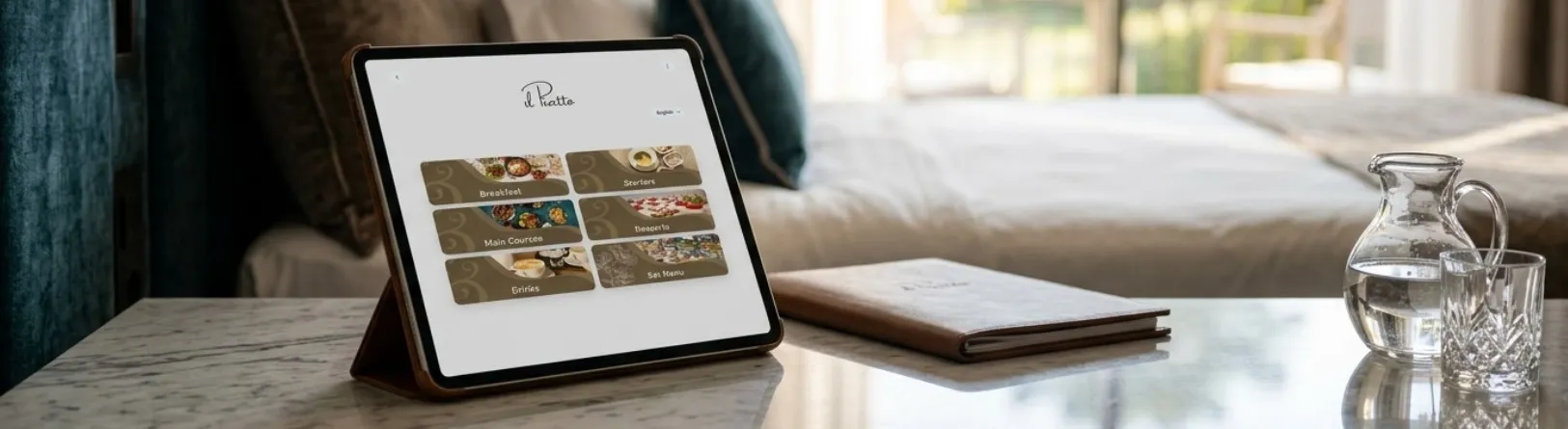
Tablet Menu for Restaurants


A tablet menu changes how guests browse, and order. Replace paper with a digital menu that’s quick to update, easy to brand, and simple to use. Guests use a tablet to view beautiful photos, allergen information, and multilingual options. It works for restaurants, cafés, hotels, food trucks, and events. Go contactless, cut printing costs, and keep menus accurate always. It’s a smart menu upgrade that feels modern, friendly, and fast.

What Is a Tablet Menu for Restaurants?

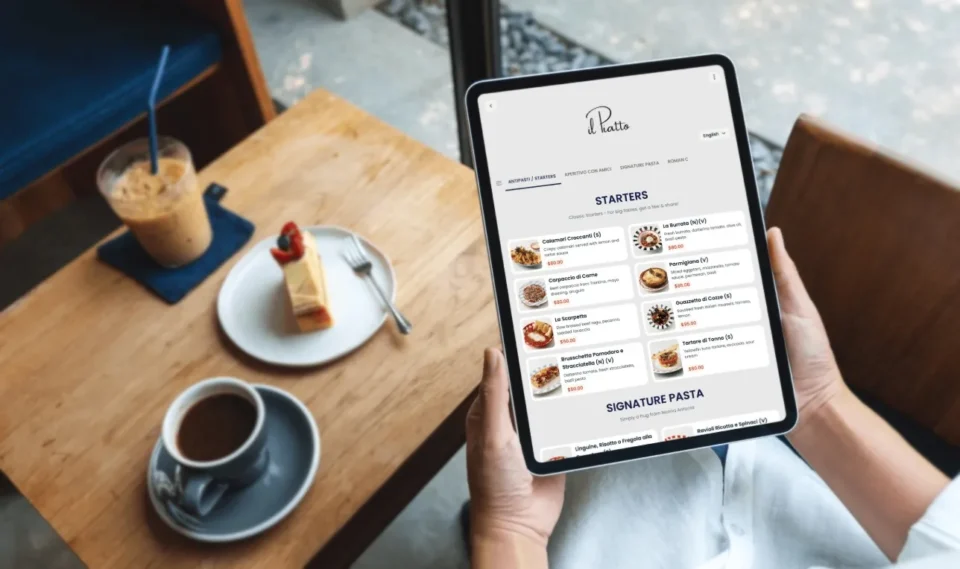
A tablet menu is a digital restaurant menu shown on tablets or phones. It loads your dining menu in seconds, with photos, prices, and modifiers.

You can run it as an online menu on guests devices or as an in-house tablet menu. Update items anytime and go paperless. It’s simple for staff and guests, yet powerful behind the scenes.

Why Move to a Contactless, Paperless Menu?

A contactless menu keeps service safe and smooth. No more reprinting after a price change. A paperless menu reduces waste, saves money, and keeps branding fresh. Guests can use their own phones, or you can hand them a tablet. The experience stays fast, clean, and consistent across locations.

How it works (No app. Native feel)

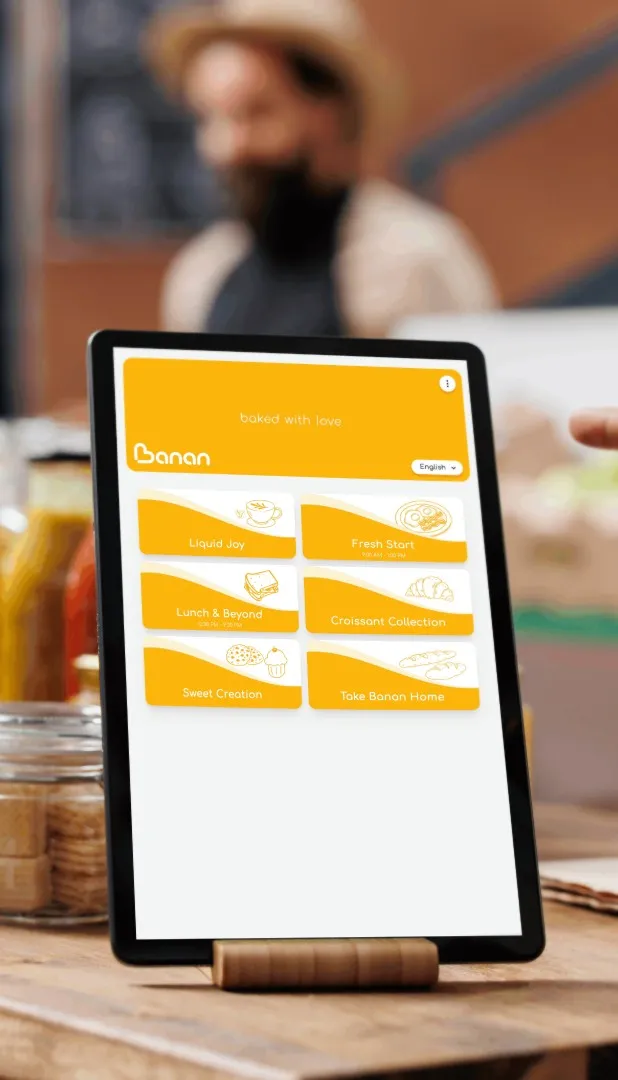
Staff hand guests a tablet no scanning required. Each device opens a bookmarked, full-screen web menu that looks and behaves like a native app no downloads, no logins. Guests browse categories with photos, choose modifiers and add items.

Custom Tablet Menu with Custom Menu Branding

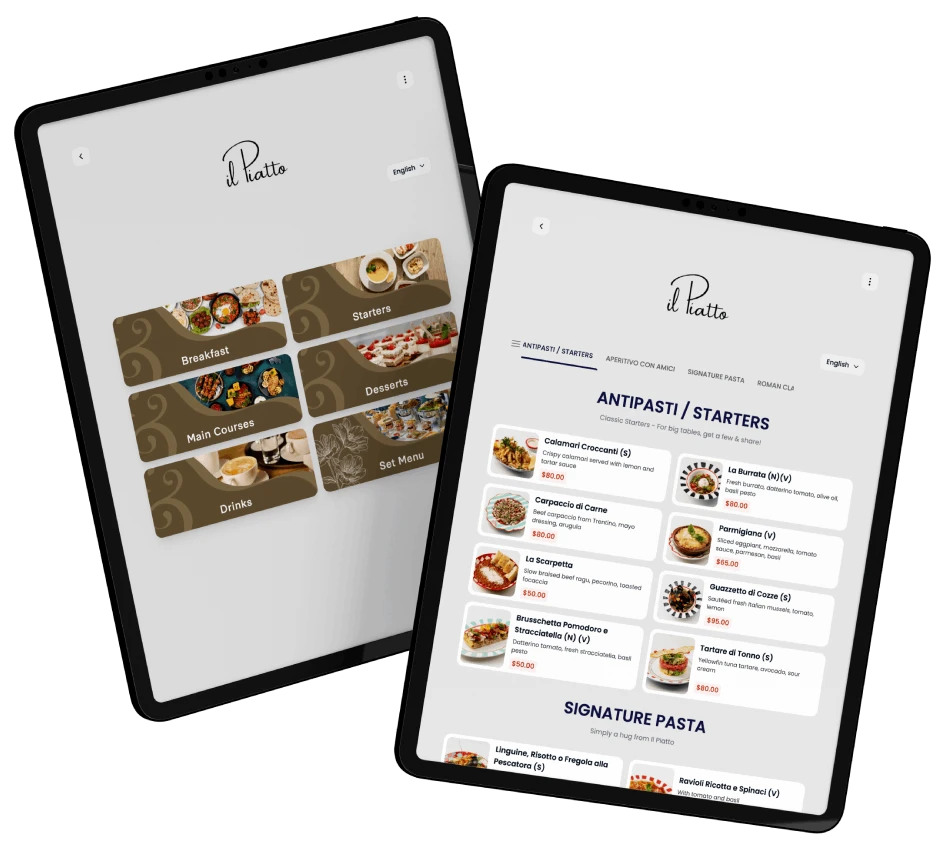
Our experts will build a custom tablet menu that matches your logo, colors, and tone. Use layout presets or fine-tune fonts, buttons, and photo styles. Add brand stories, sourcing notes, or chef highlights. With custom menu branding, your digital menu looks premium and familiar just like your dining room.

Luxury & Premium Tablet Menus for Restaurants

Offer a luxury tablet menu for chef’s tasting or fine dining. Use full-screen images, wine pairings, and pairing notes. A premium tablet menu can showcase courses, sommelier picks, and limited runs. It feels elegant yet is easy to edit before service.

Features Guests Actually Use

Multilingual Digital Menu

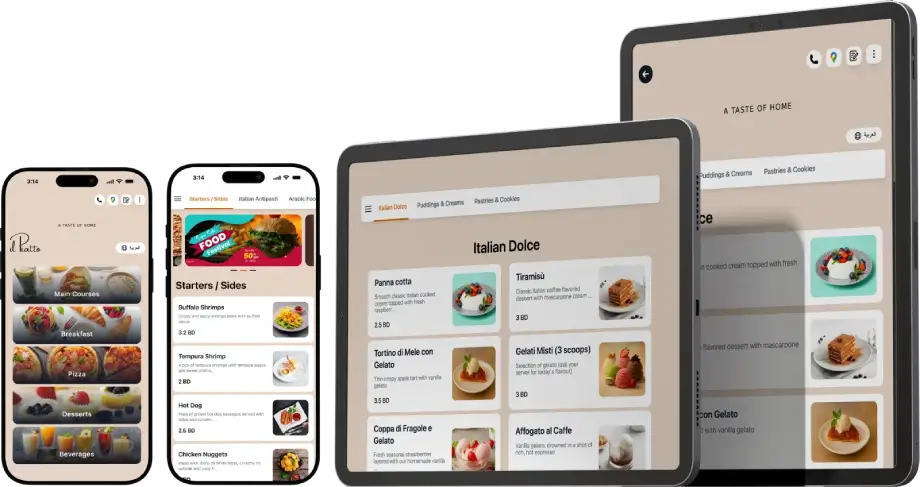
Welcome travelers with a multilingual digital menu. Set your base language, then add translations for dish names, descriptions, and allergen flags. Guests switch languages with one tap. Service stays friendly and flexible, even when your staff is busy.

Allergen & Nutrition Digital Menu

Provide clarity with an allergen and nutrition digital menu. Show icons for nuts, gluten, dairy, eggs, and shellfish. Add calories and macros if you like. Guests can filter by dietary needs—vegan, halal, kosher, keto—so they order with confidence and ask fewer questions.

Build Your Custom Tablet Menu with Branding

Clear plans for cafés, restaurants, hotels, and chains.

Get Pricing

Use cases across hospitality

Tablet Menu for Restaurants & dining rooms

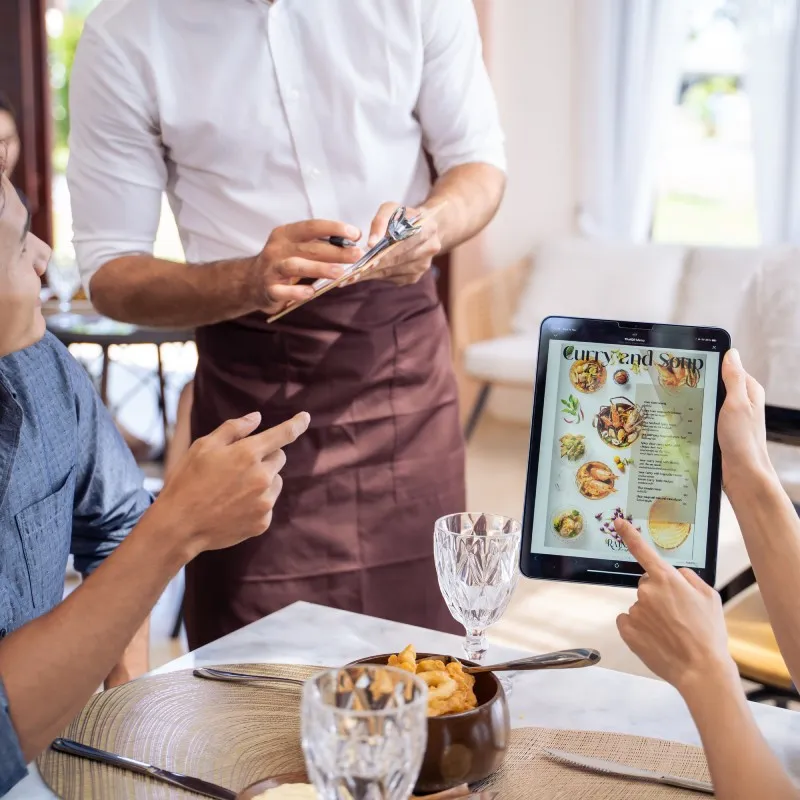
Keep your Dining Menu accurate, rotate specials, and speed up turns. A Restaurant Tablet Menu helps servers guide guests. Managers love instant edits across rooms or locations.

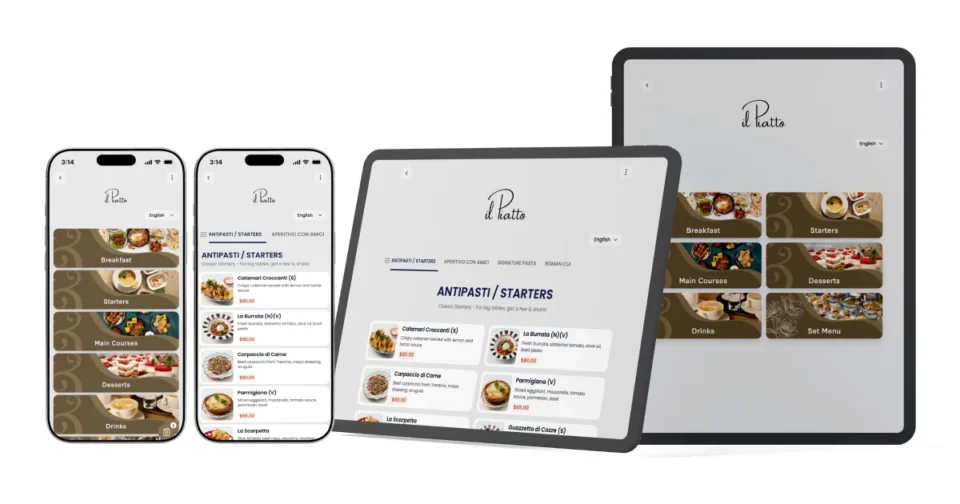
Tablet and phone mockups showing digital menu by tableQR

Frequently asked questions

Not at all. If you can edit a document, you can edit a Digital Menu. Changes update everywhere at once, so staff always see the latest.

No. It’s a No-app digital menu. Staff hand guests a tablet and Guests browse categories with photos, choose modifiers and add items.

Absolutely. It’s flexible for a Tablet Menu for Cafés, a Tablet Menu for Hotels, and a Food truck Tablet menu. One platform, many use cases.

A Video Menu plays short, silent loops that highlight texture, steam, and pour shots. It’s perfect for hero dishes, cocktails, and desserts. Videos auto-optimize for mobile and tablet, so your Restaurant Digital Menu stays smooth. Many brands use video on category headers or specials. Guests engage longer, conversion rises, and staff spend less time describing items.

Turn on Dietary & Allergens Tags to show clear icons for gluten, nuts, dairy, eggs, soy, and shellfish. Add vegan, vegetarian, halal, and kosher filters. Guests can sort or hide items with one tap in the No-app digital menu. You can also display macros or calories. It’s simple guidance that builds trust and reduces mistakes at the table and kitchen.

Absolutely. Add brand banners, chef notes, sourcing stories, and seasonal themes. Use Marketing Pushes to feature a new dish, a farm partner, or a happy-hour set. You can schedule pushes by time or day with a Dynamic Tablet menu. It keeps your Custom Tablet Menu fresh, on-brand, and sales-focused—without reprinting a single page.

Yes. Create a Link in Bio that opens your Online Menu, hours, pickup options, and promos. Share it on Instagram, TikTok, and Facebook. Guests go straight to your Scan to order menu or reservation page. It’s fast to update and keeps all locations consistent. Great for cafes, restaurants, food trucks, and catering events.

Special Situation Tags are quick labels like “Spicy,” “Chef Special,” “Limited,” “Sold Out,” or “New.” Tap to show or hide them in seconds. They guide choices, set expectations, and reduce “Do you still have…?” questions. Use “Limited” for small batches, “Sold Out” to avoid disappointment, and “Chef Special” to drive trials during service.

Guests rate dishes, leave quick comments, or tag issues (too salty, not hot, loved the sauce). Feedback lands in your dashboard and daily email. Pair it with Allergen & nutrition digital menu data to improve recipes and photos. Close the loop with thanks messages or promo codes.

Yes our Multi-language digital menu supports side-by-side translations for item names, descriptions, and allergens. Guests switch languages with one tap. Multiple currencies let hotels and airports display local prices or currency estimates. It’s ideal for Tablet Menu for Restaurants with travelers, Tablet Menu for Cafés in tourist areas, and global chains.

No. Images and Video Menu clips are optimized for speed. We auto-resize and cache assets so pages load fast on Wi-Fi or 4G. You control media size and length. If a connection dips, the Restaurant Tablet Menu keeps content responsive and readable, so browsing stays smooth.

It does. Create a master menu, then localize items, prices, language, and currency per store. Managers can 86 items and set specials, while brand controls design. This setup works well for chains using Custom Tablet QR Menu across regions, hotels with outlets, and franchises with shared standards.

As far as you like. Our in-house experts, designers and developers will craft your Digital Menu to match your restaurant’s concept, tone, and brand standards. From colors and fonts to layout and icons, we build a Custom Tablet Menu with Custom Menu Branding that feels premium and perfectly on-brand across every device.

TableQR

Build Your Tablet Menu Today

Tablet Menu for Restaurants, Hotels and Cafés. Launch a No-app Digital Menu, allergens, multi-language, and branding. Go paperless, boost sales, and update instantly.

http://Digital%20Menu%20for%20all%20Device%20and%20screens.