This is a step-by-step guide to creating a QR code menu for a restaurant, from building the menu to printing and placing the codes. If you would rather have it built for you, see our digital menu service or compare the top systems first.
Restaurant QR menu benefits for owners and managers
Before we build anything, it helps to know why a Contactless Menu matters. Because many teams still use paper, your first move to a Paperless menu already gives you an edge. Moreover, guests now expect digital choices. Therefore, a clean Online Menu or Online dining menu helps you win repeat visits.
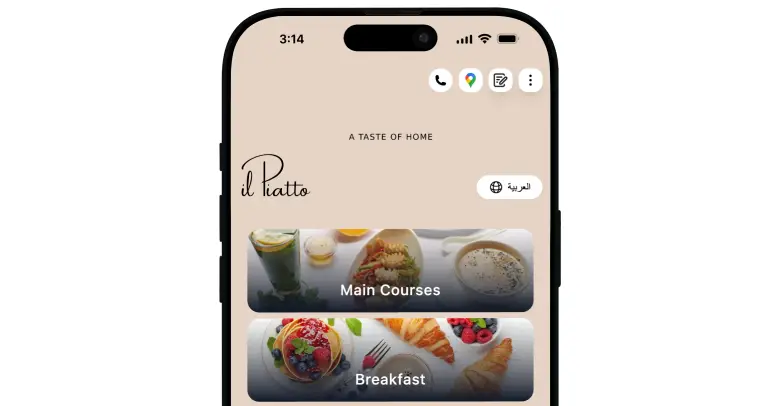
How to create a QR code menu step by step
You can build a QR Menu in an afternoon if you follow a simple plan. Even so, you should slow down at the start, because good structure now saves many edits later. Here is the process that works for restaurants, cafés, and hotels of every size.
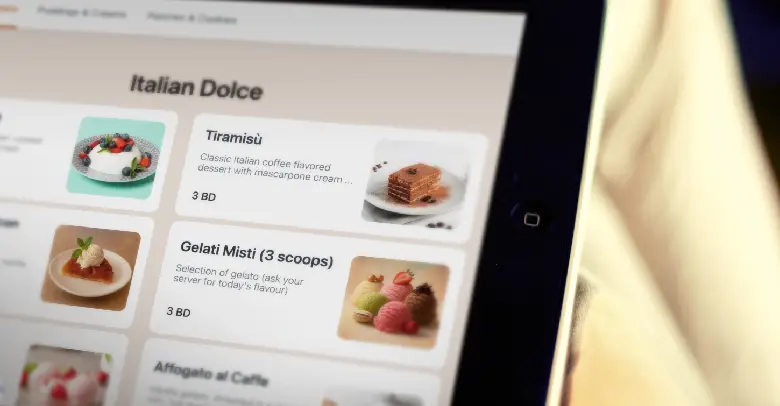
- Map your Restaurant Menu
First, list your categories. For example, breakfast, starters, mains, pizza, burgers, sides, kids, desserts, hot drinks, cold drinks, wine, beer, and cocktails. Next, place each item under a single, clear category. Then, write a short, simple description for every item. Avoid long sentences. Mention key ingredients, not every spice. - Choose your platform
You need a reliable tool to make and host your Digital Menu. Because stability, ease, and design matter, many teams choose TableQR. It supports Custom branded QR code menu designs, beautiful photos, and quick edits. Moreover, it offers a Managed Service if you prefer to hand off setup to experts. - Design your Custom branded QR code menu
Pick colors that match your brand. Use legible fonts. Keep contrast high for readability. Add your logo, your tone of voice, and your best photos. Because phones vary in size, test on small and large screens. In addition, check that buttons are big enough for thumbs. - Build logical navigation
Guests should find items in two taps. Therefore, keep your category list concise. Use clear names, like Burgers or Salads. Add a search box if available. Also, add tags like vegetarian or contains nuts. When possible, allow guests to filter quickly. - Add pricing, modifiers, and combos
Next, set prices and choose modifiers that make sense. For instance, choose your doneness for steaks, pick a side, add bacon, or upgrade to a combo. Because choices can overwhelm, limit options per item to what guests actually want.
“Test fast, learn fast, improve fast.”
Create your QR menu with TableQR today
WE BUILD IT. YOU SEE IT FIRST.
Send us your menu and let our team do the heavy lifting. We’ll build, brand, and translate a custom preview for your venue completely risk-free.
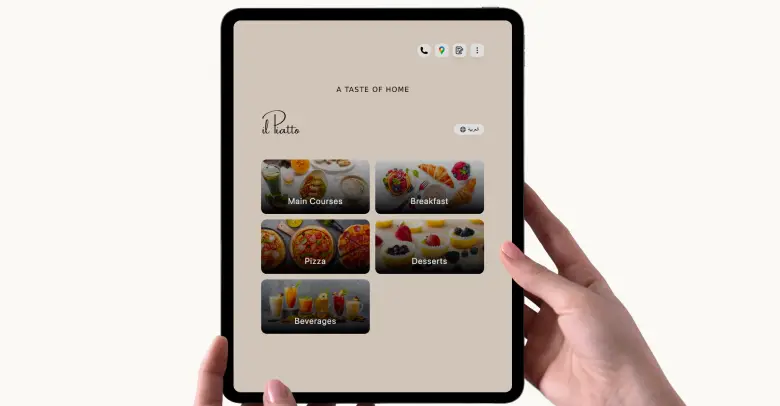
QR code menu examples
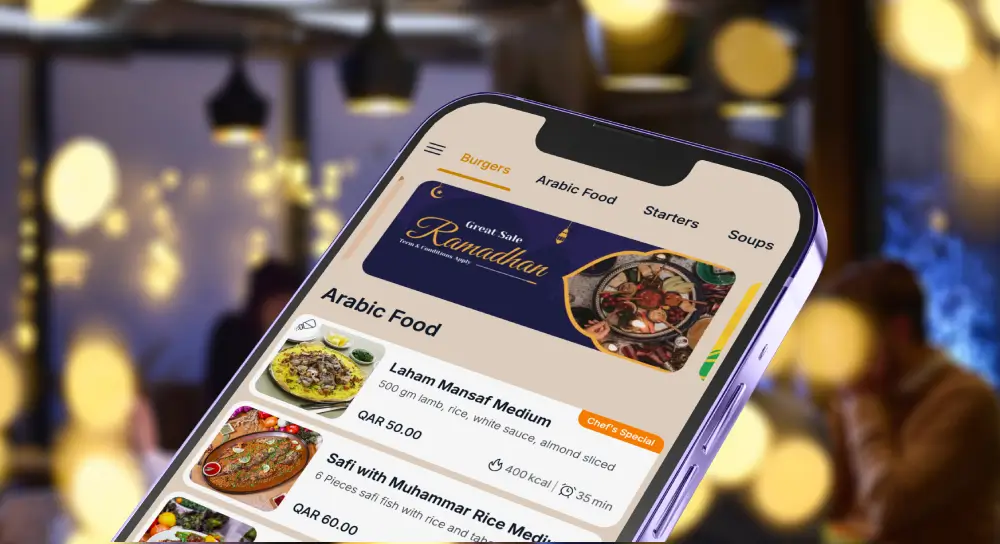
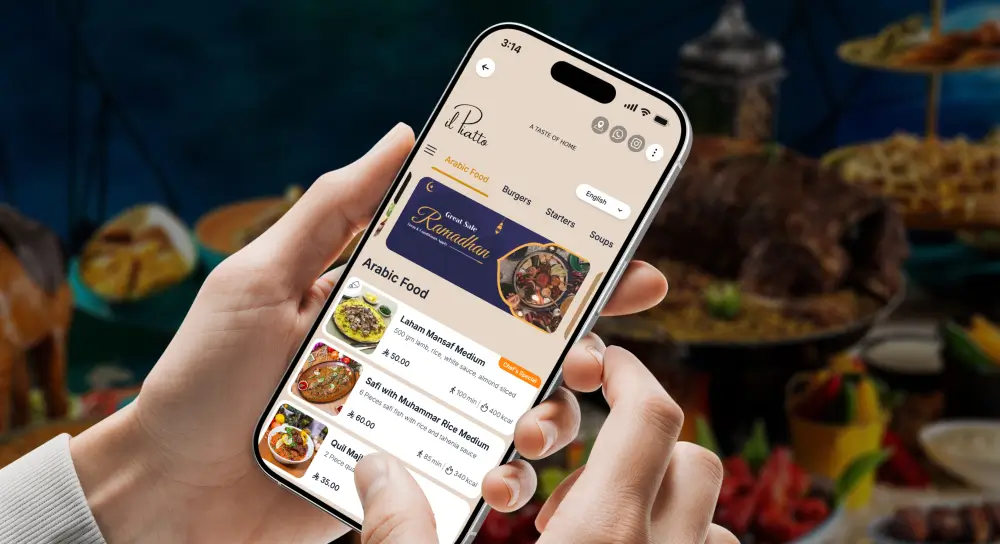
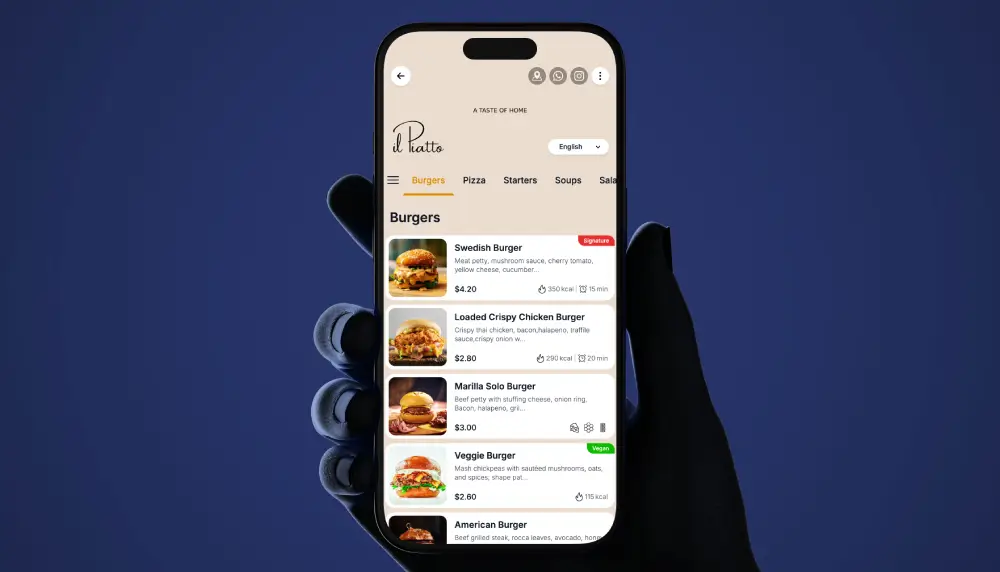
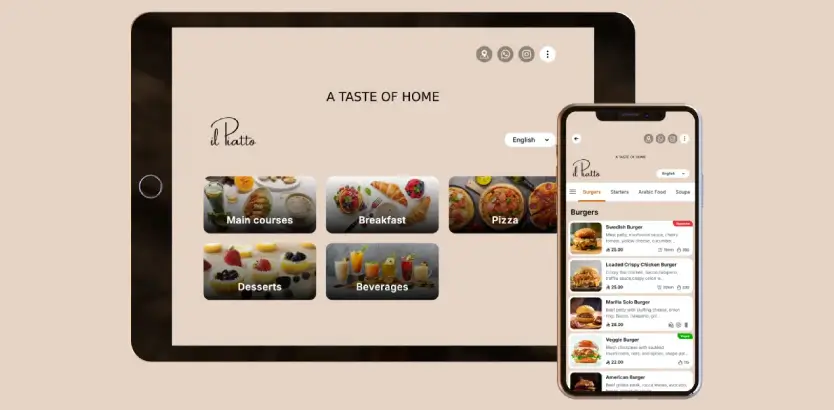
Here are real examples of restaurant QR code menus: a cafe drinks menu, a full-service dinner menu, and a bar list. Notice the categories, photos and clear pricing.
Static vs dynamic QR codes
A static QR code hard-codes a link, so if your menu URL changes the code breaks. A dynamic QR code points to a stable address you control, so you can update the menu behind it without reprinting. For restaurants, dynamic is almost always the right choice.
Free vs paid QR menus
Free QR generators produce a static code over a PDF. A maintained, branded menu is a paid service. If you want to compare, see pricing.
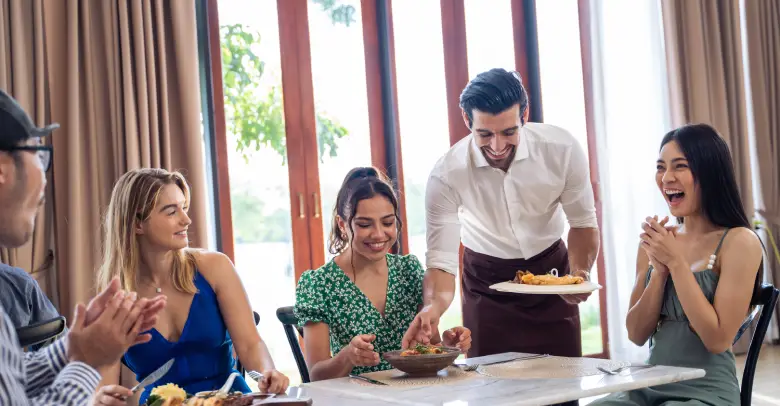
Tablet menu and online dining menu tips that boost sales
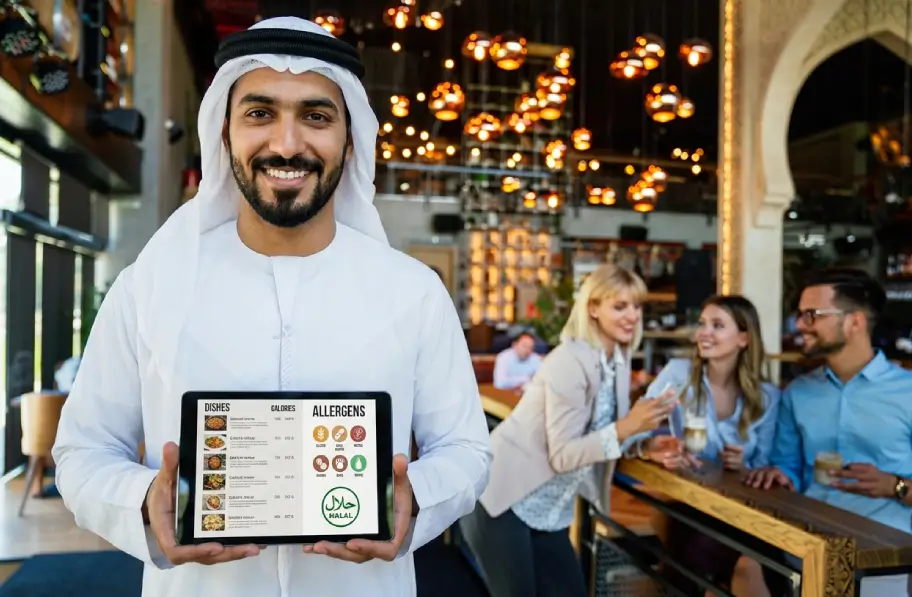
A Tablet Menu can act as a visual storyteller. Place one at the counter or near the host stand. Loop through your best photos. Promote limited time offers and seasonal drinks. Because guests often decide with their eyes, this gentle nudge can lift average check.
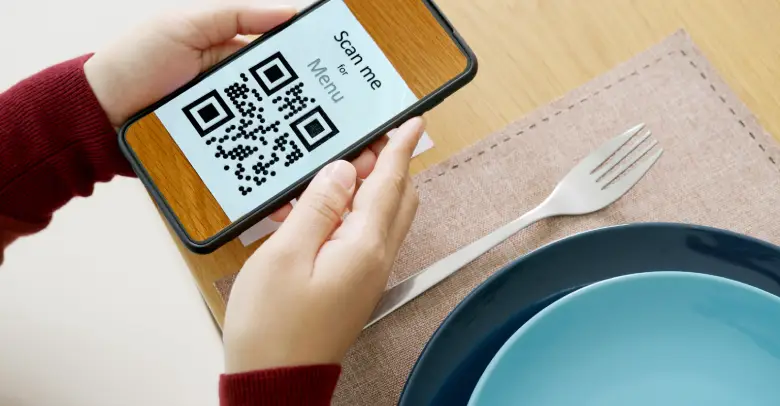
Additionally, think of your Online Menu as an extension of your staff. Write short, human descriptions. Use everyday words. Say crispy and creamy instead of technical terms. Place allergy and dietary notes up front. When people feel seen and safe, they order freely.
Photos help, but do not overload every item. Feature photos for high margin items, chef specials, and signature drinks. Meanwhile, keep the rest clean and consistent. Because attention is a finite resource, use it where it counts.
Finally, tidy your categories. If a guest has to tap more than twice to find a kid’s pasta, you are making them work. Instead, keep a shallow structure. Use featured sections, like Today’s Specials or Weekend Brunch, at the top of your Restaurant Menu during relevant times.
Common mistakes to avoid with a digital menu
Even the best tools can fail if the setup is messy. Therefore, watch for these pitfalls.
- Overloading the menu
Too many items and too many choices slow guests down. Trim duplicates. Merge similar dishes. Keep options focused. - Small text and low contrast
Hard to read text drives people away. Use larger font sizes and strong contrast. Test in low light. - Heavy images and slow load time
Huge photo files can stall on mobile data. Compress images without losing quality. Prioritize speed. - Hidden prices or confusing fees
Be clear about prices and add ons. If you charge a service fee, say it early. Trust builds loyalty. - Broken links and stale items
Unpublished or out of stock items should not appear. Keep your menu live and accurate. Update weekly. - Weak table placement
If your Table QR sits under a vase, guests will not see it. Place codes in the natural line of sight. - Ignoring older guests
Always keep a few printed menus, and offer help. A Contactless Menu should include everyone, not exclude anyone.
QR code menu ideas for cafés, hotels, and food trucks
Because each venue has a different flow, your QR Menu should support your reality.
Café owners
In a café, the morning rush is everything. Therefore, place a Table QR at the entrance and on tables. Let guests scan while they wait in line. Show featured breakfast bundles, like a croissant and a latte, and offer size upgrades. Use a clean, Online dining menu with quick add buttons. Since many café orders repeat, enable a reorder option.
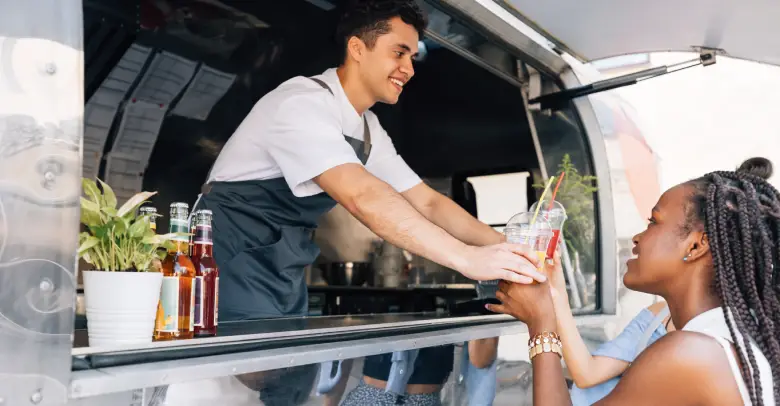
Food truck operators
Data shows trucks move and signal varies. Therefore, keep the Food Truck Menu ultra light. Use short names, minimal photos, and big buttons. Feature your best three items at the top, rotate daily specials, and include a Sold out badge you can toggle fast. With a Dynamic QR menu, your code on the truck stays the same, even when the menu changes every day.
Restaurant groups
If you run several locations, standardize categories and naming. Then, give each store the power to switch items, prices, and availability. Analytics across locations will show patterns, which helps with purchasing and prep.
TableQR managed service, the stress free path to a custom QR menu
Let us be honest, operators are busy. Prep starts early, service runs long, and fixes happen in the middle. Because time is tight, the Managed Service from TableQR is a lifesaver. Here is how it works, simply.
First, you share your current menu, brand assets, and any photos. Next, TableQR’s team builds your Custom branded QR code menu for you. They create the structure, write clean item descriptions if needed, upload content, and format everything for phones and tablets. They test, they polish, and they generate the Table QR codes you will place on tables, counters, rooms, or wherever you serve. You review the draft, you request changes, and they update.
After setup and everything is ready, you receive access to the platform. From that moment, you can self manage if you want, or you can ask the team for help any time. Because experts handle the rollout, you go live faster, with less stress, and with fewer mistakes.
In short, you get a Restaurant QR Menu that looks like your brand, works on every device, and is simple to maintain. Meanwhile, your team stays focused on service and sales.
WE BUILD IT. YOU SEE IT FIRST.
Send us your menu and let our team do the heavy lifting. We’ll build, brand, and translate a custom preview for your venue completely risk-free.