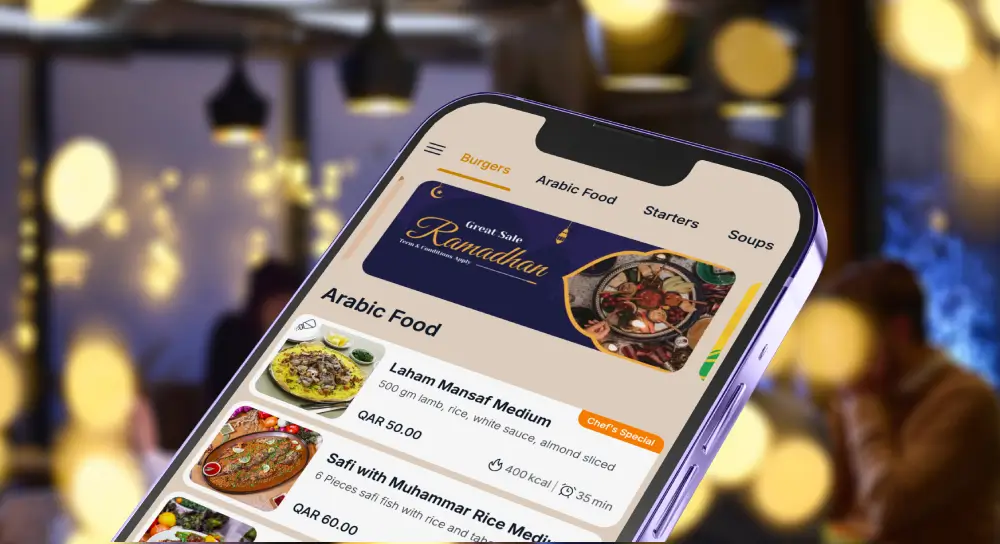
Digital menu” means three different things, and most disappointment comes from buying the wrong one. This guide compares seven real options so you can pick the right category first, then the right vendor.
- View-only QR menu: a clean mobile menu that replaces paper.
- QR ordering: guests scan, order and sometimes pay.
- Full POS ecosystem: QR ordering is one feature in a bigger stack.
If you already know you want a done-for-you branded menu rather than a tool to run yourself, you probably do not need this comparison. See TableQR’s digital menu service for restaurants instead.
Quick decision map
Pick your lane first.
- I want one system for POS, QR ordering and payments:
→ Look at Toast, Square, Lightspeed, Clover. - I like my POS and just want a better-looking menu:
→ Look at MENU TIGER, iMenuPro, TableQR. - I do not want to manage another tool. I want someone to make my menu look great on mobile:
→ Jump to TableQR.
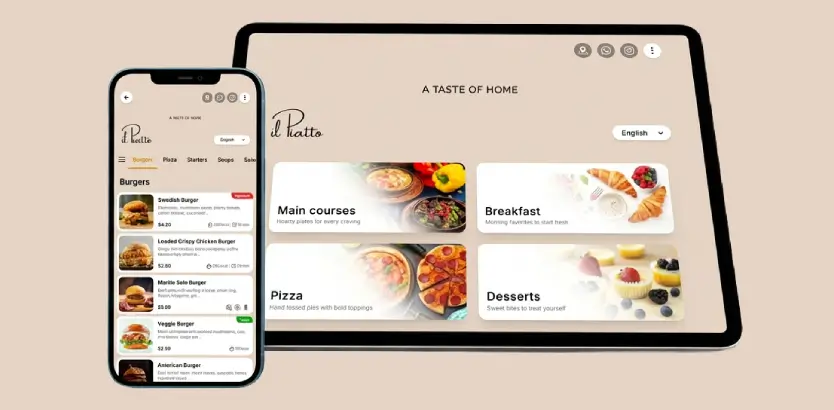
Comparison snapshot: top digital menu systems at a glance
| Vendor | Category | Ordering and payments | Branding flexibility |
|---|---|---|---|
| Toast Mobile Order and Pay | POS platform with QR ordering | Yes | Limited by Toast UI |
| Square for Restaurants | POS plus Square Online | Yes | Limited by Square layouts |
| Lightspeed Restaurant | POS with Order Anywhere | Yes | Limited by Lightspeed UX |
| Clover Scan to Order | POS with QR ordering | Yes | Limited by Clover templates |
| MENU TIGER | QR menu and ordering platform | Yes | Template based |
| iMenuPro | Menu design and QR menus | No | Strong design control (DIY) |
| TableQR | Branded browse-only QR menu. Concierge (we manage it) or Signature (you run it after setup). | No | High brand control |
Toast digital menus and Mobile Order and Pay
What it is
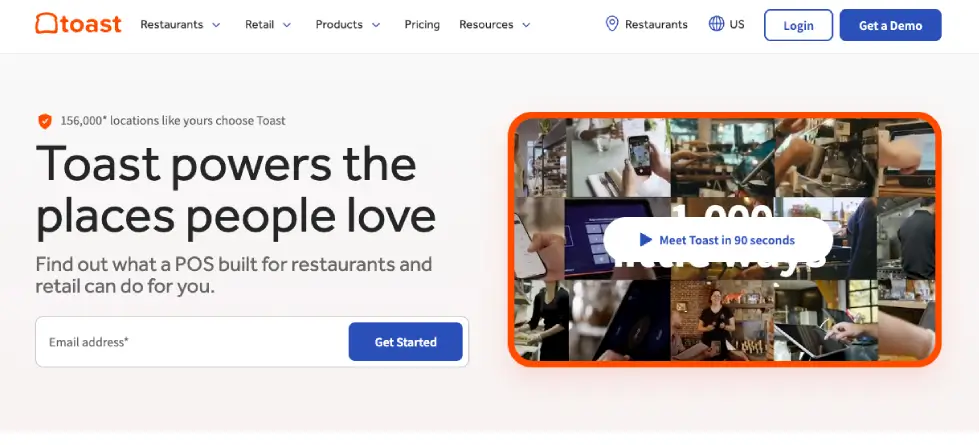
Toast is a full restaurant platform. Its Mobile Order & Pay lets guests scan a QR code at the table, browse the menu, order, and pay from their phone, connected directly to Toast POS.
Best for
- Restaurants that already run Toast, or are ready to switch POS
- High-volume service where speed and labor efficiency matter more than a custom brand-first menu look
Key strengths
- One system for POS, menu management, ordering, and payments
- Menu updates sync across channels inside the Toast ecosystem
- Operational tooling (reporting, integrations, controls) is the real value
Tradeoffs and watch outs
- If you only want a better-looking QR code menu for restaurants, Toast is overkill
- Your menu experience will still feel like Toast’s UI, not a custom brand build
- Switching POS is a business change, not a menu upgrade
When to pick Toast
Pick Toast when your goal is a unified POS + QR ordering system. Looking for a Toast QR menu alternative that leaves your POS alone? See TableQR below.
Square for Restaurants QR menus
What it is
Square combines POS with Square Online and QR code ordering. Guests scan, browse, order, and pay, and orders flow into Square POS.
Best for
- Small to mid-sized restaurants, cafés, and bars that want fast setup
- Operators who are happy to live inside the Square ecosystem
Key strengths
- Quick launch for QR ordering
- Payments are built in, with common mobile payment options supported
- Good fit when simplicity beats customization
Tradeoffs and watch outs
- Branding is limited. It will still feel like a Square ordering page
- If you use another POS and won’t switch, Square’s QR flow is usually the wrong tool
When to pick Square
Pick Square if you want a simple POS + QR ordering package. If your goal is a branded menu that looks like your restaurant, not your software vendor, look at TableQR.
Lightspeed Restaurant and Order Anywhere
What it is
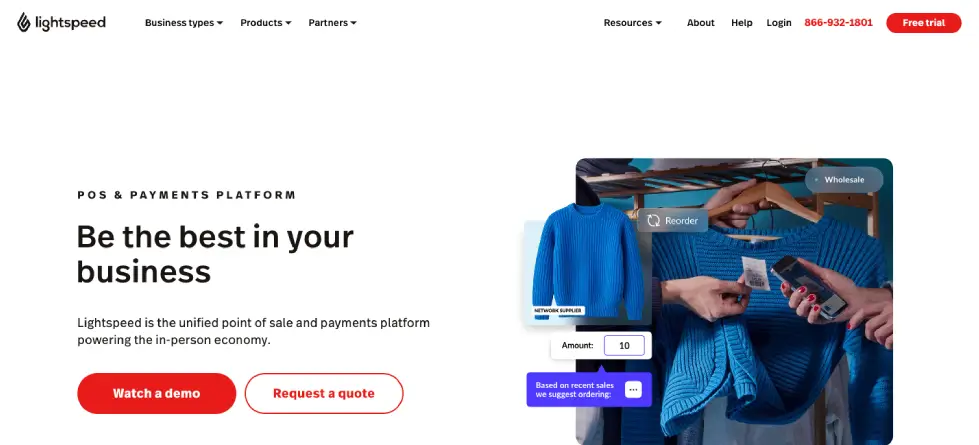
Lightspeed Restaurant offers QR-driven menu viewing and ordering through Order Anywhere, tied into Lightspeed POS.
Best for
- Multi-unit groups standardizing operations
- Restaurants where labor efficiency and throughput are top priorities
Key strengths
- Unified workflows for ordering and service, depending on setup
- Operational visibility and reporting across locations
Tradeoffs and watch outs
- Great for operations, not for custom visual branding
- If you’re not moving to Lightspeed POS, this is usually not relevants.
When to pick Lightspeed
Pick Lightspeed when you want a POS-centered system that includes QR ordering. If brand experience matters more than QR checkout, consider pairing your POS with a design-forward digital menu such as TableQR.
Clover Scan to Order
What it is
Clover offers Scan to Order: guests scan, view the menu, order, and settle the bill from their phone, tied to Clover POS.
Best for
- Restaurants already committed to Clover hardware and Clover’s ecosystem
Key strengths
- Integrated QR ordering and payment flow inside Clover
- Useful for table service speed and reducing check-handling friction
Tradeoffs and watch outs
- Limited design flexibility
- Not a good fit if you’re not on Clover POS
When to pick Clover
Pick Clover if you want QR ordering without adding another vendor. If you want a beautiful menu but still prefer staff-led ordering and payment, use Clover for POS and layer a branded menu like TableQR.
MENU TIGER
What it is
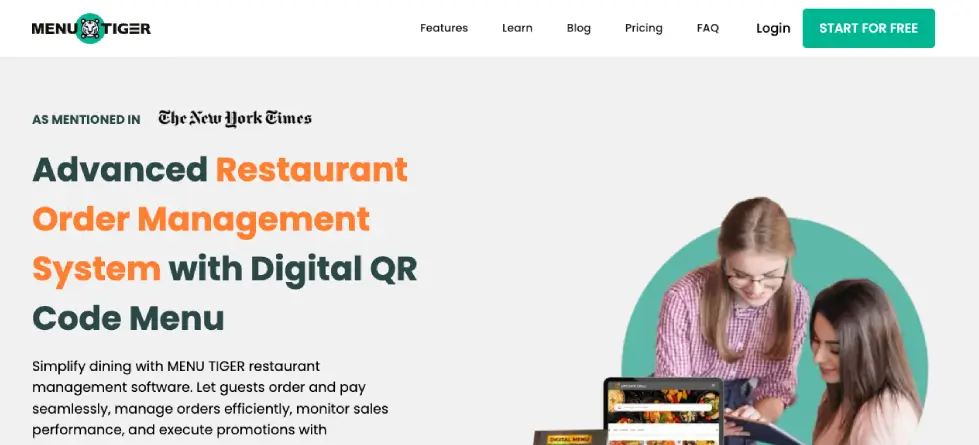
MENU TIGER is a digital menu software platform that supports QR menus and can support ordering and payments depending on your setup.
Best for
- Restaurants that want a standalone QR menu and ordering platform without switching POS immediately
- Operators comfortable managing a system (categories, modifiers, photos, languages, ongoing edits)
Key strengths
- More control than PDF QR code menus
- Can cover view-only menus and more interactive flows depending on configuration
Tradeoffs and watch outs
- Someone must own it internally, or the menu gets messy fast
- Template-based design, it won’t feel truly custom for brand-heavy concepts
When to pick MENU TIGER
Pick MENU TIGER if you want a true QR menu platform and you don’t mind ongoing software ownership. If your team hates tools and you just want it done, skip to TableQR.
iMenuPro
What it is
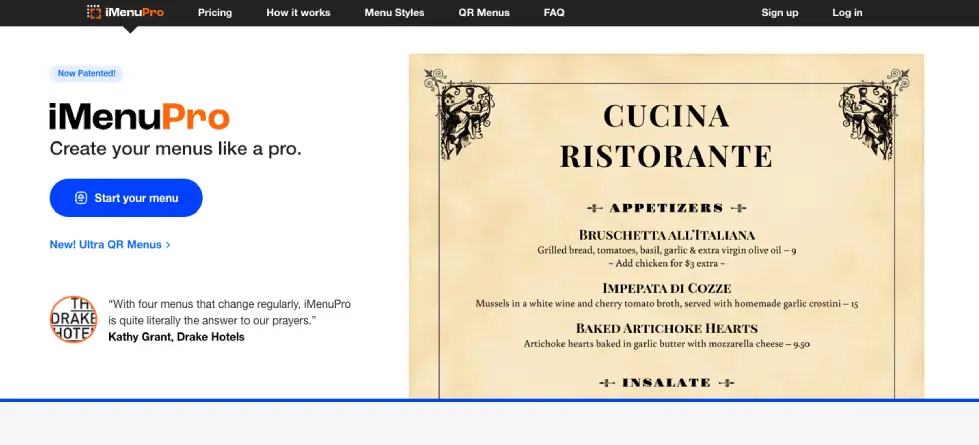
iMenuPro is a restaurant menu design tool that also produces QR menus. It’s built for menu layout and formatting, not for payments.
Best for
- Independent restaurants that care about typography, layout, and print-to-digital consistency
- Teams that want to design in-house instead of hiring a designer for every update
Key strengths
- Design control is the point
- Good option when your digital menu system priority is readability and presentation
Tradeoffs and watch outs
- No native ordering or payment layer
- Still DIY. If nobody maintains it, the menu quality drops over time.
When to pick iMenuPro
Pick iMenuPro when menu design is a core brand asset and you’re fine without scan-to-order. If you’d rather send your menu once and have someone deliver a polished mobile menu, look at TableQR.
TableQR
What it is
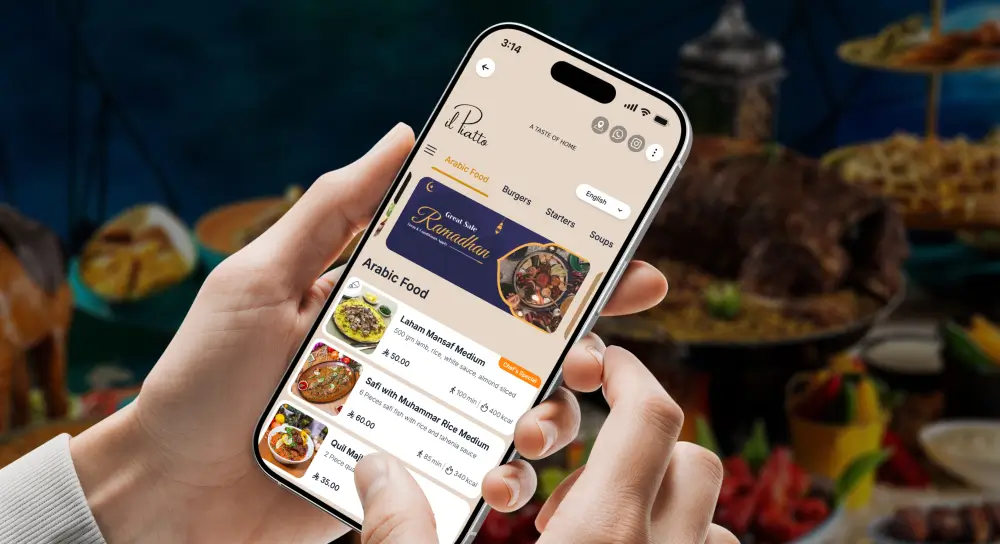
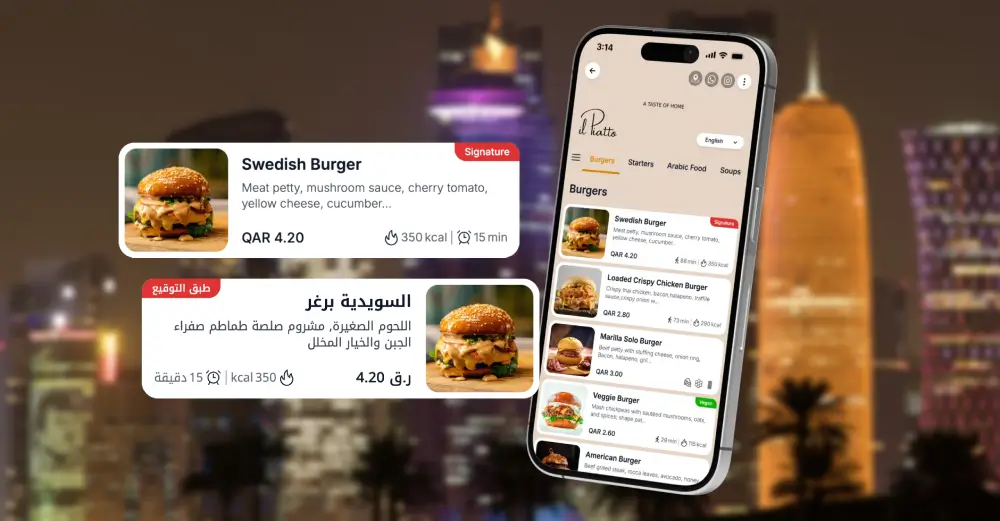
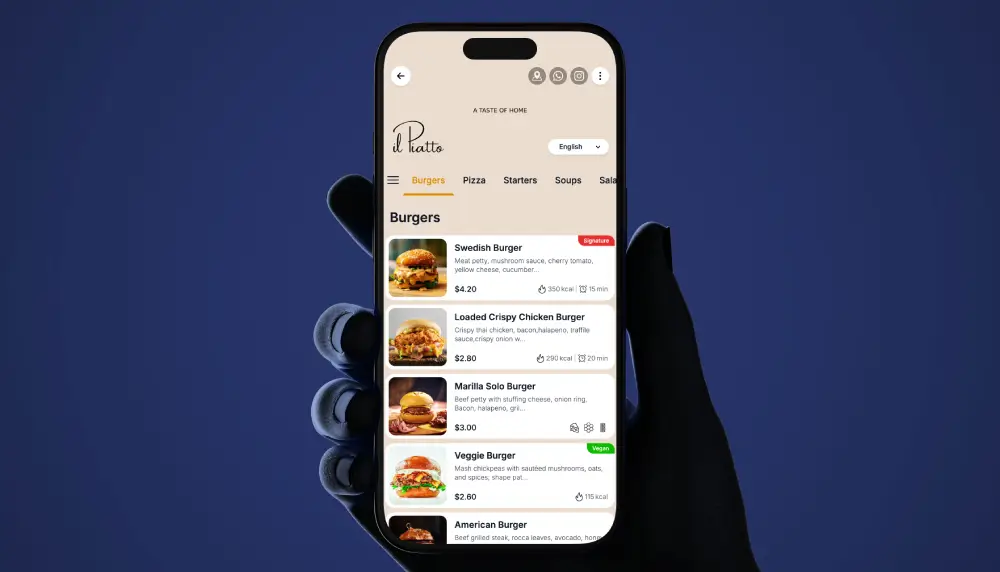
TableQR helps restaurants turn existing menus into fast, branded QR menus that work in real service. Guests scan and instantly open a clean, mobile-friendly menu. You can manage updates from one place so every table QR always shows current items and prices.
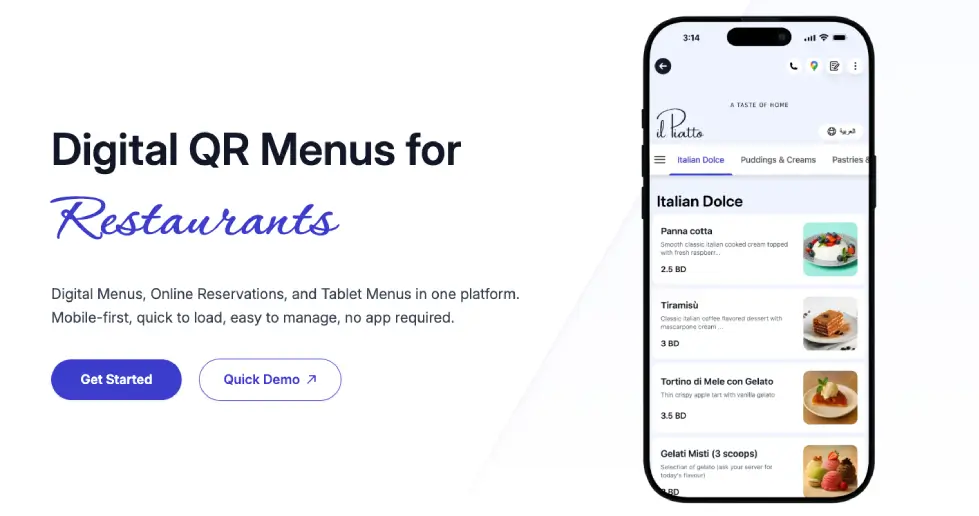
If you want a restaurant QR menu that looks premium without training your team on another complicated tool, TableQR is built for that lane.
Best for
- You already have a POS you like
- You do not want to rebuild ordering and payments
- Your current menu is off-brand, slow, or stuck as a PDF
- You want a branded digital menu without operational disruption
Key strengths
- Brand control and a cleaner guest experience than generic templates
- Fast edits: change prices, add items, mark dishes unavailable without reprinting
- Works alongside any POS since it’s not trying to replace your payments
Tradeoffs you should admit
- No built-in ordering, delivery or payments. Browse-only by design. If you need scan-to-order or checkout, choose a POS-driven option above.
- You are paying for a branded, maintained menu, not a free QR generator.
When to pick TableQR
Pick TableQR if your main pain is: “our menus don’t look like our brand, and they’re painful on mobile.” If your main pain is labor and table turn time, choose a POS-driven QR ordering stack like Toast or Square.
Want to see how your menu would look on mobile?
No replatforming. No long setup calls.
Send your menu here: WhatsApp or Email
Which system is right for you in 2026
- You want one vendor to run your restaurant
If you want POS + ordering + payments + QR in one place, choose Toast, Square, Lightspeed, or Clover. The benefit is operational clarity and fewer systems. The cost is limited branding flexibility. - You want flexibility and don’t mind software ownership
If you’re willing to manage a tool, choose MENU TIGER or iMenuPro.
- Choose MENU TIGER if you want QR ordering options in a standalone platform.
- Choose iMenuPro if your focus is menu design, print consistency, and clean layout.
- You want your menu to feel like your brand, with minimal operational hassle
If your POS is fine and your menu experience is the problem, choose TableQR.
WE BUILD IT. YOU SEE IT FIRST.
Send us your menu and let our team do the heavy lifting. We’ll build, brand, and translate a custom preview for your venue completely risk-free.