Custom QR Menu Design: Personalized Digital Menus

TableQR
Custom QR Menu Design: Personalized Digital Menus

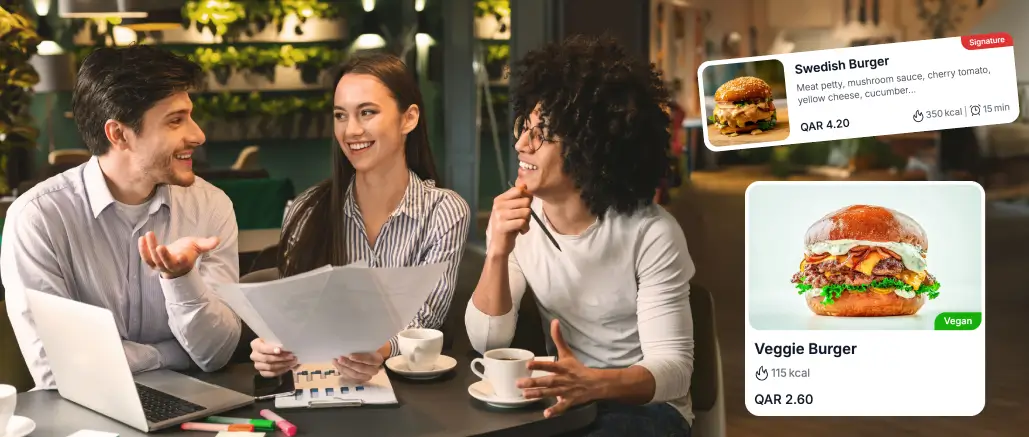
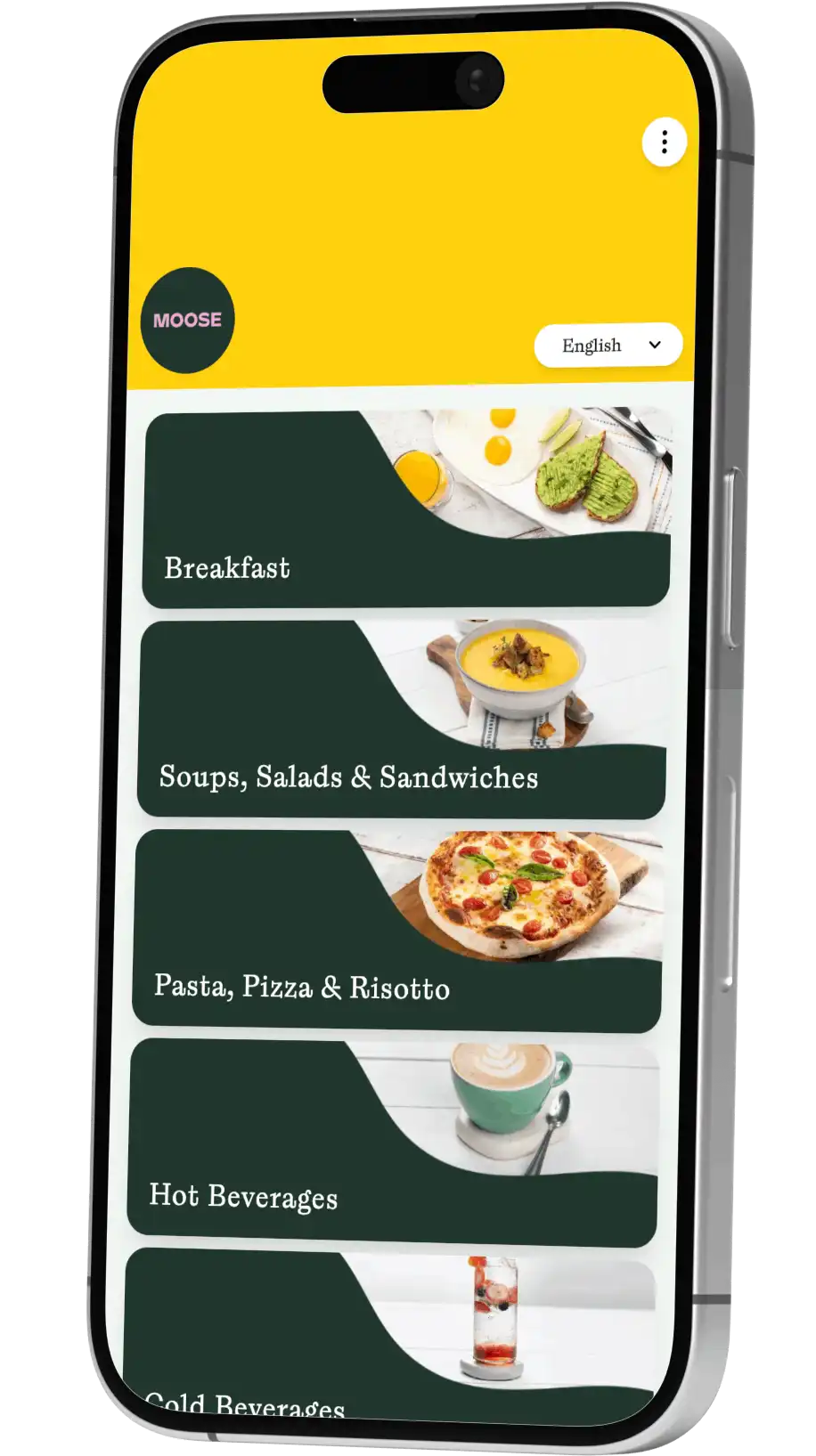
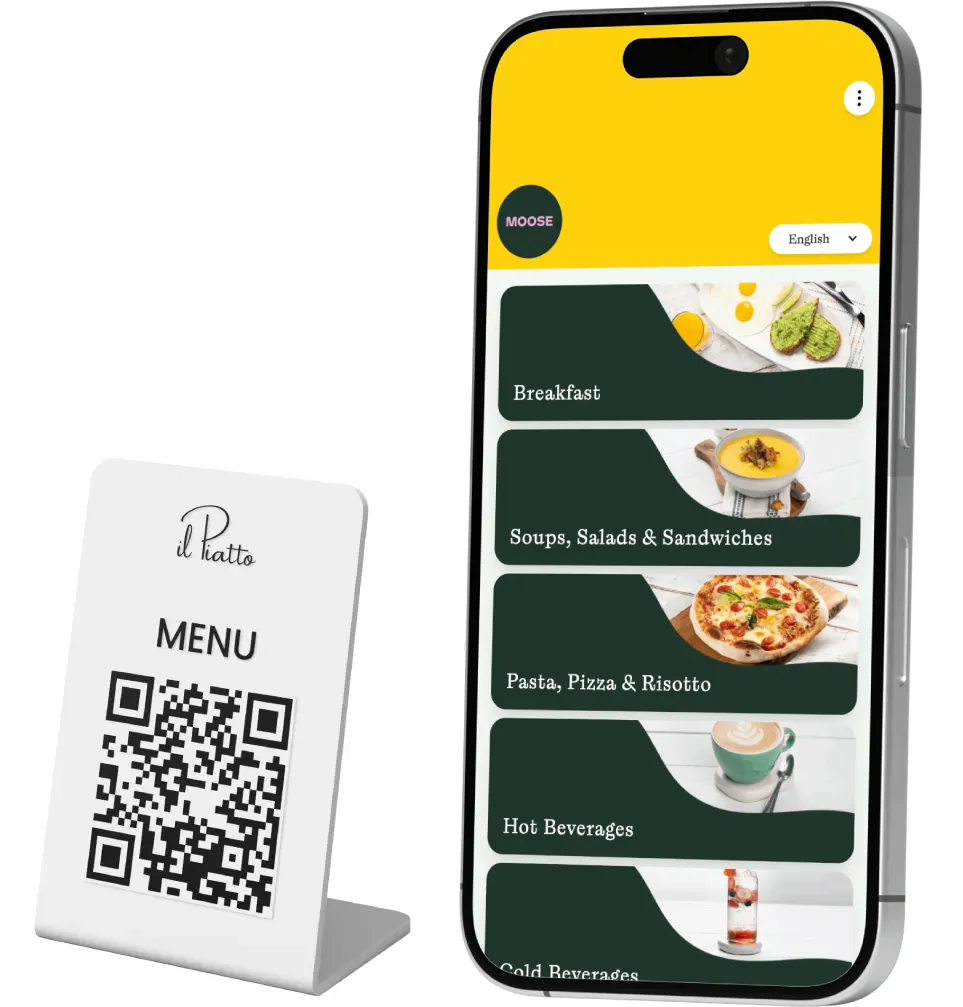
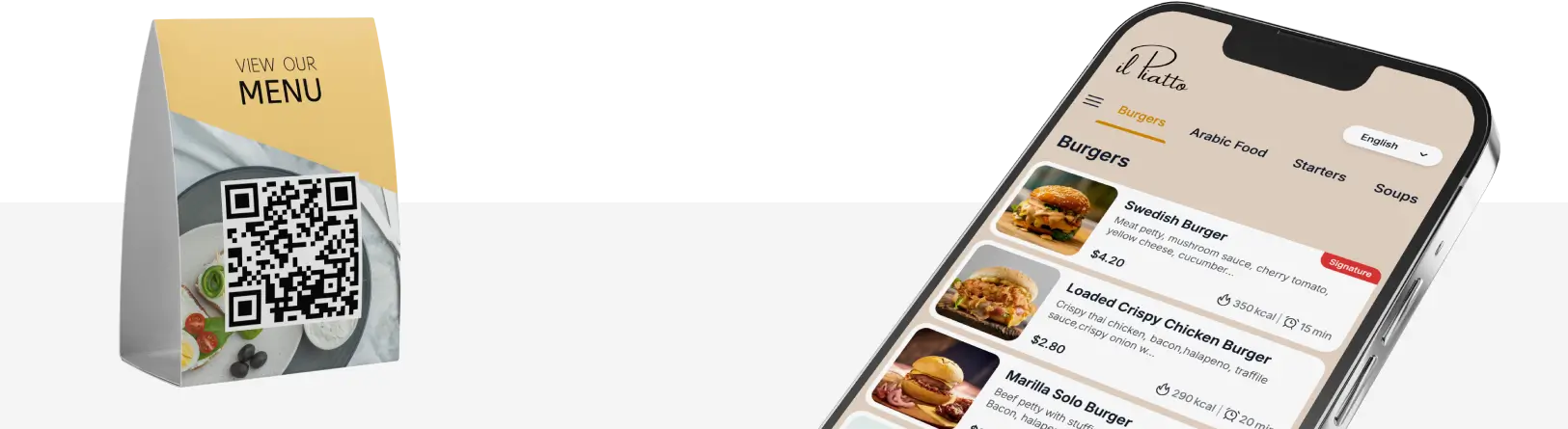
A QR Menu should feel like your place, not a generic template. When guests scan a Digital Menu, they expect the same mood they saw in your décor and the same voice they heard from your greeter. Because of that, personalized visuals, tone, and layout matter. Color, typography, and photography shape decisions, and even small choices change behavior, like where you position a best seller or how you word a signature drink.

Your Custom QR Menu should look like your brand, simple, clear, memorable.

With a Custom QR Menu you can guide eyes to high margin items, reduce menu anxiety, and still keep browsing fun. Moreover, a Restaurant QR Menu reduces printing costs and errors, while a Café QR Menu helps you highlight seasonal treats quickly. Finally, a custom look improves trust, since people feel safer and more confident when a Contactless Menu mirrors the brand they walked into.

How a custom design menu supports your brand story

Your brand story lives in visual details and in language. A Custom Design Menu can turn that story into a clear path through your Dining Menu and your Restaurant Menu. For example, a cozy café can use warm tones and friendly copy, while a modern hotel bar can use clean lines and short descriptions. As a result, people move faster, understand options, and order more. The QR menu system lets you pair each category with photos that match your lighting and plating style.

Furthermore, sections can speak to different audiences, like families or solo diners. Even if you run a Food Truck, the same brand feeling can follow every scan, every location, and every special, making your Online Menu feel consistent everywhere.

Dynamic updates, real time control, and no app friction

Guests hate downloads when they are hungry. A No-app digital menu opens in the browser, and it loads fast. Because the platform handles Real-Time Menu Updates, changes appear in seconds. If you also use Tablet Menus at the bar, the same content can sync there. With one source of truth, errors drop.

In addition, a Dynamic QR menu enables A/B tests, like two photo styles or two descriptions for a single dish. Over time, your Online Menu becomes not only accurate, but also persuasive.

Why personalization matters from the first scan

A guest points a phone at a QR code, the page loads, and in a second they decide whether to order or bounce. That tiny moment is why custom QR menu design matters. A personalized digital menu feels like your brand from top to bottom, not a generic template. Colors match the dining room, typography echoes your logo, and photos speak your story. Because the layout is clear, guests find dishes faster, so they order more confidently.

Tablet menus vs online menu via QR code, choosing what fits your venue

Comparing cost, speed, and guest comfort

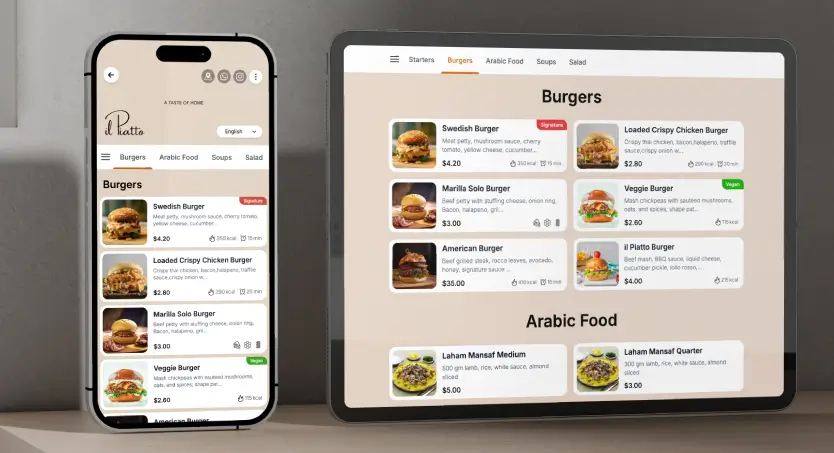
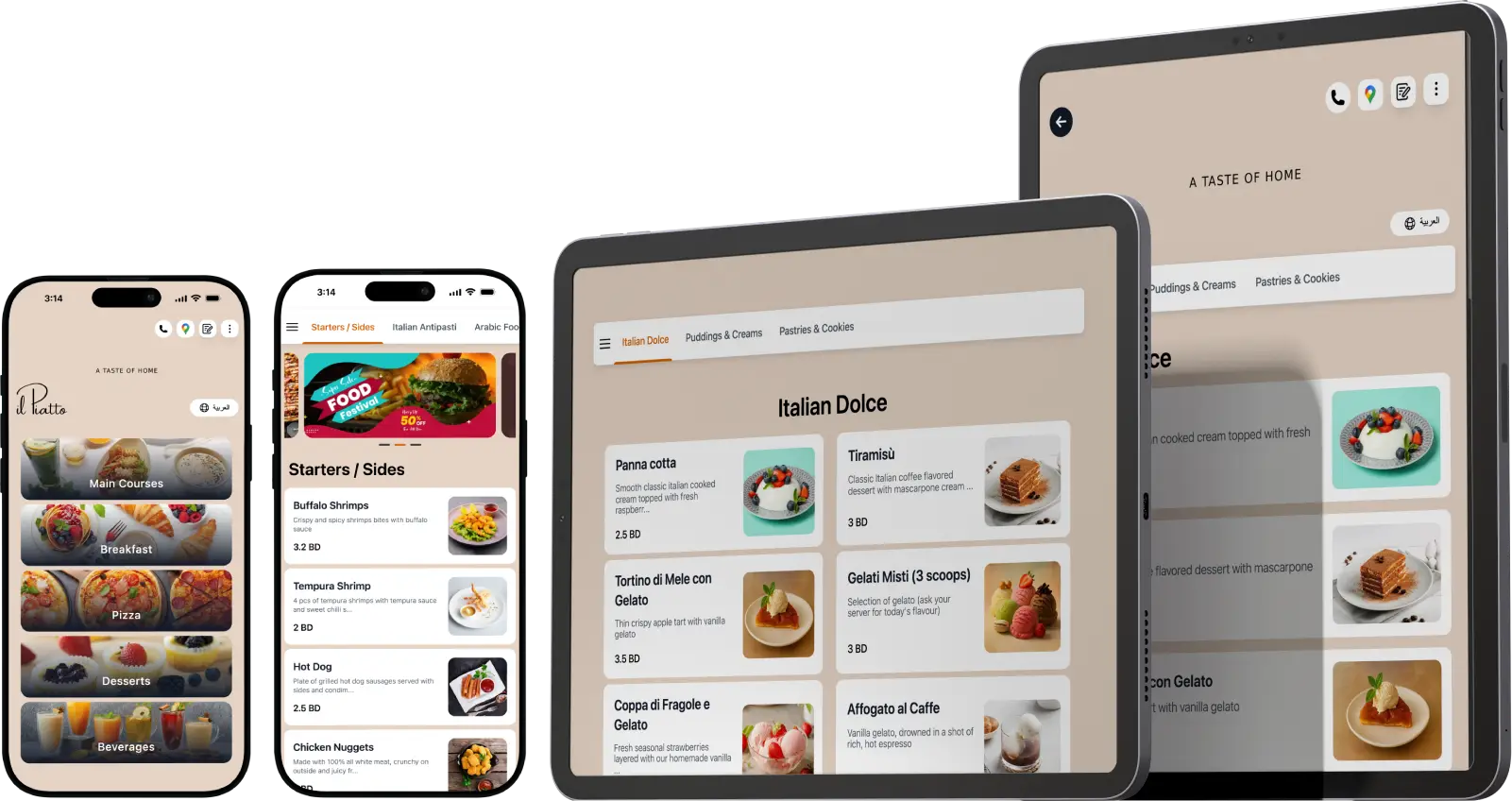
Tablet Menus can look stunning on big screens, yet they require battery charging, cleaning, and replacement over time. A QR Code Menu puts the same content on the guest’s phone, which they already know and trust. Because phones vary, a responsive Digital Menu must load fast and be readable without pinching.

Scan, see, decide, a No-app digital menu that opens fast on any phone.

Tablets may help with guided upsells or ordering at the bar. However, if your space is tight or outdoors, QR wins on cost and flexibility. Many teams run a hybrid, tablets at the host stand for accessibility, QR on tables for speed. Either way, the design system should be shared, so fonts, spacing, and voice stay consistent across devices.

Multilingual and multi currency QR menu for global guests

Speak the guest’s language and show their currency

Travelers and locals both feel at home when the menu meets them where they are. TableQR supports multi language and multi currency, so your Restaurant Menu can be read in English, Arabic, French, or any language you add, and prices can be displayed in your base currency with optional local currency beside it.

A QR Menu that switches languages with a tap removes anxiety, which means fewer questions for staff and more confident orders. If you run hotels or locations in tourist areas, this combination turns your Contactless Menu into a welcoming tool.

How custom QR menu supports sustainability and cost savings

Less printing, less waste, more agility

Paper menus pile up quickly. A paperless menu cuts costs, reduces waste, and keeps your brand consistent across locations. Because changes are digital, you avoid last minute reprints when a supplier calls. Furthermore, you can test new items quietly, learn from the data, and commit only when they perform. Sustainability also shows in your messaging. A short line near the top, “Thanks for using our contactless menu,” reminds guests that your choices support the planet. Lower costs and a better guest experience arrive together.

Design tips for readable dietary info

Design choices help, too. Short labels, consistent icons, and simple color accents make information easy to scan. Keep descriptions brief, avoid jargon, and group dietary notes near the price so eyes catch them. If you use Tablet Menus, match the same icons and placement.

Because a Contactless Menu appears on small screens, test line length and tap targets. Lastly, update nutrition facts when recipes change, and use Real-Time Menu Updates to push corrections quickly.

TableQR handles branding, formatting, uploading, and quality checks

Some teams want a full service setup. TableQR offers a Managed Service where the team handles everything, branding alignment, menu creation, photo placement, formatting, and content uploads. You review and request changes, and the team adjusts quickly.

After setup and final checks, your staff receives access to the platform and can self manage if they choose. Therefore, managers get freedom without a heavy lift. Because experts handle the build, accessibility, speed, and readability are right from day one. In practice, this reduces guest questions and cuts training time. You keep the keys, yet you are not alone.

GET STARTED

Build your QR Code Menu today!

FAQs

What is a custom QR menu, and how is it different from a template

A custom QR Menu is a branded Digital Menu that opens when guests scan a code. It matches your colors, typography, and voice, and it uses a layout that fits your service style. Template menus are faster to start but often feel generic. A custom approach helps guests navigate faster, improves trust, and supports upsells without clutter. Because it is dynamic, you update items or prices instantly. The result is a clear, contactless experience that looks like your business rather than a software demo.

How do I create QR code menu pages without a design team

You do not need a large team. With TableQR, you send branding assets, existing menu files, and photos. The TableQR team designs the Custom Design Menu, uploads content, and formats every section. You review a live preview and ask for changes. After launch, you can manage the menu yourself or continue to request help. This Managed Service keeps work light for Restaurant Owners, Managers, and Café Owners, while the final product remains fully yours.

Does a Custom QR menu help with SEO and local discovery

It can. An Online Menu that is clear, descriptive, and properly tagged helps search engines understand your offerings. Include neighborhood names, hours, and simple dish descriptions. Link your menu from Google Business Profiles and social pages. Because guests share links in group chats, the menu spreads naturally. Over weeks and months, nearby diners find you when they search for dishes you serve. A well built Digital Menu works in the dining room and on the web.

Let TableQR build your custom QR menu today!

You may also like