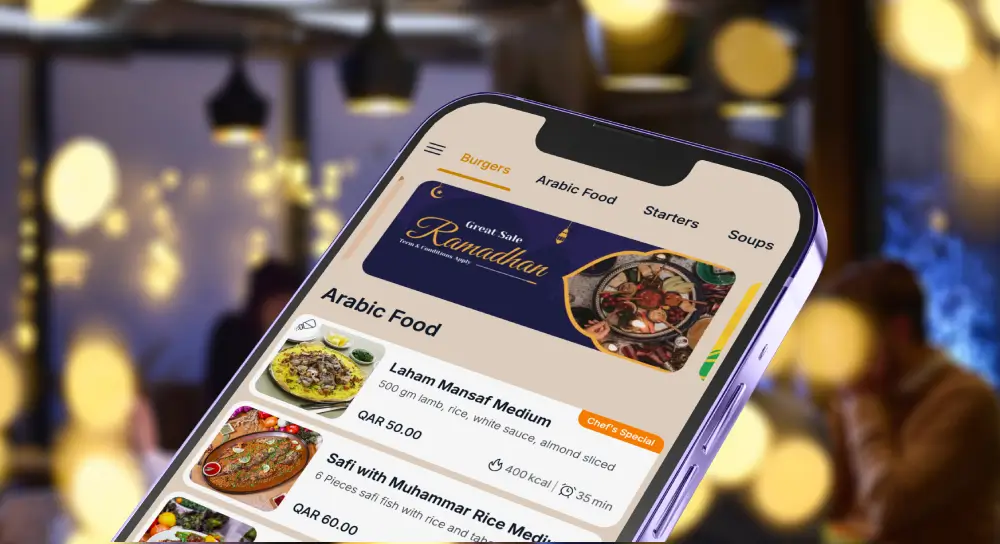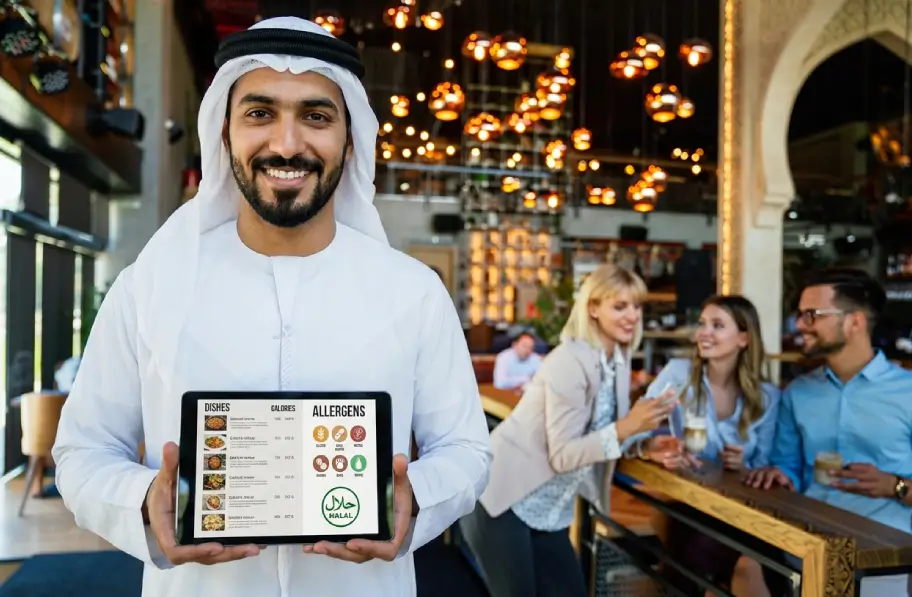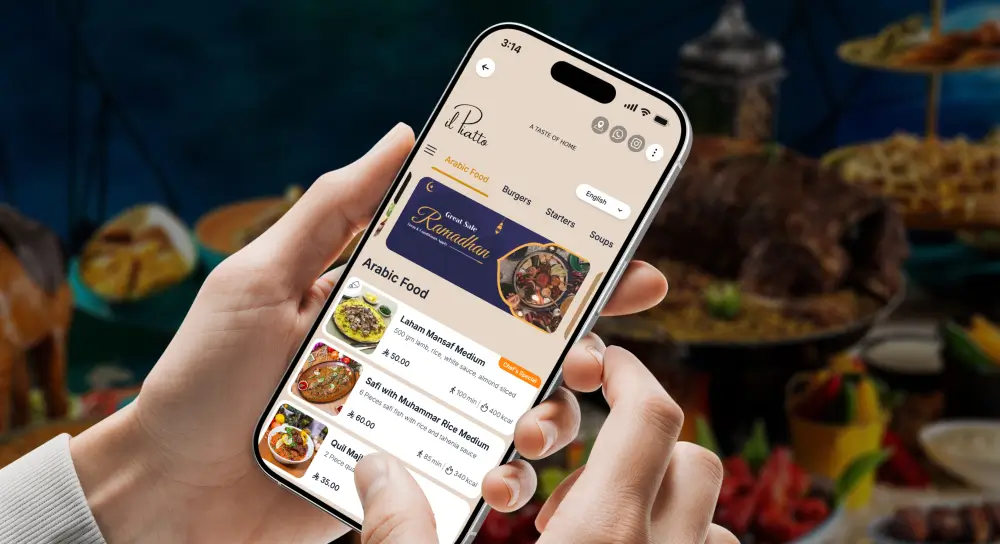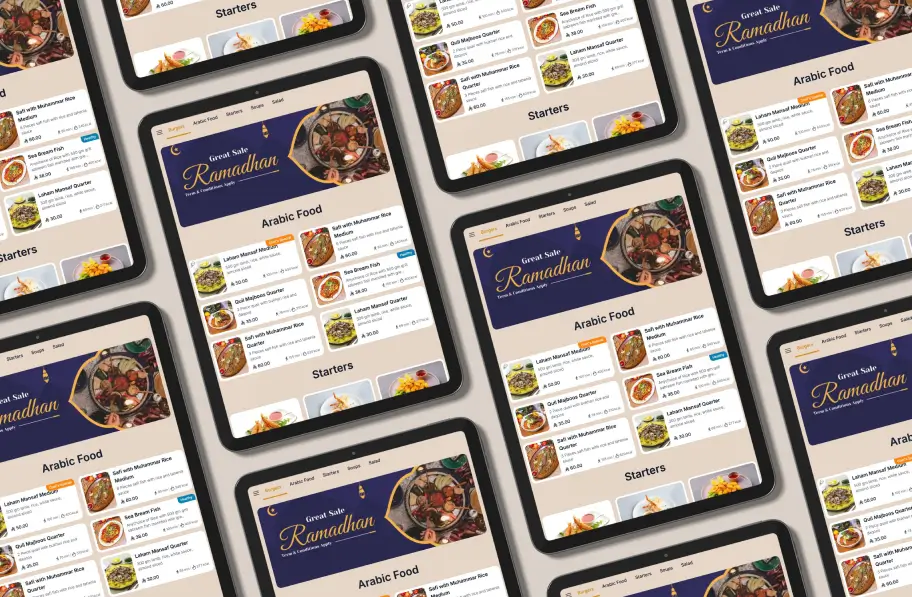
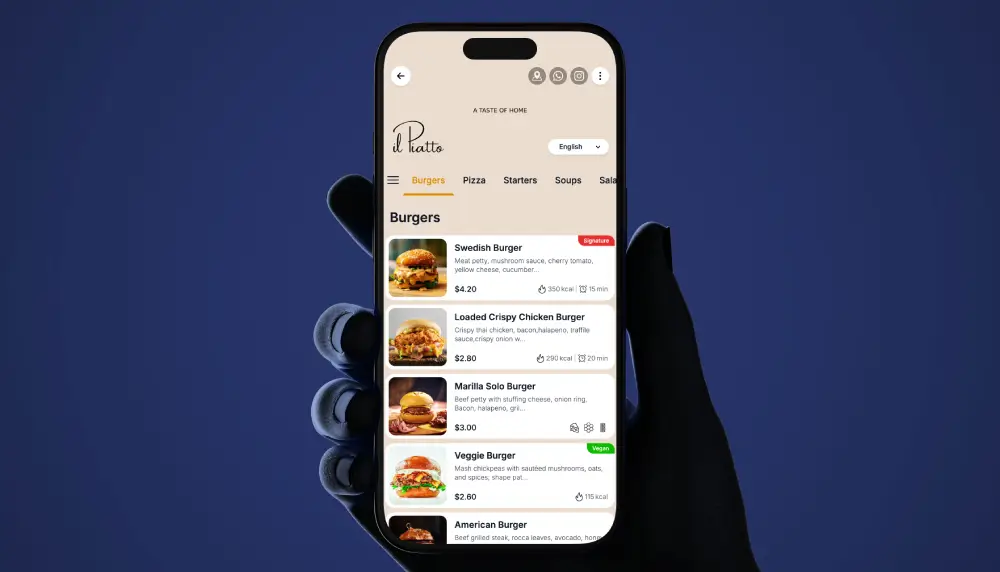
For restaurateurs across the Kingdom, Ramadan QR code menus for restaurants in Saudi Arabia make it easier to manage compressed Iftar peaks, late-night Ghabga waves, and pre-dawn Suhoor while keeping guests informed and your team in control.
Live Demo – Ramadan QR Code Menu
Why Ramadan service is different in Saudi
Service compresses into tight windows after Maghrib. Large family tables arrive together, and orders spike within minutes. You may run three menu tracks in one night. Iftar sets, a Ghabga list, and a lighter Suhoor selection sit alongside delivery or non fasting options. Reprinting every time an item changes is slow and expensive.
What a Ramadan QR code menu is
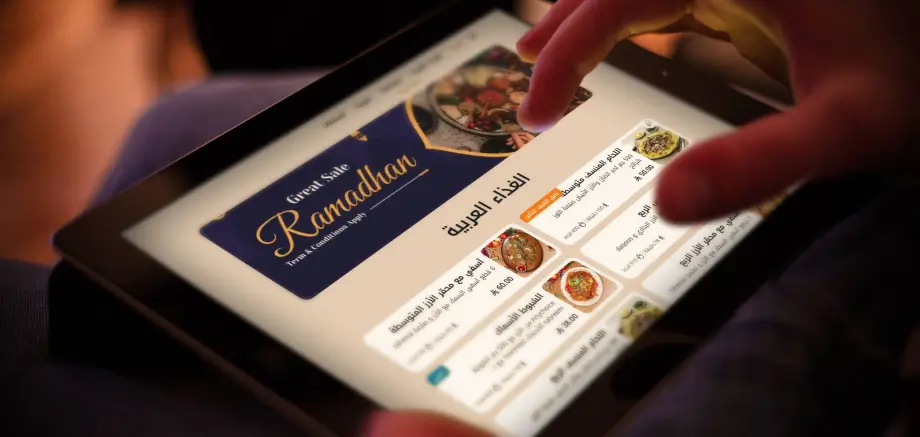
A Ramadan QR menu is a mobile menu that opens when guests scan a small code on the table. One code can display different menus by time. Show Iftar at sunset, switch to Ghabga later, then a Suhoor list near Fajr. You update items, prices, and availability in a dashboard. Changes appear instantly on every phone that scans the code.
With a single Ramadan QR code menu per table, Saudi restaurants can show Iftar at Maghrib, Ghabga later in the night, and Suhoor before Fajr.
Why QR code menus fit Saudi Ramadan service
Faster turns between Iftar and Ghabga
Guests want to choose quickly before the adhan and confirm just after. With QR menus, browsing starts while water, dates, and soup are placed. Highlight pre set Iftar packages at the top. Guests tap a set, choose drink or add ons, and you receive a clean ticket. That cuts order taking time and helps reset for Ghabga.
Menu changes in seconds
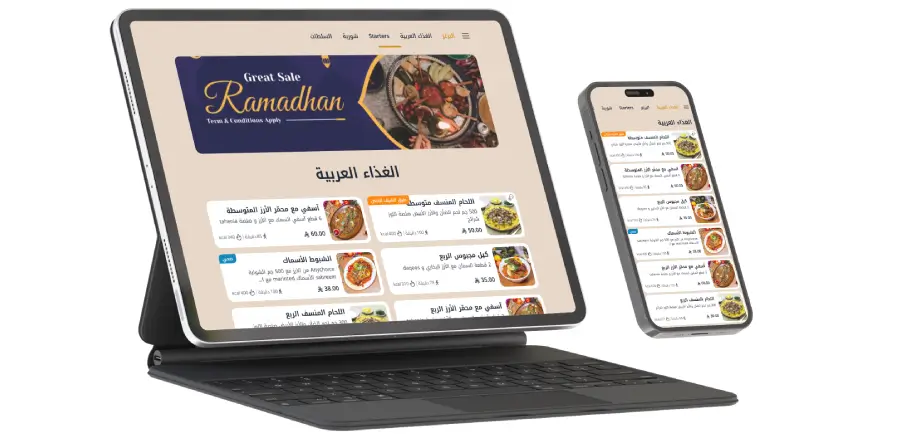
Ramadan items shift by day and by portion. Maybe a special soup runs for ten days or the lamb shoulder is limited to twenty portions. Use the dashboard to hide or mark items sold out the moment stock dips. If weekday Suhoor is softer than expected, remove two labor heavy dishes to reduce waste and bring them back for weekends.
Clear for mixed language groups
Many tables will mix Arabic and English readers. Printed dual language menus squeeze fonts. A QR menu lets each guest choose Arabic or English on their own phone. Layout stays readable and you can add notes on allergens, spice level, or prayer friendly timing without cramming the page.
How Ramadan QR code menus work in Saudi Arabia
Digital menu platforms like TableQR focus on speed and reliability. Print a single QR per table or area. Set rules by time and date. From Maghrib until one hour after, show Iftar sets and a short list of add ons. For late evening, switch to Ghabga dishes, desserts, and specialty drinks. Before Fajr, present a lighter Suhoor selection and hot beverages.
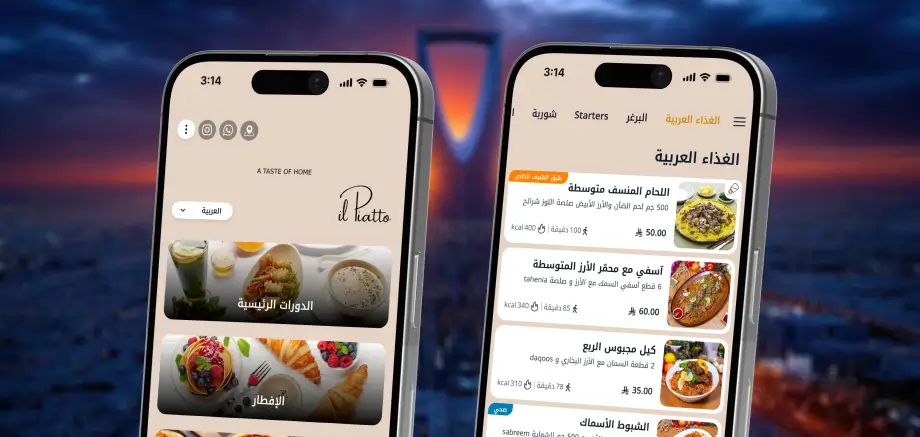
Your team manages categories, photos, descriptions, and pricing in a web dashboard. Because updates are live, you can react to a walk in group, a supplier delay, or a last minute Ramadan promotion immediately.
Designing a Saudi Ramadan QR menu strategy
Separate flows for Iftar, Ghabga, and Suhoor
Think in guest journeys.
- Iftar: one tap sets that include dates, soup, salad, main, drink, and dessert options. Keep choices tight and obvious.
- Ghabga: encourage browsing and sharing. Prioritize mezze, grills, mains, and rich desserts with clear portion guidance for 2, 4, or 6.
- Suhoor: lighter, comforting dishes. Focus on eggs, breads, foul, oatmeal, yogurt bowls, and simple mains.
Highlight seasonal and local favorites
Feature jareesh, harees, sambosa, kabsa, and lugaimat beside international best sellers. Add one line stories that matter, like a chef family recipe or a regional origin. Use strong photos for hero items at the top of each category to guide choice when guests are hungry and time is short.
Manage availability and portions in real time
Nothing is worse than a fasting guest picking an item that is gone. Mark dishes sold out the moment they hit zero. Hide complex items when the kitchen is under pressure and bring them back when capacity returns. Schedule Friday only specials, collab nights, or charity items that donate a portion of the price.
Preparing staff and guests for QR menus
Train staff with simple scripts
Hosts and servers need easy lines. For example: “Please scan to see today’s Iftar and Ghabga options. I can help you choose.” Run two practice services with the team. Ask what felt slow, then adjust category order, labels, or photo choices. Ownership kills resistance.

Make QR codes visible and on brand
Place codes where eyes land. Table centers, tent cards by napkins, stands near the buffet line. Avoid hiding under glass or clutter. Brand the display with your Ramadan identity. Add a short line like “Scan for today’s Iftar menu.” Make it feel intentional and premium.
Practical setup checklist
- Print one durable QR per table and one per service area
- Configure time based menus for Iftar, Ghabga, and Suhoor
- Pin top three sellers in each category
- Add Arabic and English with consistent terminology
- Turn on sold out and portion counters for limited items
- Prep staff scripts and a backup paper mini list for signal dead zones
- Test on common phones and screen sizes
What to measure during Ramadan
Track order time from seat to send, table turn time between Iftar and Ghabga, sell through of limited items, and frequency of out of stock apologies. Note questions guests ask repeatedly and fix the menu copy or photos the same day.
Ready to launch Ramadan QR menus in your restaurant
Ramadan is both meaningful and commercially important for Saudi restaurants. A smart QR setup keeps Iftar, Ghabga, and Suhoor organized, reduces pressure on your team, and gives guests a smooth experience.
A digital menu helps Saudi restaurants run smoother across busy service times, from casual cafes in Jeddah to fine dining spots in Riyadh.
If you want a specialist partner, explore a platform like TableQR, map your flows, and test with staff before the month begins so you are ready from the first Iftar.