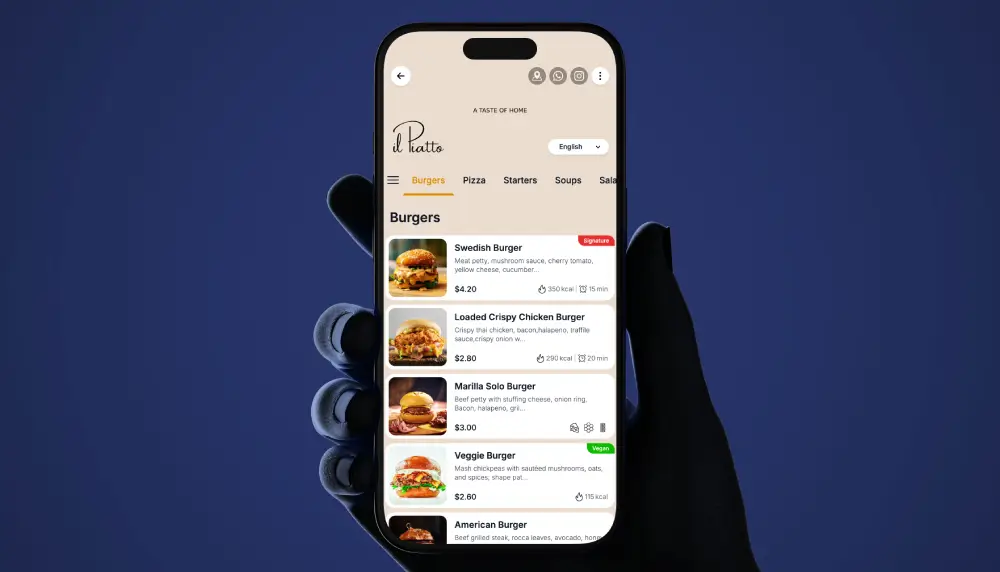
Hotels run many menus in many places: in-room dining, the pool and cabanas, the lobby cafe, the restaurant and bar. A QR menu puts all of them one scan away, in the guest’s language, always current. Guests scan, browse, and place their request with your team by phone, in person or WhatsApp. It replaces printed and in-room-binder menus, it does not change how your team takes and fulfills the order.
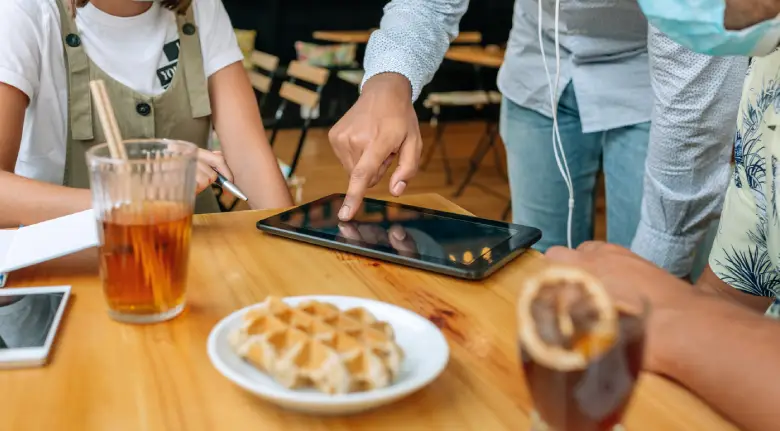
What Is a Hotel QR Menu?
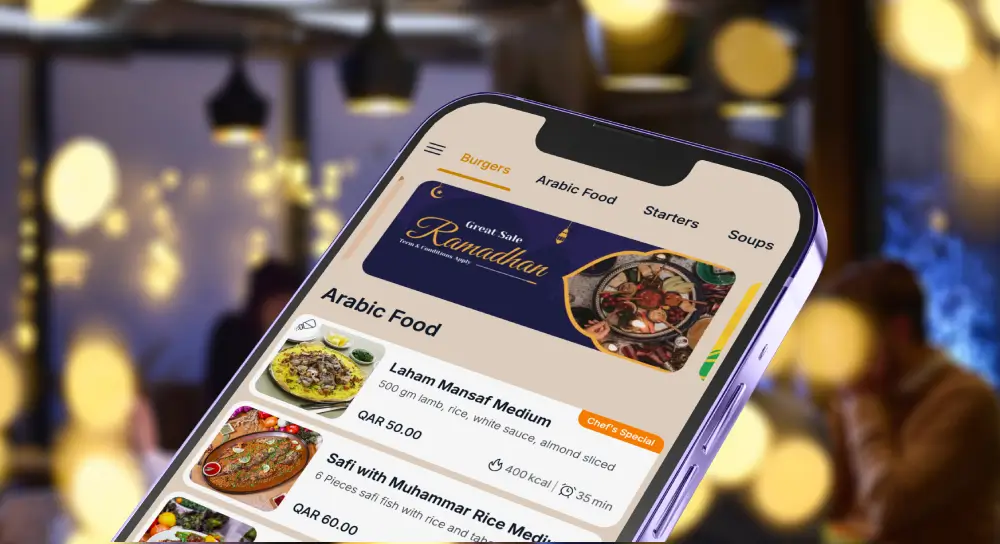
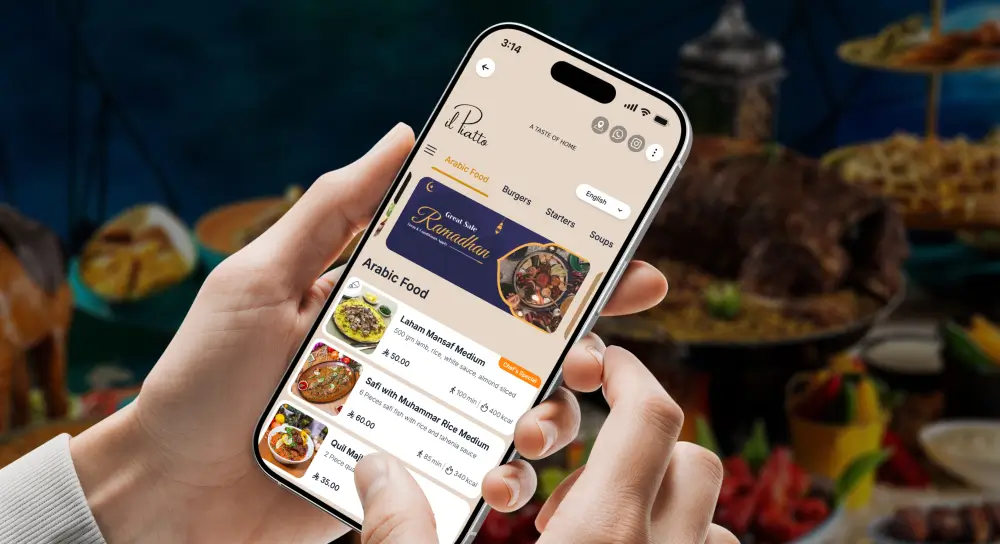
A hotel QR menu is a mobile web menu a guest opens by scanning a code in their room, at the pool, or in the lobby. It shows food and drink with photos, descriptions, prices and languages, and you update it in real time. Guests browse on their own phone with no app, then order the way your hotel already takes orders.
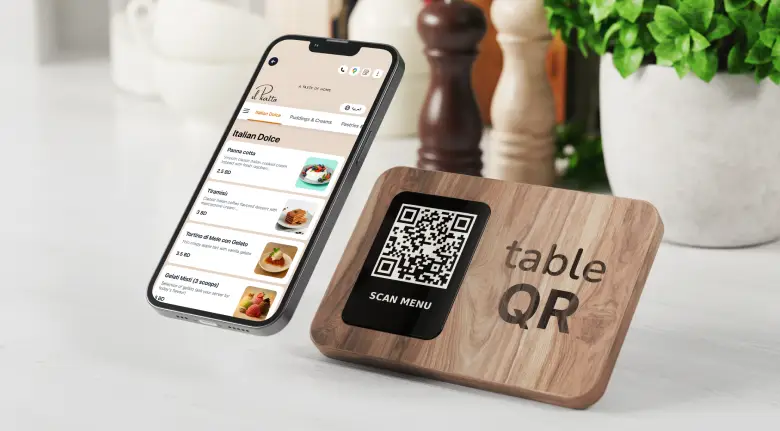
Digital QR menu vs contactless menu
People use these two phrases to mean similar things, yet there is a useful difference. A restaurant digital qr menu usually refers to a full digital menu with photos, modifiers, and notes, often connected to routing and analytics. A contactless menu qr may be a simpler, read only menu that just replaces paper with a webpage.
Therefore, when you compare options, ask yourself, do you only need a static digital PDF, or do you want a structured menu with categories, modifiers, and availability control. The second option, the full restaurant digital qr menu, helps hotels reduce mistakes and increase average order value, because guests can see choices, add extras, and submit accurate details. Meanwhile, the simple contactless menu qr works if you only want a quick digital view.
Tablet menu vs qr code menu, pros and cons
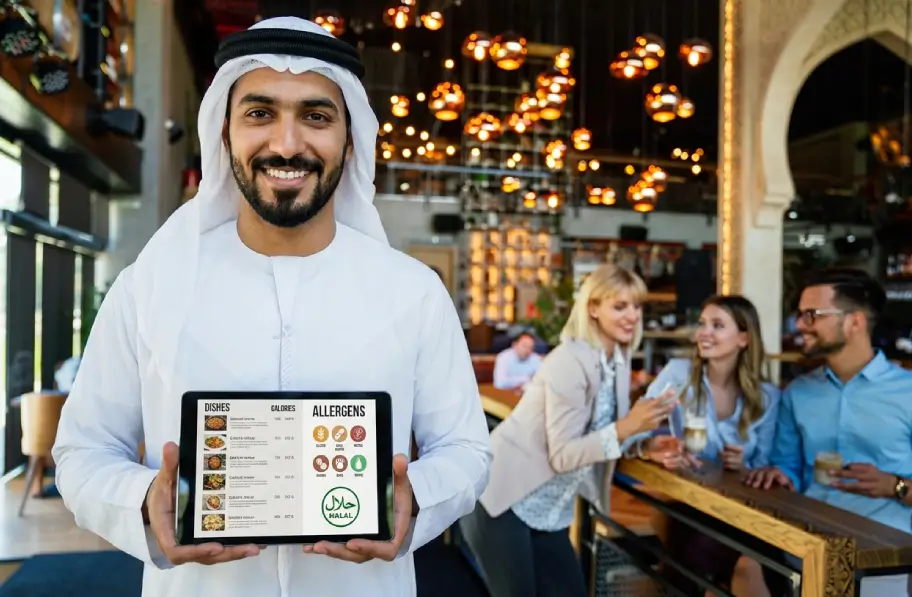
Tablet menus are hotel owned devices placed in rooms or on tables. They feel premium, and they are always on the correct page. However, they require charging, cleaning, updates, and replacements. They also need careful management to avoid missing tablets or dead batteries.
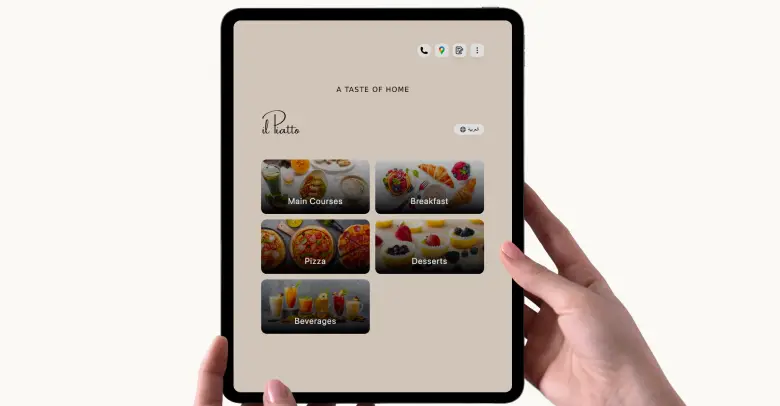
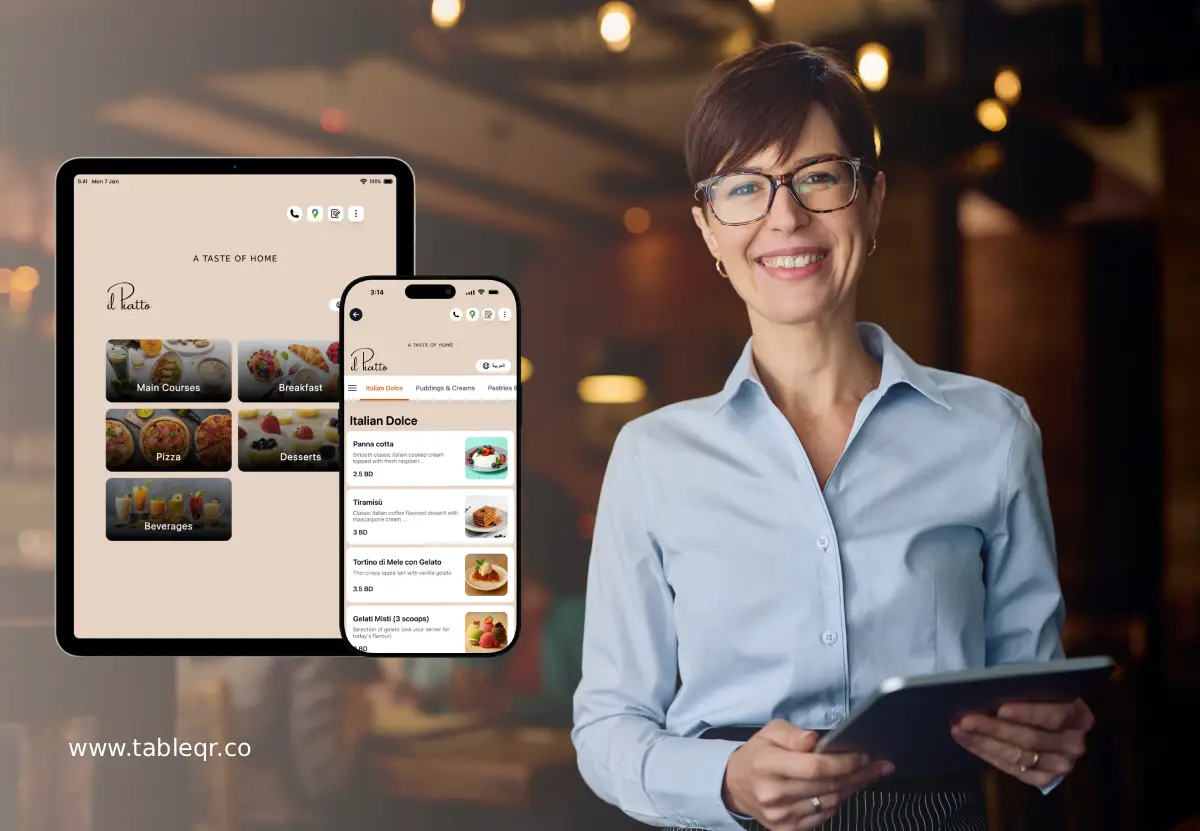
QR code menus live on the guest’s phone. They scale cheaply, they need only printed codes, and they update instantly when you adjust items. On the other hand, a few guests might prefer a physical device or a printed menu. Because of that, many hotels mix both, tablets in suites or VIP areas, QR codes everywhere else. This hybrid approach gives you control and flexibility, while keeping costs in check.
Why hotels use QR menus
Guests expect to look before they call. A QR menu lets them read the full in-room dining or poolside menu, see photos and prices, and decide, then place the request with your team. It cuts phone back-and-forth, reduces language friction, and keeps every outlet’s menu current without reprinting binders.

How to add a QR menu to hotel rooms, step by step
- Build each outlet’s menu with photos, prices and languages.
- Generate a dynamic QR code per space so you can update the menu behind it any time.
- Print the codes on in-room cards, TV screens, lounger cards and stands.
- Add a short line: “Scan to view the menu, then call [ext] or message us to order.”
- Brief the team on the phone and messaging flow.
Features that matter for hotels
Multi-language and multi-currency for international guests. Link
Allergens, calories and nutrition per dish. Link
Custom branding per property. Link
UX Best Practices for Higher Conversion
Good UX feels invisible because it removes friction. Here are patterns that consistently work.
First, one tap categories. Guests should reach food fast. Keep categories visible at the top with simple words.
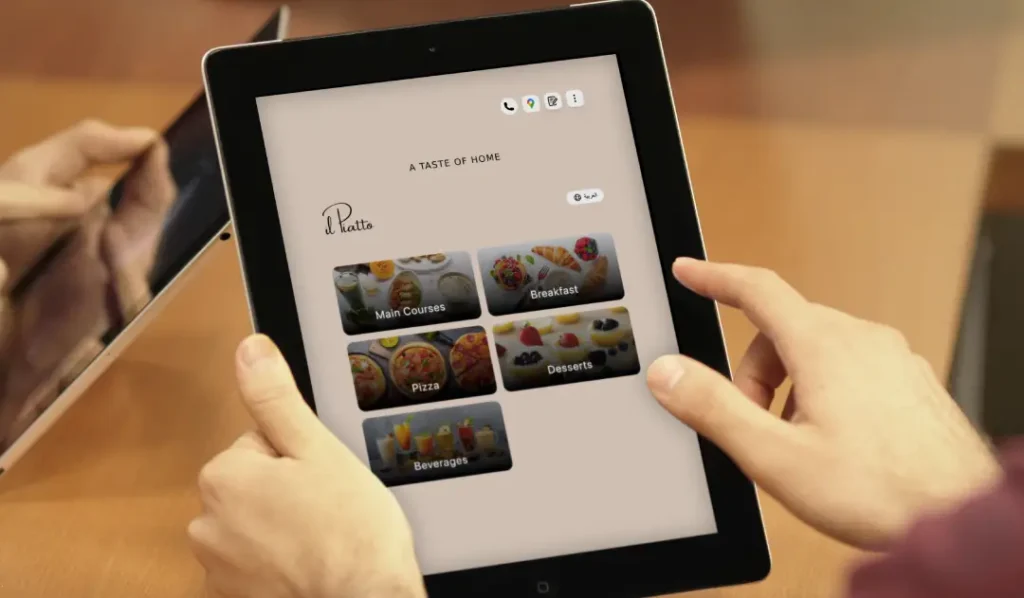
Second, a sticky cart. As guests scroll, the cart stays visible, so they always know how to submit. It reduces confusion and stops accidental back navigation.
Third, clear modifiers. Show only the relevant options when an item needs them. Do not overwhelm. For steak, show doneness. For salad, show dressing. For kids meals, show sides in a friendly way.
Fourth, notes and allergy fields. Provide a simple text note box, and a clear allergy selection. This builds trust, and it stops errors.
Fifth, language switcher. Keep it obvious and use flags or clear labels like English, Español, Deutsch, العربية, 中文. International guests will thank you.
Sixth, clarity about settlement. Because TableQR does not process online payments, set clear expectations. For example, show a small line on the confirmation page that says, settlement handled by hotel per policy, room charge or pay at counter. Clarity prevents confusion.
Eighth, performance. Keep images optimized. The page should load quickly on poolside Wi Fi. Guests will bounce if it takes too long.
Ninth, accessibility. Use large tap targets, readable fonts, and good contrast. Include alt text on photos so screen readers can describe items.

Finally, a reassuring confirmation. After submission, show a short message with expected prep time. If you can, show a simple status timeline, received, preparing, on the way.
“Good UX turns choices into confidence.”
Placement & Signage That Drive Scans
Even the best QR menu needs visibility. Therefore, plan your placement like you plan your menu.
Rooms, add a tasteful tent on the desk and a small sticker by the TV. Consider a welcome card on the pillow with a small QR for late night bites.
Pool umbrellas, place a small QR at eye level. Use weather resistant material. If you number loungers, place the code where the number is visible to staff.
Elevators, a slim sign at waiting areas can promote breakfast pre orders during morning rush. Keep the message short, scan, choose, pick up in 10 minutes.
Check in desk, guests standing in line can scan a lobby cafe menu. This reduces the morning jam and sets expectations early.
Keycard sleeves, a small QR with your late night menu becomes a pocket billboard. Guests remember it when they return to the room.
In short, the best sign is the one that guests actually see during their moment of hunger or thirst.
Compliance & Accessibility
Hotels serve all kinds of guests, so digital access matters.
Font sizes, keep body text at least 16 px, and allow guests to pinch to zoom. Titles can be larger, but do not make guests squint.
Contrast, aim for strong contrast between text and background. Light text on dark photos can be hard to read, so place text on a solid overlay.
Alt text, add clear alt text to images. A short description like, grilled salmon with lemon and herbs, helps guests using screen readers.
Offline fallback and hotline, Wi Fi can be spotty in some areas. Therefore, show a simple fallback line when a scan fails, for example, if loading is slow, please call room service at 555 0101. This tiny detail respects guests and keeps orders flowing even during network bumps.
Language coverage, prioritize your top three languages based on guest mix. Add more over time. The key is quality, not just quantity.
Privacy, collect only what you need, room number and name, and store it per your hotel policy. Do not request sensitive data you do not need.
Implementation Checklist
Here is a one page checklist you can print and use during rollout. It keeps the whole team aligned.
Menu data
- Final menus per venue and daypart
- Item names, prices, descriptions, allergens, photos
- Modifiers per item, required or optional
QR sets
- Rooms, unique or shared code with required room number field
- Pool, unique code per lounger or per zone with lounger capture
- Lobby cafe, single code with name capture
- Restaurant tables, unique codes per table or per zone with table capture
Staff training
- How to read tickets and location IDs
- How to handle allergy notes
- What to say when guests ask about the process
- Escalation plan during peak times
Signage
- Room tents, pool stickers, lobby signs, elevator signs, keycard sleeves
- Branding check, legible, on brand, high contrast
- Maintenance plan, cleaning, replacements
Launch and review
- Soft launch in one venue
- Collect feedback from guests and staff
- Iterate, then expand to all venues
WE BUILD IT. YOU SEE IT FIRST.
Send us your menu and let our team do the heavy lifting. We’ll build, brand, and translate a custom preview for your venue completely risk-free.