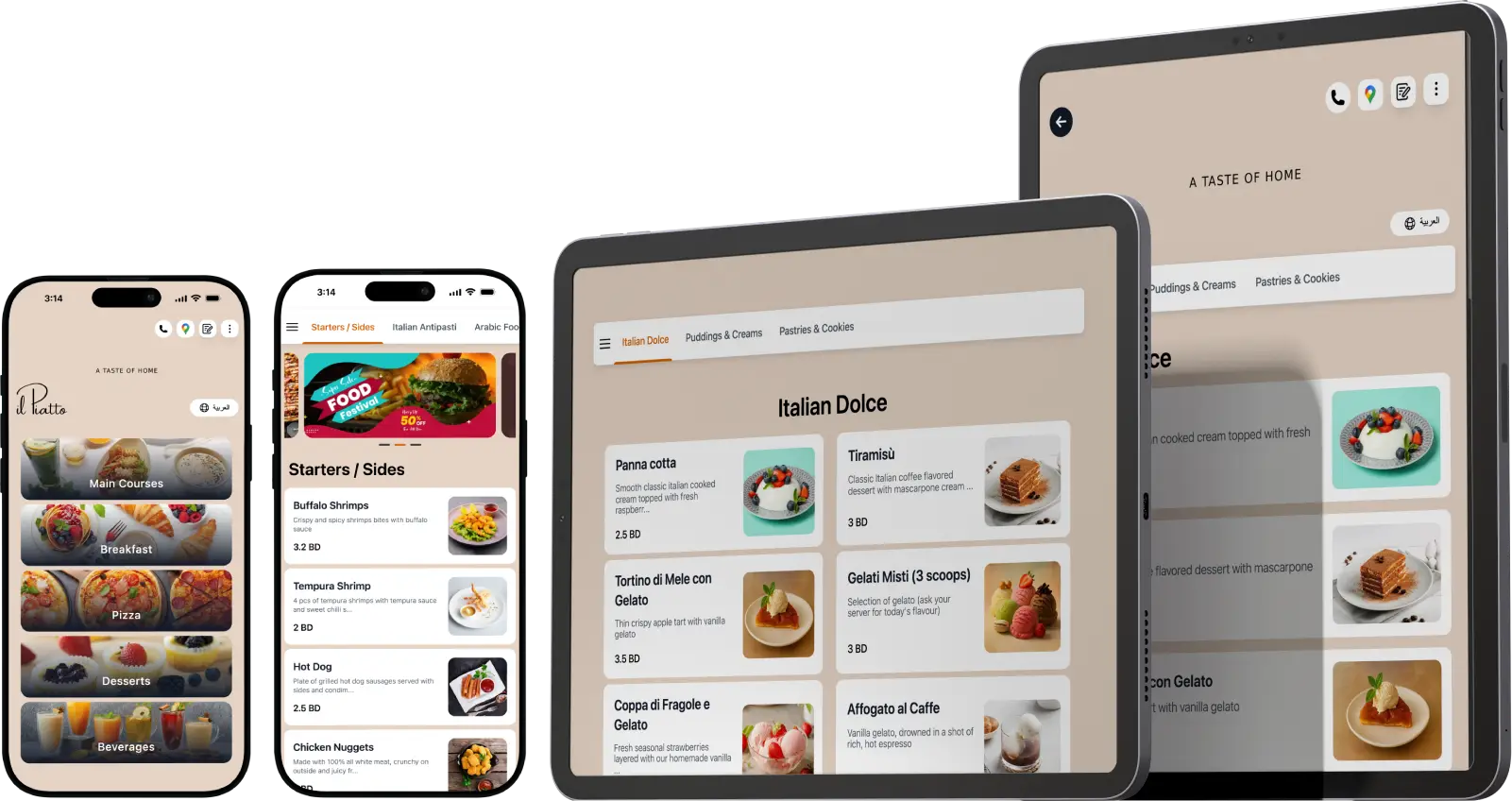
This is the TableQR demo. See exactly how a menu works in real life, from the scan to the dish. It is fast, reliable, and built to look like it belongs to your venue, not to us.
QR Menu Demo
Scan to See What Guests See
Scan the code or tap to open. This is a real, working menu, the same experience your guests would get. Change the language, browse the photos, and watch how allergen and calorie tags appear on real dishes.
What You're Looking At
Everything in this demo is customizable to your brand. What you are seeing:
- Your colors, fonts, and logo, not a template with your name dropped on
- Your photos and video on any dish
- Allergens, calories, sodium, and caffeine tagged on each item
- A language toggle for local and tourist guests
- Offers and promotions with start and end dates
- A layout that loads fast on any phone, with no app for guests to download
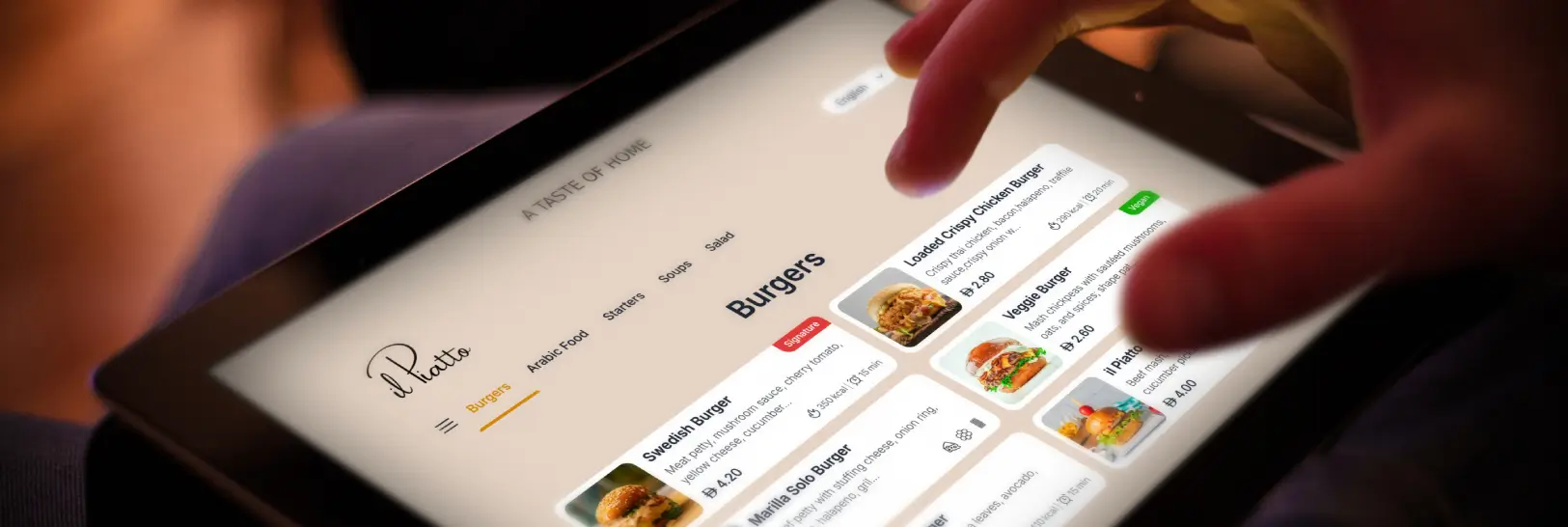
A real digital menu, exactly as guests see it.
The above demo is designed for the people who run daily operations, hotel owners, hotel managers, hotel operators.
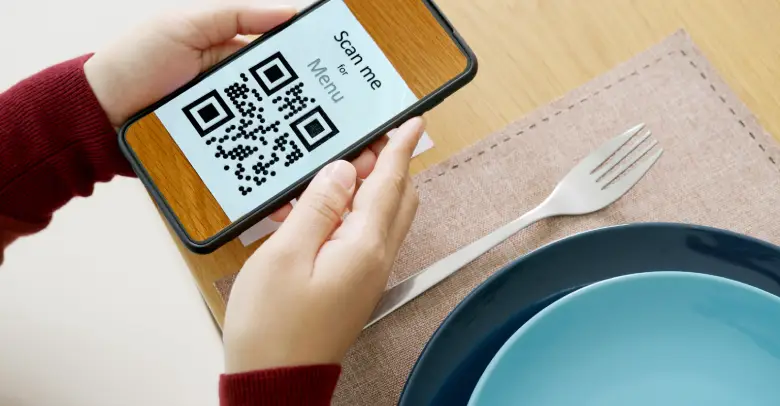
You need a tool that is reliable during rush hour, easy for new staff to learn, and flexible when menus change. TableQR runs in the browser, so there are no tablets to update or apps to push. Print a new table QR code menu when you open a branch or seasonal deck, place it on the table or holder, and guests are ready to scan.
See the branding on a live menu
Your brand matters. With TableQR, your digital menu uses your colors, fonts, logo, and tone. Buttons are readable, spacing is comfortable, and photos are crisp. You can show a hero banner for seasonal promotions or chef picks. If you run multiple concepts, each location gets its own custom QR menu design with shared items or unique lists. This keeps brand standards tight across restaurants and hotels while allowing local teams to adapt. The same QR code menu link can be used on table tents, check presenters, flyers, and room service cards.
How the Menu Works in Real Service
The menu runs in the browser, so there is nothing to install and no tablets to update. Print the QR code once and place it on the table, the check presenter, or a room service card. When the menu changes, the code stays the same and the page updates. Multi-language and multi-currency handle global guests, and each concept or location can carry its own design while sharing items.
Demo FAQs
-
Real and live. It runs on the same platform your guests would use.
-
No, it will look like yours. Every menu is built to your own brand, so this is a preview of the experience, not the design.
-
No, and that is deliberate. TableQR is a view-only digital menu. Guests read it, your staff take the order. It keeps guests looking at your menu, not filling a cart.
-
Yes. Send us your current menu and we will build a sample to your brand.
-
Guests open it in any phone browser, no app needed. Tablet menus keep working offline.
Want to See Your Menu Like This?
Send us your current menu, a photo or a PDF is fine, and our team will build a sample of your own menu to your brand so you can see it before you decide anything. No commitment.