How QR Code Menus Work for Restaurants: A Practical Guide
A QR code menu for restaurants replaces the static paper list with a live, browser-based experience guests control from their own phone. But how does the whole thing actually work, from the moment someone points their camera at a small square on your table to the second they decide what to order?
This guide breaks down the real mechanics. We will walk through what happens behind that scan, how different venue types put QR menus to work, and where most operators trip up during implementation. If you are ready to launch one for your venue, you can see our digital menu service and skip straight to setup.
What Happens When a Guest Scans Your QR Code
The process is deceptively simple. A guest opens their phone camera, aims it at the code on your table tent, and taps the link that appears. No app download. No login screen. The digital menu loads directly in Safari, Chrome, or whatever browser they already use.
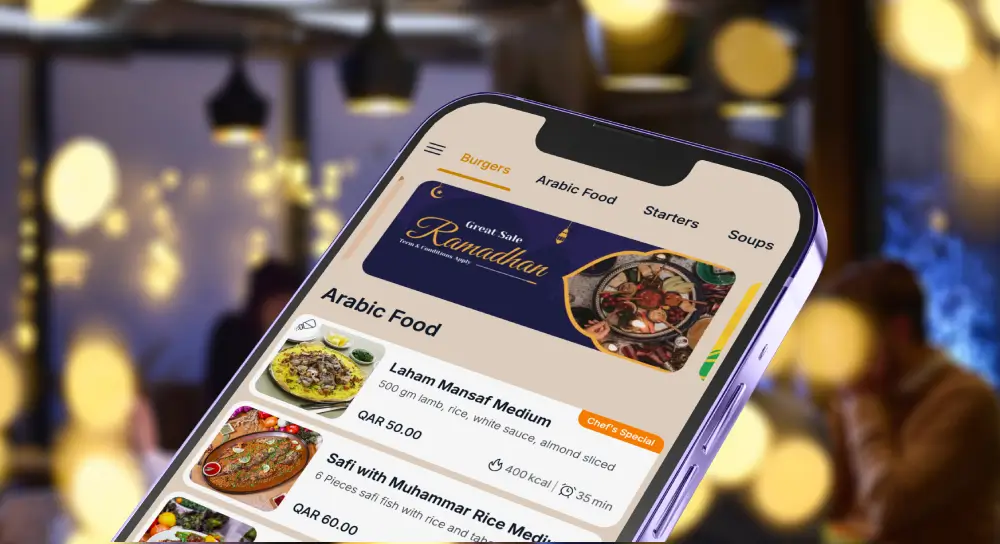
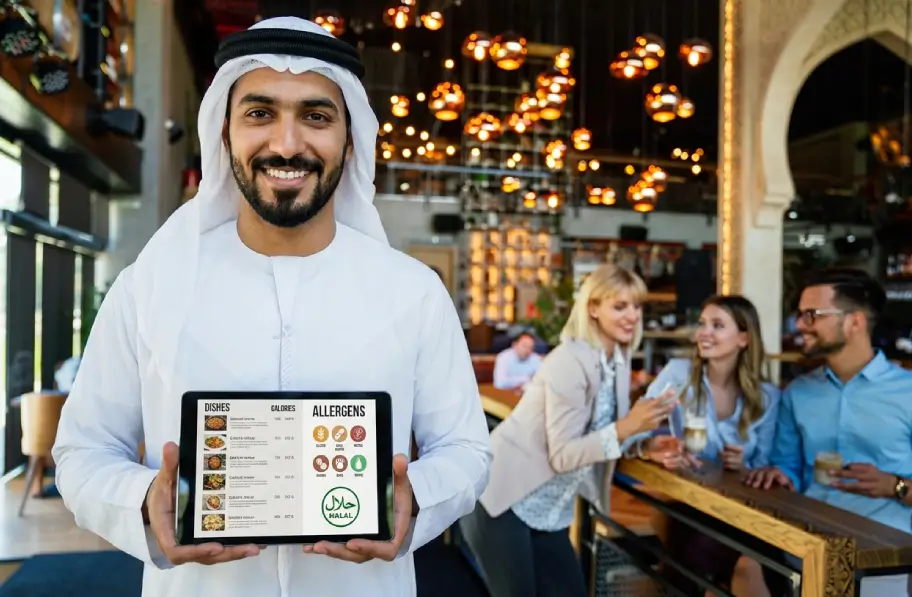
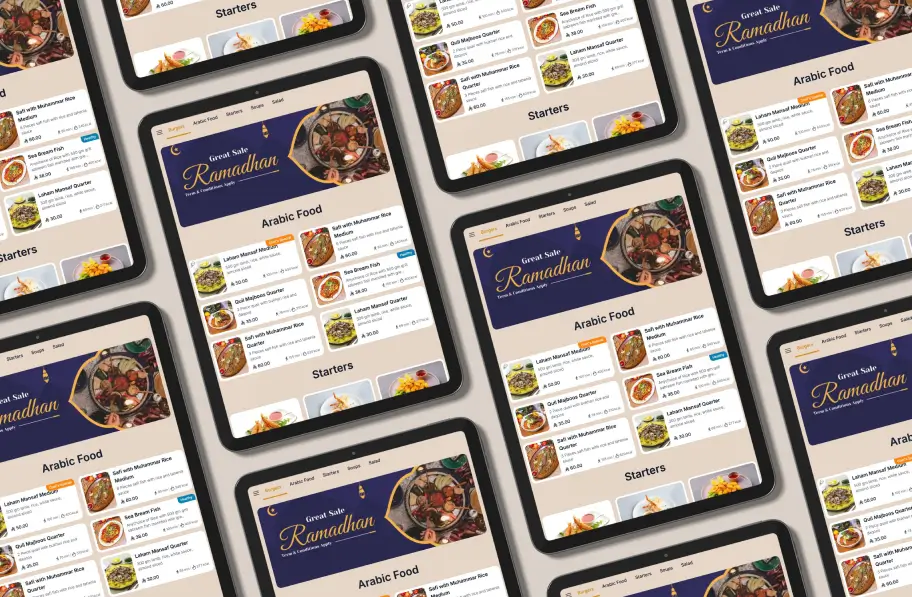
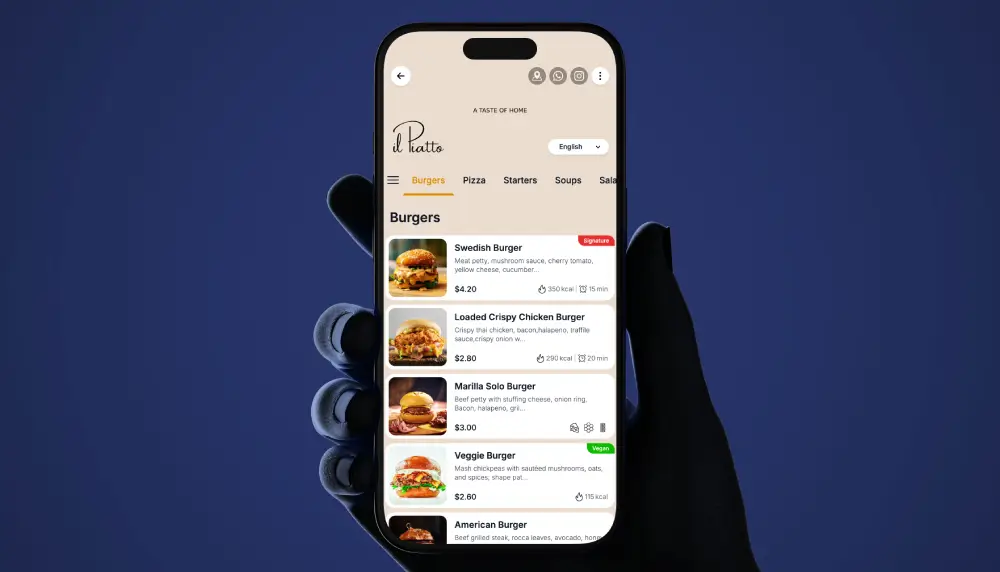
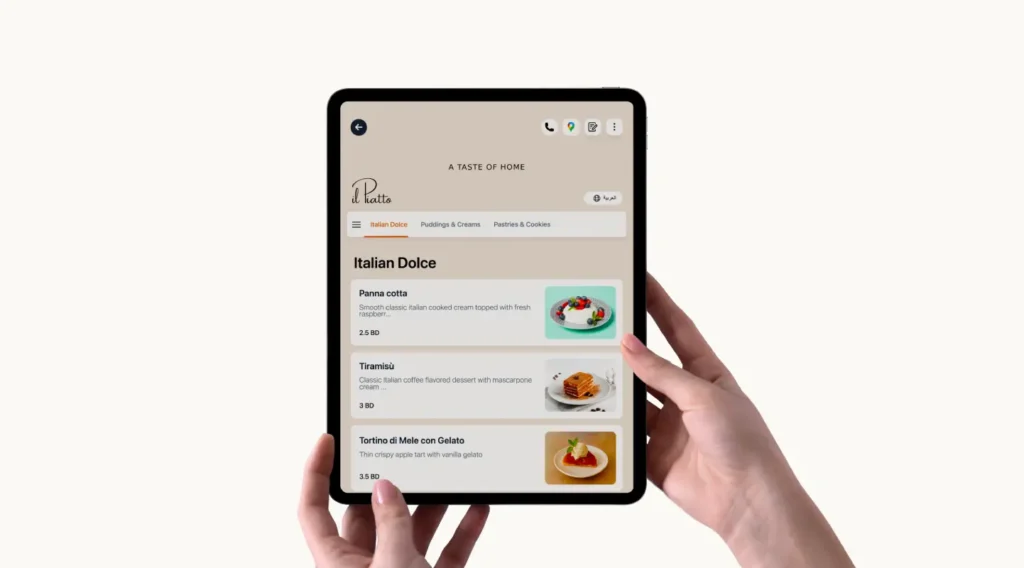
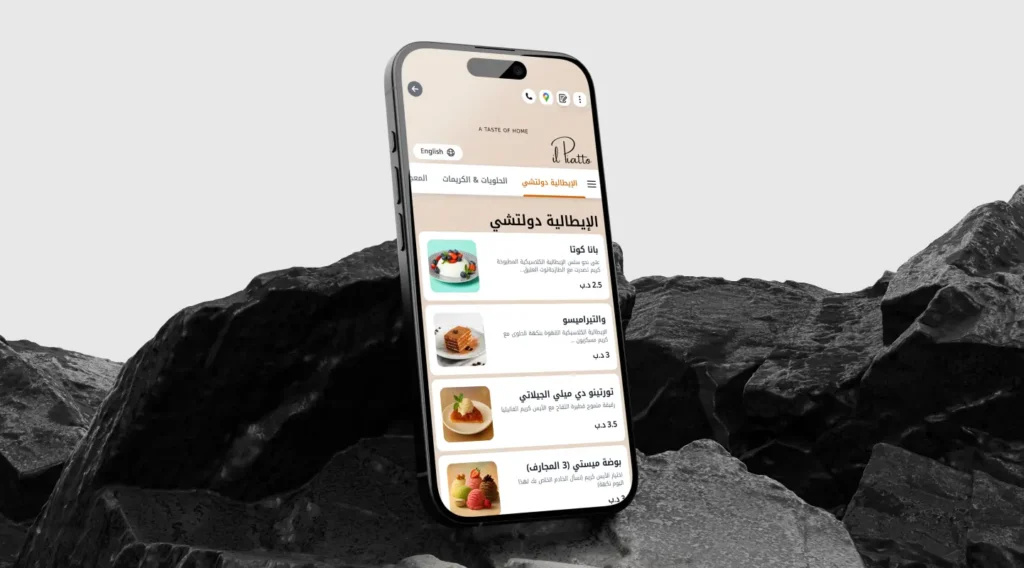
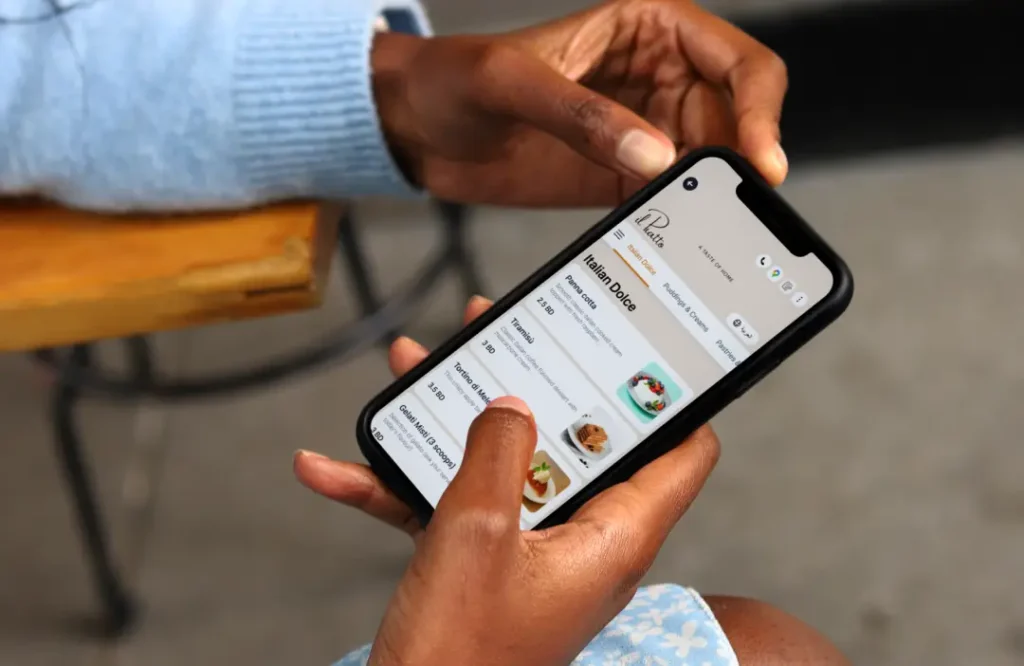
From there, the guest browses categories, taps into items, and sees photos, pricing, allergen icons, and dietary tags. If your venue supports multiple languages, they switch with a single tap. The entire interaction lives on their personal device.

Here is what most owners miss, though. That QR code is not a static image linked to a PDF. A well-built qr code menu points to a dynamic URL. When you change a price or mark a dish as sold out, the same printed code on your table reflects that change instantly. You never reprint the code itself—only the menu data behind it updates.
Think of it like a street address. The address on your building does not change, but you can redecorate the interior whenever you want. That is how a dynamic QR menu works.
How the Guest Journey Differs from Paper
With a printed menu, guests wait for a server to bring it, then wait again when they want it taken away. The QR code menu flips that dynamic. Guests access the menu on their own terms—the moment they sit down.
This changes the ordering rhythm. Your floor staff spend less time delivering and collecting menus, and more time recommending dishes or running food. In a busy Friday dinner service, those recovered minutes stack up quickly.
There is a subtler shift, too. Guests scrolling a digital menu tend to browse deeper. They see dessert categories and drink pairings they might have skipped on a two-page paper layout. A cafe in Jeddah, for instance, might notice that cold brew add-on sales climb simply because the option is visible at the right moment.
Does every guest prefer scanning? No. Some diners—especially older demographics—still gravitate toward print. Smart operators keep a small stack of physical menus at the host stand as backup while the qr menu handles the majority of tables.
How Hotels Use QR Code Menus Differently
Restaurants and hotels share the same technology, but the use cases diverge significantly. A hotel digital menu serves guests across multiple touchpoints, not just a dining table.
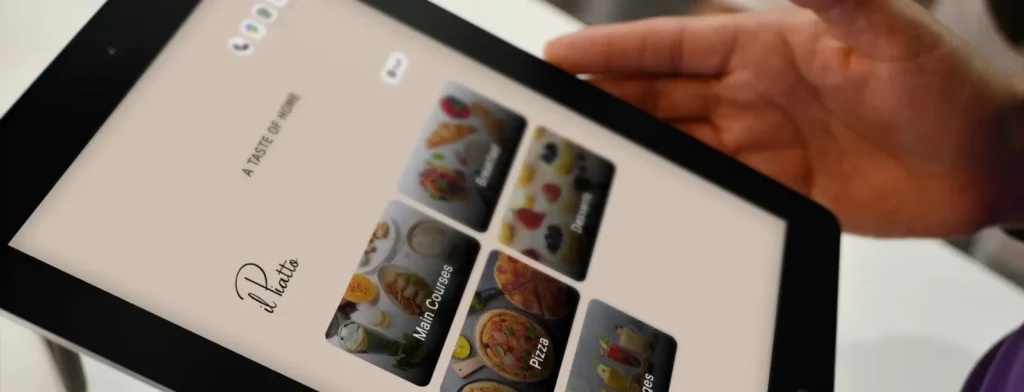
Picture a 5-star hotel QR code menu in a Gulf property. The same system powers the lobby cafe menu, the pool bar list, the in-room dining card, and the spa lounge drinks selection. Each location gets its own QR code, but all feed from one central dashboard.
A hotel room service QR code is especially effective. Instead of a printed compendium that sits in a drawer, a scannable code on the nightstand gives guests the live room service menu with current availability. When the kitchen closes a late-night item, it disappears from the menu automatically. No more 2 a.m. calls for dishes that ran out at midnight.
For hotel room service digital menu setups, multilingual support matters even more than in standalone restaurants. A property in Dubai might serve guests from 40 countries in a single week. Letting each person browse in their own language—without staff intervention—removes friction that paper simply cannot solve.
Cafes, Food Trucks, and Cloud Kitchens: Different Venues, Same Logic
You do not need a 200-seat dining room to benefit from this. A QR code menu for cafe environments works just as well. Counter-service cafes use a displayed QR code near the register so guests browse while they wait in line. The result: faster decisions at the counter, shorter queues, and fewer verbal back-and-forths about what is dairy-free.
A digital menu for food trucks solves a different headache. Truck operators change locations daily and rotate items constantly. Reprinting menus every time the lineup shifts is absurd. A single QR code on the service window handles all of it—today’s taco lineup, tomorrow’s slider special, next week’s vegan pop-up.
Cloud kitchen digital menu setups face similar flexibility demands. Virtual brands operating from the same kitchen each need a separate, custom branded digital menu. One kitchen might run three distinct brand identities, each with its own QR code, its own look, and its own item structure. All managed from one backend.
Managing Multiple Locations Without Losing Your Mind
Here is where things get operationally interesting. If you run one restaurant, updating a digital menu is straightforward. But what about five locations? Ten? Fifty across three countries?
Multi-branch restaurant menu management requires a structure most owners underestimate. You need a core menu that headquarters controls—brand-wide items, standard descriptions, approved photography. Then each branch needs the flexibility to adjust local pricing, toggle item availability, and add market-specific specials.
Without that hierarchy, chaos creeps in. Branch managers start making inconsistent edits. The flagship menu says one thing while the airport outlet says another. Guests who visit both locations notice.
Menu management for multiple locations works best when the central team sets guardrails and local operators adjust within them. It is the franchise model applied to your digital menu—brand consistency with local relevance.
For operators who are too busy to update their digital menu themselves, or who are genuinely tired of updating restaurant menu data across branches, outsourcing this layer makes practical sense. A managed digital menu service handles the ongoing edits, seasonal rotations, and translation updates so your team focuses on hospitality instead of spreadsheets.
The PDF-to-Digital Transition: What It Actually Involve
Many restaurants still operate with a photographed PDF behind a QR code. Technically, that is “scannable.” Practically, it is terrible. Guests pinch-zoom on tiny text, images are blurry, and nothing updates without re-uploading a new file.
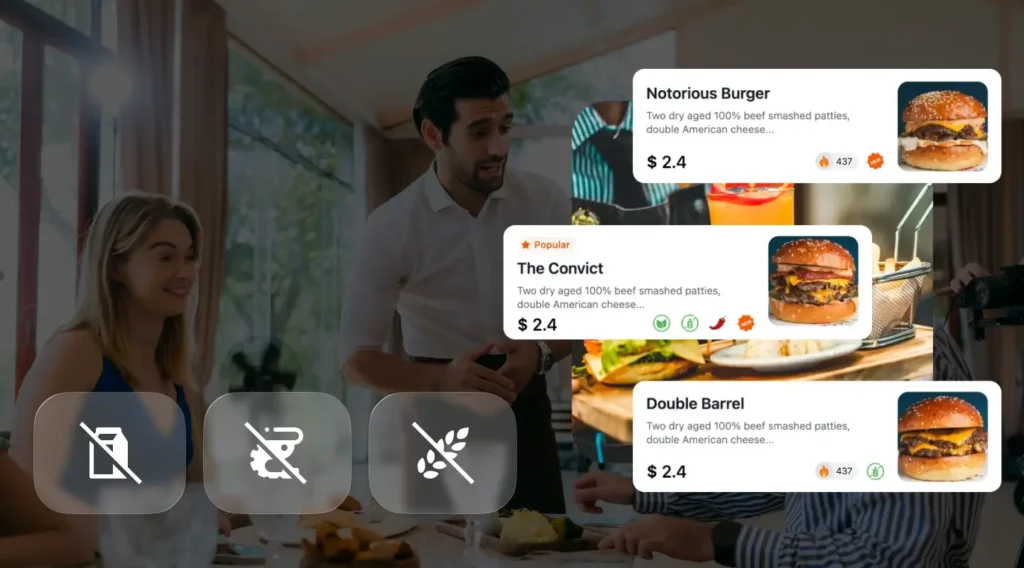
Turning a paper menu into a proper digital menu means restructuring your content. Items get organized into browsable categories. Each dish gets its own entry with a name, price, description, photo, and relevant tags. Allergens are tagged at the item level, not buried in footnotes.
If your current setup is a PDF menu and you want to convert to a real digital menu, the work is mostly in data entry and organization—not in technology. The technology is the easy part. The hard part is making sure your 87 menu items are correctly categorized, accurately priced, and tagged with the right allergen information.
This is precisely why many operators prefer a done for you digital menu approach. The data migration from PDF to live menu is tedious, and getting it wrong means inaccurate information reaching guests on day one.
Calorie Display and Compliance: The Quiet Mandate
Here is something that catches operators off guard. Calorie display menu requirements are expanding in multiple markets. Parts of the US, UK, and several Gulf states now require calorie counts on menus—and that includes digital ones.
A QR code menu actually makes compliance easier than paper. When regulations update calorie thresholds or require new nutritional fields, you update the data once in your digital menu and every touchpoint reflects the change immediately. No reprinting. No sticker patches.
For chains operating across jurisdictions, this is significant. One location might need calorie counts displayed by law, while another location in a different country does not. A properly structured digital menu can show or hide nutritional data by location.
Common Mistakes That Undermine Your QR Menu
Even with good technology, execution mistakes kill the guest experience. Here are the ones we see most often.
Placing QR codes where guests cannot reach them. A code under a flower vase or printed too small on a dark surface defeats the purpose. Placement should be at natural eye level, well-lit, and obvious from a seated position.
Overloading the menu with too many items. Digital does not mean unlimited. If your paper menu had 40 items, your digital version should not suddenly have 120. Decision fatigue lowers average order value. Keep categories tight.
Ignoring load speed. Heavy, uncompressed images on your online menu for restaurant pages cause slow load times. Guests on mobile data—not Wi-Fi—experience this the worst. If your menu takes more than three seconds to appear, a meaningful percentage of scanners will give up.
Forgetting to update. This sounds obvious, yet it happens constantly. Operators launch a beautiful qr code for restaurant menu day one and never touch it again. Prices change, items rotate, seasonal dishes appear and vanish—but the digital menu stays frozen. If you don’t have time to manage your restaurant menu regularly, either build the habit or delegate it.
White Label and Custom Branding: Why It Matters
Not every digital menu provider lets your brand shine through. Some platforms stamp their own logo and color scheme on every menu. Your guests see someone else’s brand before they see yours.
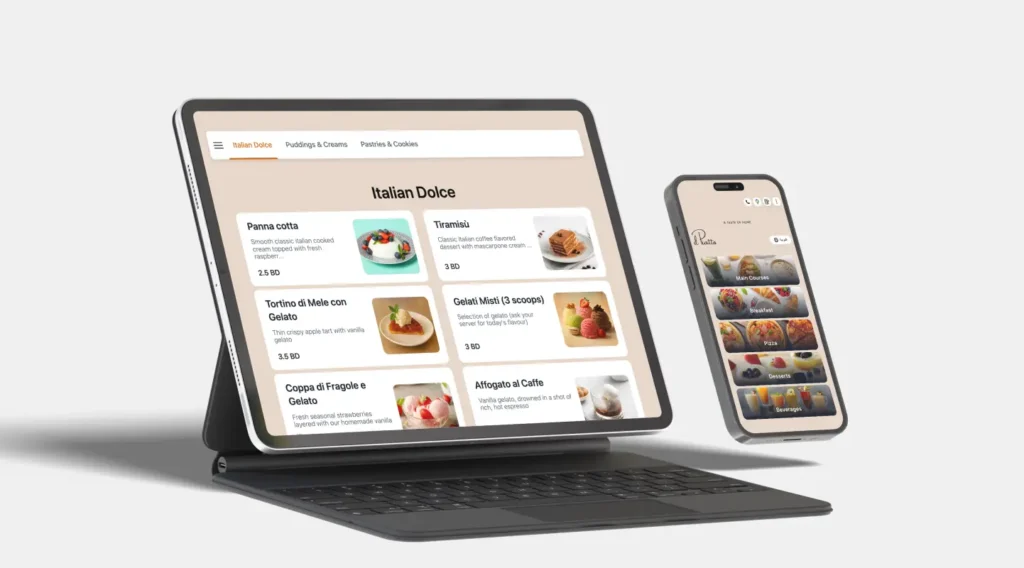
A white label QR menu removes that friction. Your logo, your colors, your typography. The guest experience feels like an extension of your restaurant—not a redirect to a third-party app.
For restaurant groups managing a custom branded digital menu across multiple concepts, this becomes essential. A casual burger joint and a fine-dining Italian room cannot share the same template. Each concept needs its own visual identity even if the backend technology is identical.
Is a QR Code Menu Right for Your Venue?
Not every concept needs one immediately. A 12-seat omakase counter with a fixed tasting menu and zero item changes probably does fine with a beautiful printed card. That said, even that venue might benefit from a scannable wine list or a digital drinks menu.
For the vast majority of restaurants, cafes, and hotels, though, the answer is clear. If you change prices more than twice a year, serve international guests, operate multiple locations, or simply want to stop reprinting menus every time your supplier costs shift—a digital menu setup service pays for itself quickly.
The technology is mature. The guest behavior is established. The only real question left is whether you build and maintain it yourself, or whether you hand the heavy lifting to a team that handles restaurant menu design service and ongoing management for a living.
Either way, the paper-and-PDF era is closing fast. Your menu is too important to leave behind.