
Customer Feedback

Collect Feedback and Google Reviews From Your Menu

The best moment to hear from a guest is while they are still at the table. We build two paths into your QR menu: a one-tap public Google review, and a private feedback form tied to the dishes they ordered, so you grow your rating and learn what to change, from the same menu guests already use.

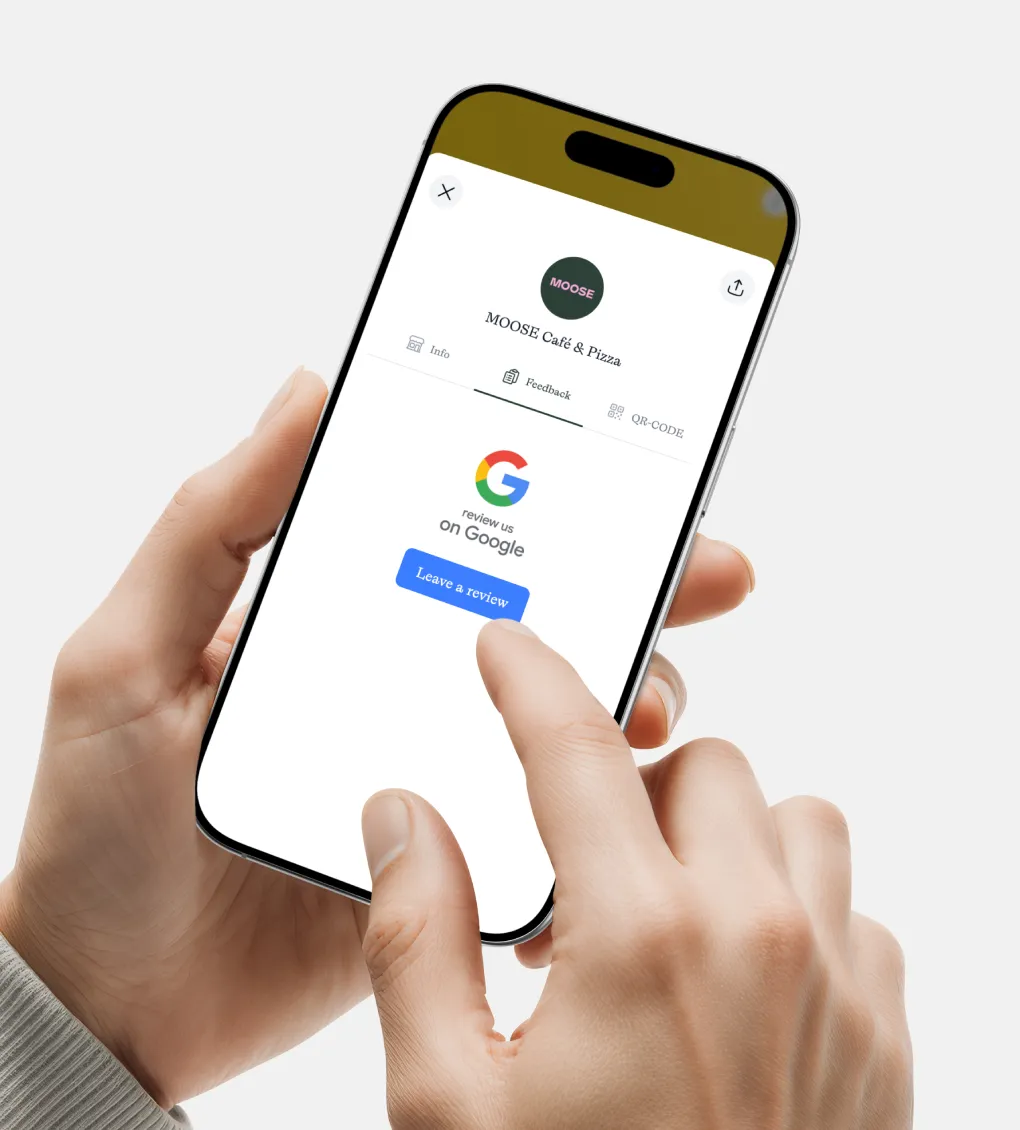
Digital Menu gogole reviews for guests.

Two Ways Guests Can Respond, One Menu

Inside your digital menu, every guest sees both options: leave a public Google review, or send private feedback straight to you. Some guests want to broadcast a great experience; others prefer to tell you directly. You capture both instead of losing the ones who would not have posted publicly. Both paths open from the menu they are already using, with no extra card, app, or follow-up email.

Public Google Reviews, Built Into the Menu

Google reviews are among the strongest local ranking signals for restaurants: more reviews support higher visibility in Maps and search, which supports more walk-ins, reservations, and orders. Most venues rely on guests remembering to review later, which rarely happens.

We place a branded “Rate us on Google” prompt inside your menu that links straight to your Google Business review form, no intermediate pages, no account setup beyond the guest’s own Google sign-in. For multi-location brands, each branch routes to its own listing so reviews land where they belong.
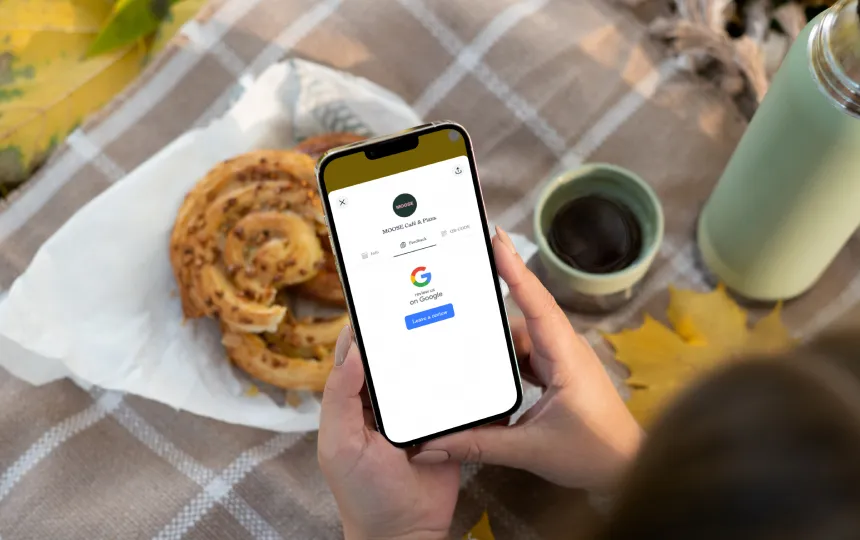

Girl holding phone with google review in display.
Restaurant manager updating digital menu on his phone.

Private Feedback and Menu-Level Insight

Not every guest wants to post publicly, and public stars do not tell you which dish underperformed. Our private feedback path lets guests share detailed feedback from the menu, tied to the specific items they viewed or ordered, and optionally to guest segments you define. You see what is landing and what is not at the item level, so menu decisions come from data instead of guesswork. Public reviews build your reputation; private feedback tells you what to fix.

Why In-Menu Feedback Beats Comment Cards and Follow-Up Emails

A comment card gets left on the table. A follow-up email arrives after the guest has moved on. The menu is open at the moment of the experience, which is exactly when feedback is most honest and most likely to be given. By putting both response paths inside the menu, you capture guests at peak intent instead of hoping they act later.

Works for Every Venue Type

Restaurants, cafés, hotel F&B outlets, food trucks, and cloud kitchens with dine-in areas all use this. Hotels route guests to the correct listing for each restaurant, bar, or café. Chains collect reviews and feedback per location while keeping brand-level oversight. If you have a Google Business listing, the review path works, and the private feedback path works regardless.

Floor manager asking guests for their experience and feedback.

FAQ

Yes. A branded prompt inside your menu links directly to your Google Business review form, so guests rate and comment in a tap.

Yes. Guests can send private feedback straight to you from the menu, which is useful for the guests who would not post publicly.

Yes. Private feedback can be linked to the items a guest viewed or ordered, so you see item-level signal rather than a single overall score.

Every guest sees both options. We do not filter by rating or hide the review prompt from anyone, which keeps the setup within Google’s review policies.

Yes, Google requires a signed-in account to post a public review. Most guests are already signed in on their phones. The private feedback path needs no account.

Yes. For multi-location brands, each outlet links to its own Google Business listing so reviews are attributed correctly.

Yes. The two in-menu paths cover both public reputation and private, item-level feedback, so you do not need separate cards or forms.

Yes. We can add buttons for TripAdvisor, Zomato, or any platform that supports direct review links, configured per venue.

Concierge clients have us configure and maintain it. Signature clients manage prompts and placement themselves after we set it up.

Get Feedback and Reviews Built Into Your Menu

We configure both response paths inside your menu, public Google reviews and private feedback, so you grow your rating and learn what to improve. Choose Concierge to have it managed, or Signature to run it yourself.

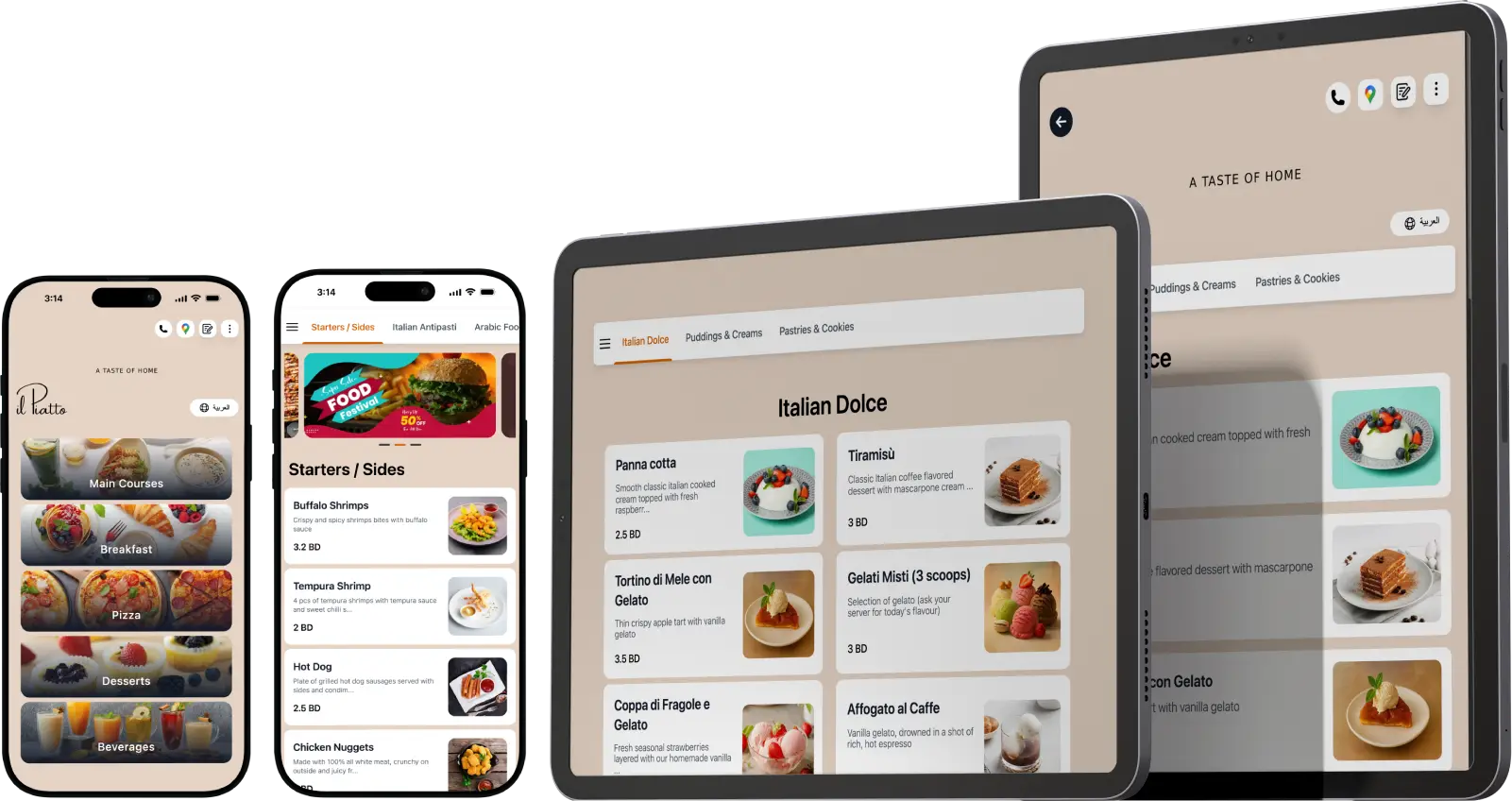
Digital Menu for all Device and screens.