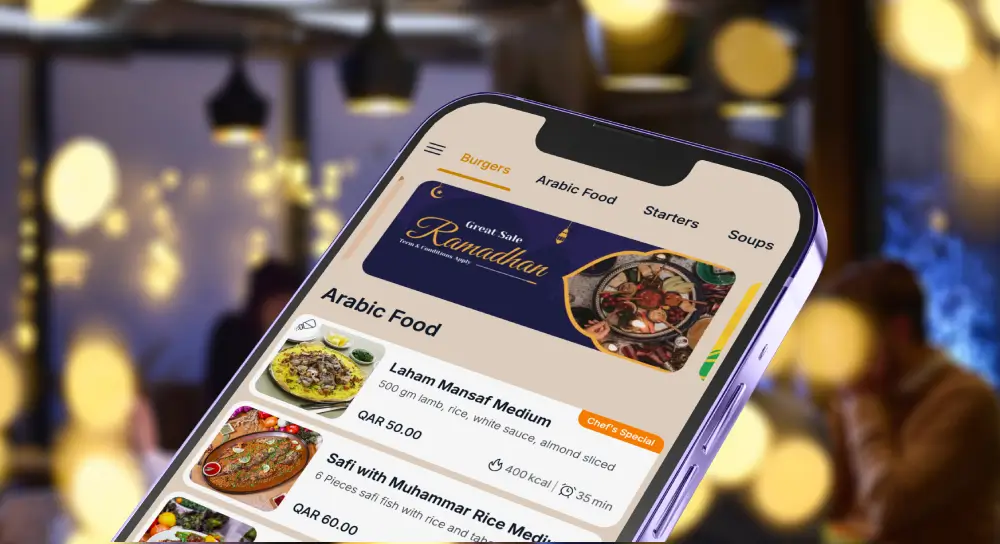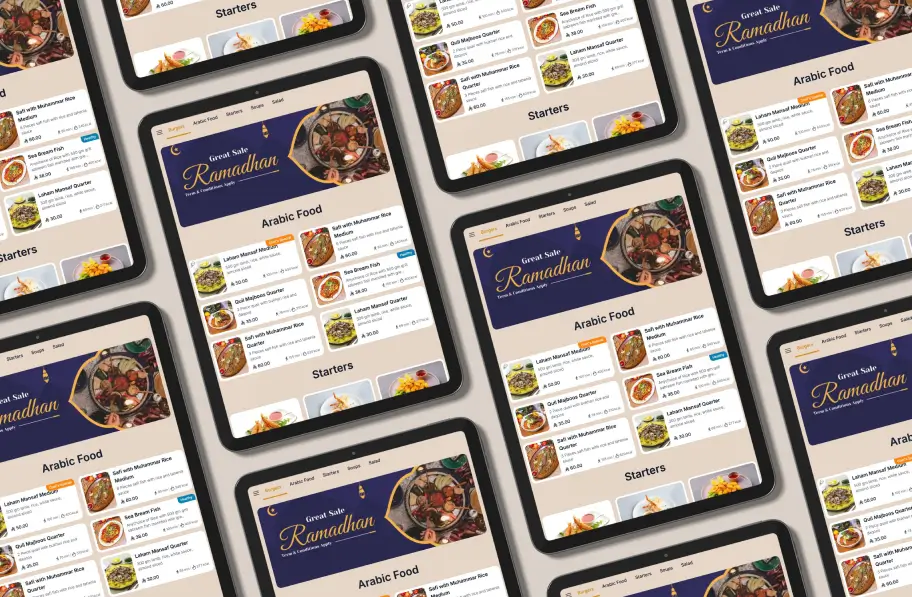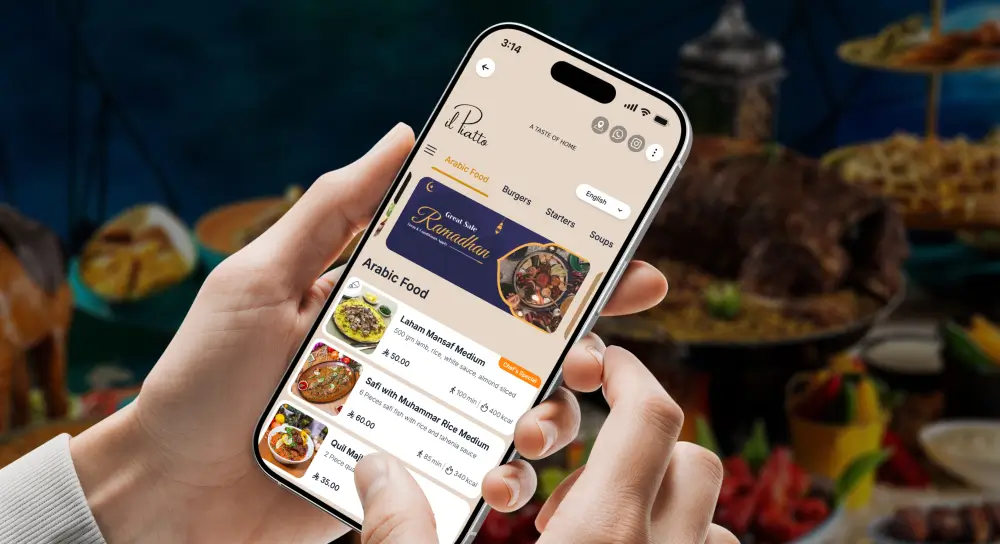
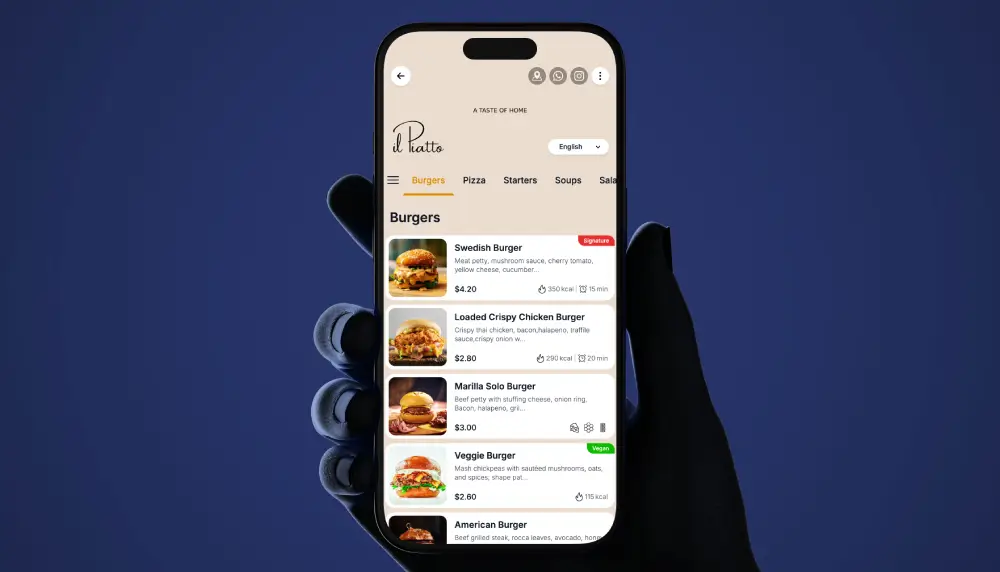
Ramadan QR Code Menus for Restaurants help you run Iftar, Ghabga and Suhoor with less chaos, faster table turns and clearer communication for guests and staff.
During Ramadan, clarity on the menu is as important as flavor on the plate.
Why Ramadan Demands a Different Menu Strategy
Ramadan reshapes when people eat, what they order and how long they stay. A normal all day menu rarely survives the pressure of a one hour Iftar spike, a late Ghabga crowd and selective Suhoor guests who want to eat and leave quickly.
Iftar patterns
Iftar is a sharp surge that hits in the minutes after Maghrib. Guests arrive hungry and impatient, often in large groups. They want water, dates and soup first, then they ease into mains or a Ramadan Iftar Buffet.
If your Iftar Menu is long or unclear you lose minutes at the table while people debate options. That delay hurts table turns and creates stress for the kitchen line. A focused Iftar Menu with clear bundles, one strong vegetarian choice and a high protein option gives guests confidence to order fast.
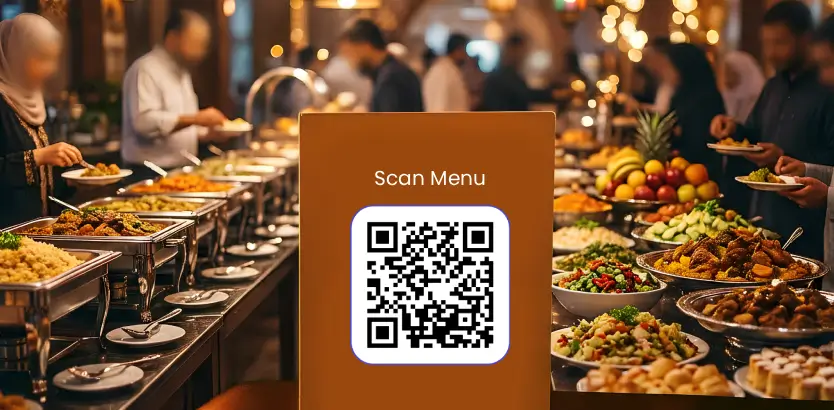
Buffets are a common answer. A well designed Ramadan Iftar Buffet smooths the first wave because you batch prep core items instead of firing dozens of different plates at once. The trick is to set clear timing, last seating and prayer buffers so expectations match reality.
Ghabga and Suhoor patterns
Ghabga is a later evening social meal. Guests have more time, often stay longer and look for lighter savory items plus desserts such as luqaimat, kunafa and fruit. A Ghabga Buffet or Ghabga Menu that highlights social plates, tea service and Arabic coffee works well for groups that stay into the night.
Suhoor is different again. It is late, often rushed and portion focused. People want protein rich dishes, eggs, parathas or flatbreads, yoghurt and fruit that carry them through the day. They care more about speed, pickup options and small portions than variety. Your Suhoor Menu should reflect that with half portions on rich dishes, Suhoor boxes and pre order flows for pickup or delivery.
Group behavior and pricing
Ramadan is dominated by families, office teams and friend groups. That changes pricing. Instead of thinking only in individual mains, build:
- Family trays for four with a price slightly below four mains.
- Group packages for eight or more, with clear per head pricing.
- Kids tiers for buffets, with a visible rule such as “Kids under 6 dine at no charge, kids 6 to 11 at half price.”
Group friendly pricing makes your Iftar Promotion easier to understand and pushes guests toward higher checks without feeling complicated or pushy.
When your QR menu is clear, guests spend less time figuring things out and more time enjoying the people they are with.
Why QR Code Menu systems shine during Ramadan
A QR Code Menu is not just a replacement for paper. During Ramadan it becomes an operations tool that keeps the Iftar rush under control and lets you switch menus by time.
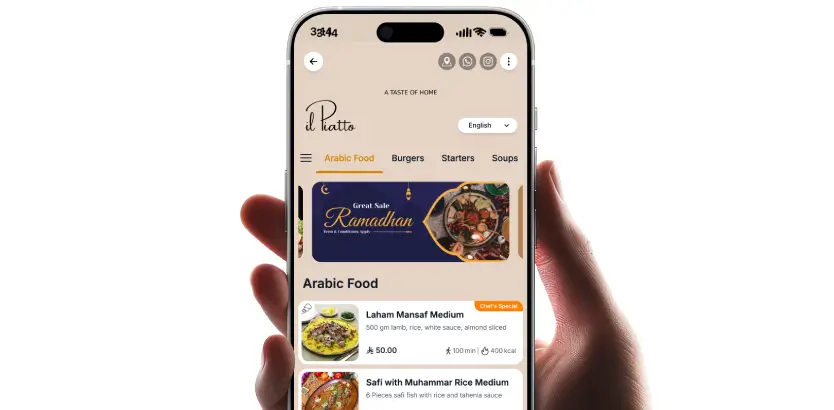
With a Digital Menu, guests scan, land directly on the relevant section and start ordering. There is less back and forth with staff, fewer mistakes and better pacing. Your team spends more time delivering hospitality and less time explaining bundles or reading out today’s Ramadan Iftar Buffet details.
Because prices live in a backend, you can adjust instantly when food costs change. If lamb prices rise, you update the buffet price once and every table sees the new amount on the QR Code Menu right away.
When you close the buffet and move to a Ghabga Buffet or an a la carte Iftar Menu, you simply flip the visible menu set. Guests never see expired items or outdated Iftar Promotion cards, which protects ratings and avoids awkward “sorry, that is finished” moments.
Time based Ramadan QR Code Menus for Restaurants
The real power of Ramadan QR Code Menus is time based visibility. One table QR can serve different menus throughout the night without confusing guests or staff.
How time based visibility works
In a Digital Menu platform you create separate menus such as:
- Iftar Menu
- Ghabga Menu or Ghabga Buffet
- Suhoor Menu
- All Day beverages and essentials
You then set visibility windows that match local Maghrib and Fajr times for each branch, with a small buffer before and after. When a guest scans during Iftar hours they see Iftar first. If they scan later at night they see the Ghabga Buffet or Ghabga Menu. Near dawn they see the Suhoor Menu.
Guests still use the same QR code, but the content shifts based on time and location. This avoids the classic problem where someone opens an old screenshot of yesterday’s menu or orders from a section that has already closed.
Practical tips for time based menus
To make time based menus work in the real world, focus on clarity.
- Pin a small banner near the top of the Digital Menu that says “Now serving: Iftar Menu” or “Now serving: Ghabga Buffet”.
- Show today’s sunset time and prayer buffer so guests know when service might pause.
- Include a fallback All Day section with water, tea, coffee and a small dessert set that is always available.
- Double check time zones for each location if you operate across cities or borders.
- Confirm tax and VAT rules for buffet versus a la carte pricing so you do not have to change labels mid season.
Designing high converting Iftar, Ghabga and Suhoor menus in a Digital Menu
Your Digital Menu is a sales page, not just a static list of dishes. Layout choices and copy can lift average check and reduce order time.
Put bundles and buffets first
During the Iftar rush, decision fatigue is your enemy. Design the top of your Iftar Menu to do the heavy lifting.
- Lead with two or three strong bundles such as family trays or Iftar sets for two.
- If you offer a Ramadan Iftar Buffet, show the price, kids price and timing clearly in the first screen.
- Add a short note such as “Prayer friendly service timing, short pause during Maghrib prayer” near the main call to action.
Once the high level choices are clear, guests can browse individual mains knowing they already understand the structure and price anchors.
Use photos and microcopy with intent
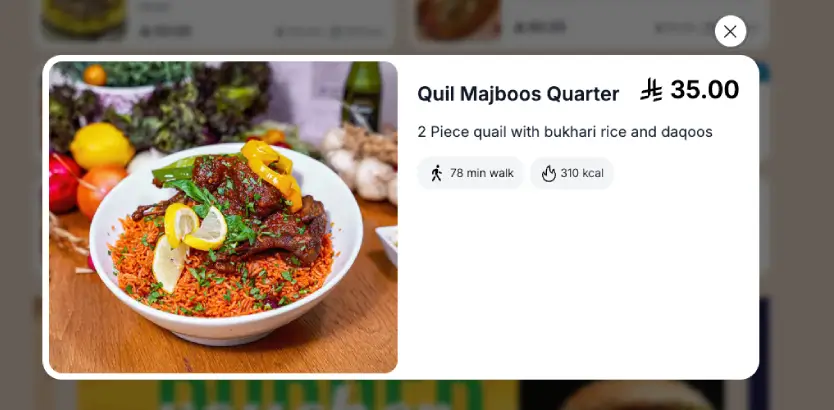
Photos are powerful in a QR Code Menu, but too many slow decisions. Use visuals where they truly support conversion.
- Add photos for your two best selling mains, one family tray and key desserts.
- Use simple captions of 8 to 15 words that highlight what matters, such as portion size, protein type or spice level.
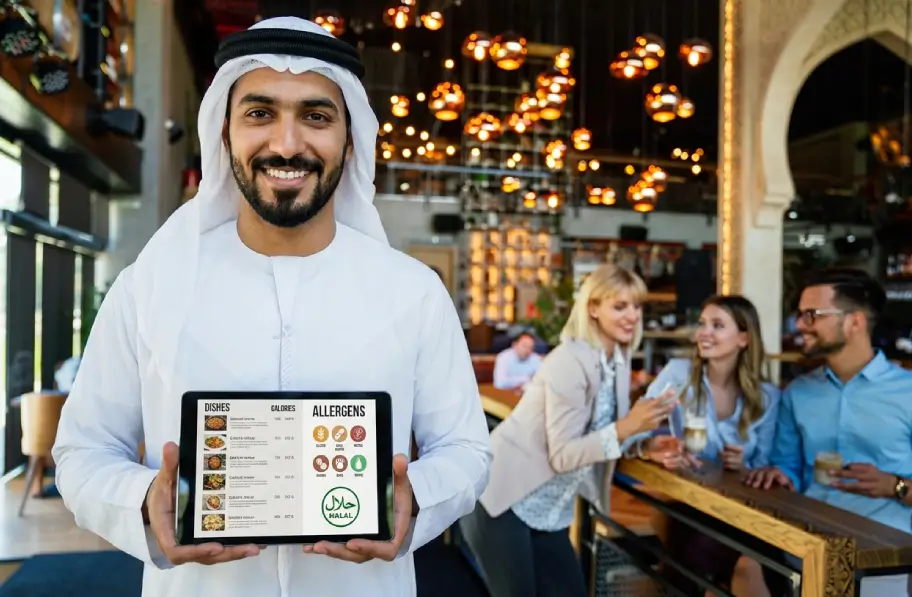
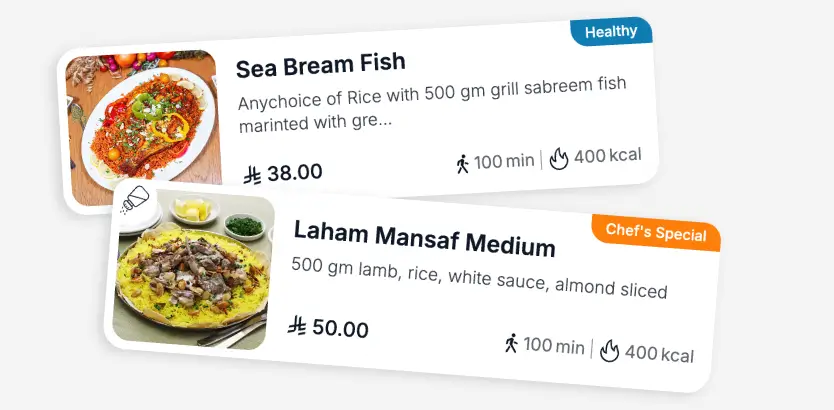
- Keep labels clean and clear, with icons for vegetarian, spicy and contains nuts, plus a halal symbol where local guests expect it.
Small microcopy blocks help guide behavior. Examples:
- “Iftar Buffet from 6:00 pm to 8:30 pm”
- “Ghabga Buffet from 9:30 pm”
- “Pre order Suhoor for pickup, last order 1:30 am”
- “Kids under 6 dine at no charge, 6 to 11 at half price”
Design for speed
The Iftar spike punishes complexity. Keep your Digital Menu structure shallow.
- Limit the starter set to three to five items that are fast to fire.
- Avoid long scrolling lists in any single category. Break by theme, such as “Grills”, “Rice dishes”, “Specials”.
- Put popular beverages near the top so guests can add them quickly while waiting for food.
Think in terms of clicks and scrolls. If it takes more than a few taps for a guest to add a basic Iftar set, your design is too heavy.
Arabic Digital Menu, English Digital Menu and accessibility
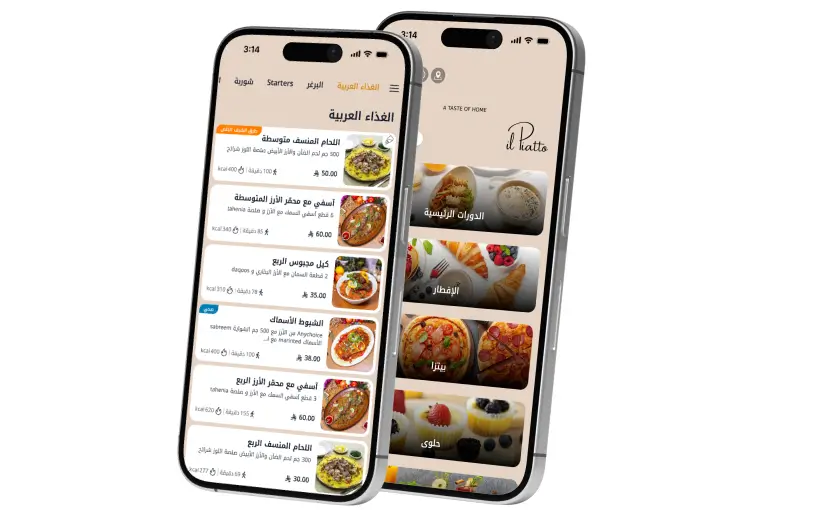
In many Gulf markets a bilingual Digital Menu is non negotiable. Your QR Code Menu should make it obvious that both Arabic and English are available and that the experience in each language is equally polished.
Bilingual and RTL basics
At a minimum:
- Place a language toggle at the top of the menu where it is visible on first load.
- Support right to left layout for Arabic, including numerals and prices.
- Use clear headings in both languages for Iftar Menu, Ghabga Buffet and Suhoor Menu.
- Keep dish names consistent across languages. Do not rename a dish in English if the Arabic name is well known.
- Choose one transliteration for regional items such as jallab or laban and keep it consistent across the Digital Menu.
Accessibility details that build trust
Ramadan is a high stress period. Small UX details signal care and reduce friction.
- Use readable contrast and font sizes of at least 16 px.
- Add alt text for key images so visually impaired guests can still understand the Iftar Buffet or family tray.
- Translate allergens and dietary markers carefully, especially sesame, nuts, gluten and dairy.
- Clarify refill rules for soups, water and soft drinks inside the menu copy so guests do not have to ask.
These touches help guests feel informed and respected, which often leads to better reviews and repeat visits.
How menu strategy changes by market
Ramadan behavior is not identical in every country. You can use the same QR Code Menu platform in different ways.
QR Code Menu in Saudi Arabia
In Saudi Arabia, demand for family tables and private rooms is strong, and Ghabga often stretches late into the night.
- Highlight family trays prominently in the Iftar Menu, especially rice dishes like kabsa or mandi.
- Run an Iftar Buffet with visible prayer time buffers and clear last seating times.
- Create a Ghabga Buffet section that leans into lighter savory items and dessert, plus tea service and Arabic coffee priced per carafe.
- If you run cause related campaigns, describe any Zakat or charity link transparently in the Digital Menu.
QR Code Menu in Qatar
In Qatar, hotel hosted and corporate Iftar Promotion demand is high, and audiences are often mixed between locals and expats.
- Make bilingual menus standard. Treat Arabic and English Digital Menu layouts as first class, not afterthoughts.
- Build group packages with per head pricing, including soft drink or juice tiers.
- Add a pre booking form or link from the QR Code Menu for large groups that want to reserve Iftar or Ghabga dates.
- Mention kids corners or supervised play areas if you offer them. Parents scan menus before they commit.
These adjustments keep your base concept the same while aligning better with local expectations.
Staff training and Ramadan operations with QR menus
Even the best designed Ramadan QR Code Menus will fail without staff who understand how to use them.

The right Digital Menu during Ramadan feels like an extra manager on the floor, quietly keeping every table in sync.”
Create a simple Ramadan playbook and review it in short pre shift huddles.
- Practice a TableQR scanning script in Arabic and English. For example, “Welcome, please scan to view today’s Iftar Menu and buffet timing.”
- Make sure every server knows the menu switch times and can explain when Iftar ends and Ghabga or Suhoor begins.
- Assign a specific runner for water and dates during the first fifteen minutes after sunset so no table waits.
- Use handhelds or tablets to monitor live orders and table status from the Digital Menu.
During the initial surge, focus on serving essentials first. Once that first wave settles, staff can circle back to upsell desserts, Arabic coffee or Ghabga add ons.
Tracking performance of Ramadan QR Code Menus
Digital Menu analytics are one of the biggest advantages of QR based ordering during Ramadan. They show what guests actually do rather than what you guess.
Key metrics to track daily:
- Scans, menu views and scan to order rate by time window.
- Average check size and buffet attach rate for Iftar and Ghabga.
- Top clicked dishes and where guests drop off, especially on desserts and beverages.
- Split between Arabic first sessions and English first sessions.
Run simple experiments one variable at a time.
- Test photo versus no photo on family trays.
- Move the Ramadan Iftar Buffet price closer to the main call to action and watch conversion.
- Try Arabic as the default language in locations with predominantly local guests, English in expat heavy areas.
- Add or remove a “Prayer friendly service timing” note and measure whether more guests stay through prayer.
Look for patterns that show up within a few days. If a tray photo lifts average check across multiple branches, roll that pattern across all Iftar Menus. If dessert clicks collapse after 8:30 pm, shift staff focus to tea and coffee instead of keeping dessert stations fully staffed.
Ramadan QR Code Menu setup checklist

A clear checklist helps you launch smoothly.
Before Ramadan
- Build distinct Iftar Menu, Ghabga Menu and Suhoor Menu sets in your Digital Menu platform.
- Configure time based visibility for each section per branch.
- Translate and proof Arabic and English content and test RTL layout on multiple devices.
- Assign table numbers, print QR codes and test scans at every seat.
- Add allergens, fasting friendly markers and kids pricing.
- Prepare photo slots for best selling mains, family trays and desserts.
- Confirm buffet rules, refills, last seating times and payment flow so staff give consistent answers.
- Align promotion copy and Iftar Promotion timing with local prayer times and norms.
Go live week
- Test load speed on mobile data during peak times.
- Verify menu switches at Iftar, Ghabga and Suhoor with a five minute buffer.
- Load banners for your Iftar Promotion and Ghabga Buffet with dates and times.
- Train staff scripts for scan and order flow in both Arabic and English.
- Set stock alerts for soups, juices, dates and key buffet items.
- Check that analytics events are firing on scans, views, add to order and purchase.
- Walk the guest journey from entrance to payment as if you were a first time visitor.
How TableQR helps restaurants run Ramadan menus
TableQR is built around time based menus, multilingual layouts and real time control, which makes it a strong fit for Ramadan Menus.
You route every table to a single QR Code Menu. Behind the scenes, TableQR serves the correct Iftar Menu, Ghabga Menu or Suhoor Menu based on branch and time. You can change prices, hide sold out items or switch from buffet to a la carte without reprinting anything.
Multi language support includes Arabic RTL layout so Arabic Digital Menu experiences feel natural. Branches can choose Arabic or English as the default while keeping the language toggle visible.
Buffet and package templates help you set up Ramadan Iftar Buffet and Ghabga Buffet pricing fast. You can define per person, per child and family tray pricing in a few minutes and display clear notes such as “Iftar Buffet from 6:00 pm” or “Ghabga Buffet from 9:30 pm”.
Analytics inside TableQR show scans, views, clicks in real time. When a dish is 86ed, you mark it unavailable and it disappears from every guest device instantly. There is no need to explain that a signature dish is out of stock after a guest has already chosen it.
If you want to launch quickly, you can start your Ramadan Digital Menu in minutes with TableQR and we handle 100% of setup and maintenance, You focus on service.